
Tutorial

R2-V2
Canada
Published
— Updated
In this Tutorial we will go over the Arduino UNO micro controller and its integration with the Synthiam Platform.
Related Hardware
(view all EZB hardware)
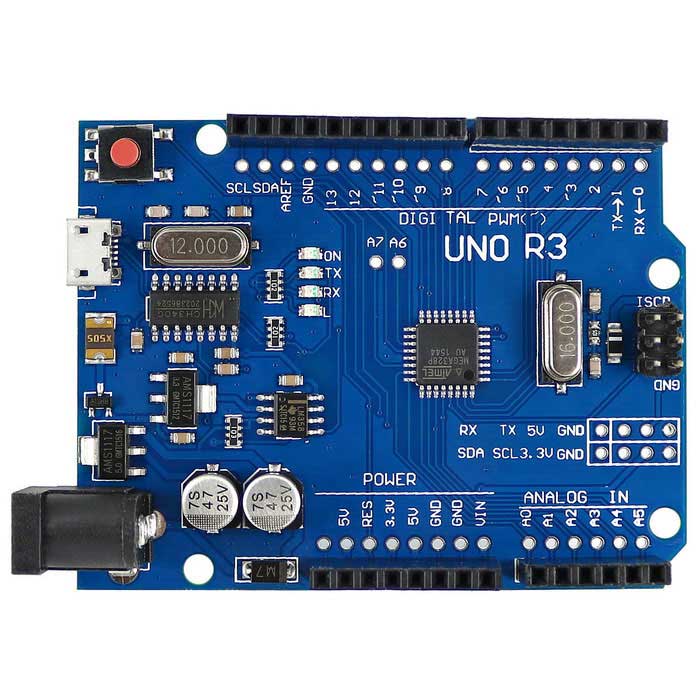
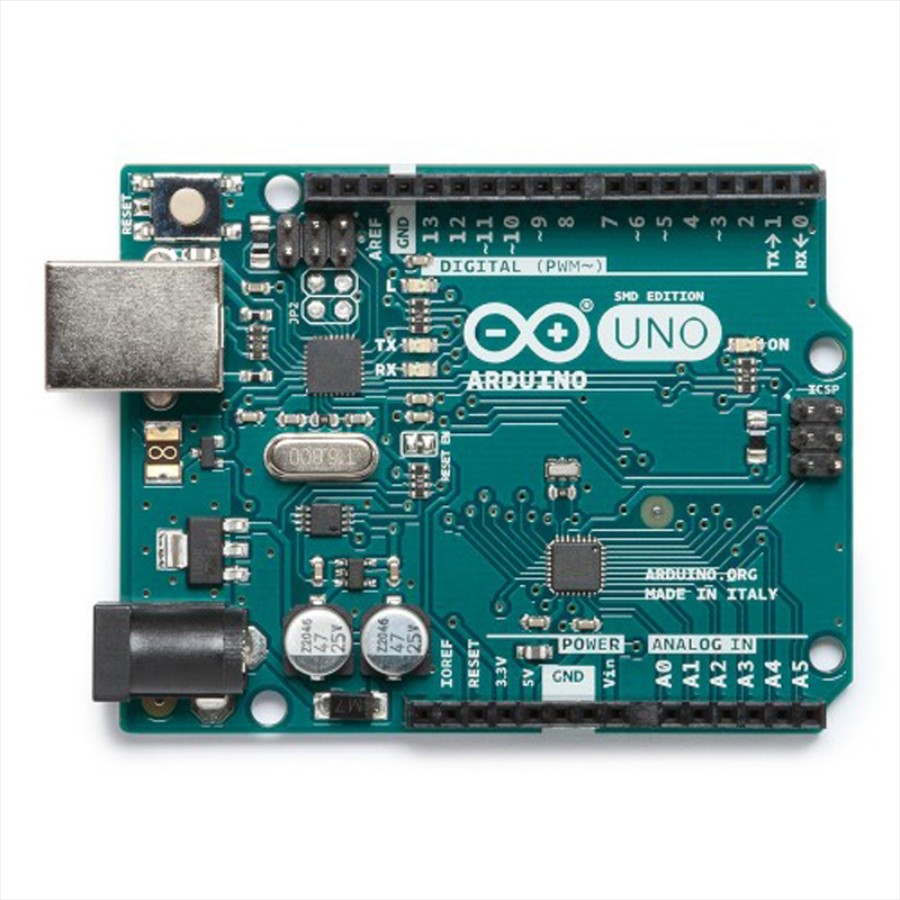
Arduino Genuino Uno
by Arduino
Turn an Arduino Uno into a Synthiam ARCx robot controller with EZB firmware, servos, sensors, PWM, and browser control.
USB
Servos
12
Camera
Audio
UART
✕
I2C
ADC
6
Digital
14
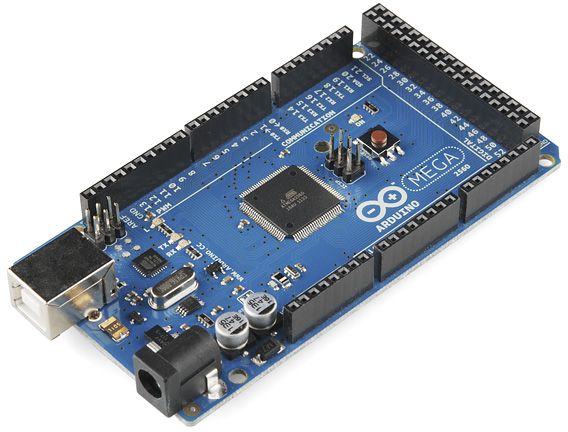
Arduino Due/Mega
by Arduino
Arduino Mega with Synthiam ARCx controls 24 servos, 13 PWM, sensors and serial modules via EZB firmware over USB.
USB
Servos
24
Camera
Audio
UART
3
I2C
ADC
8
Digital
21
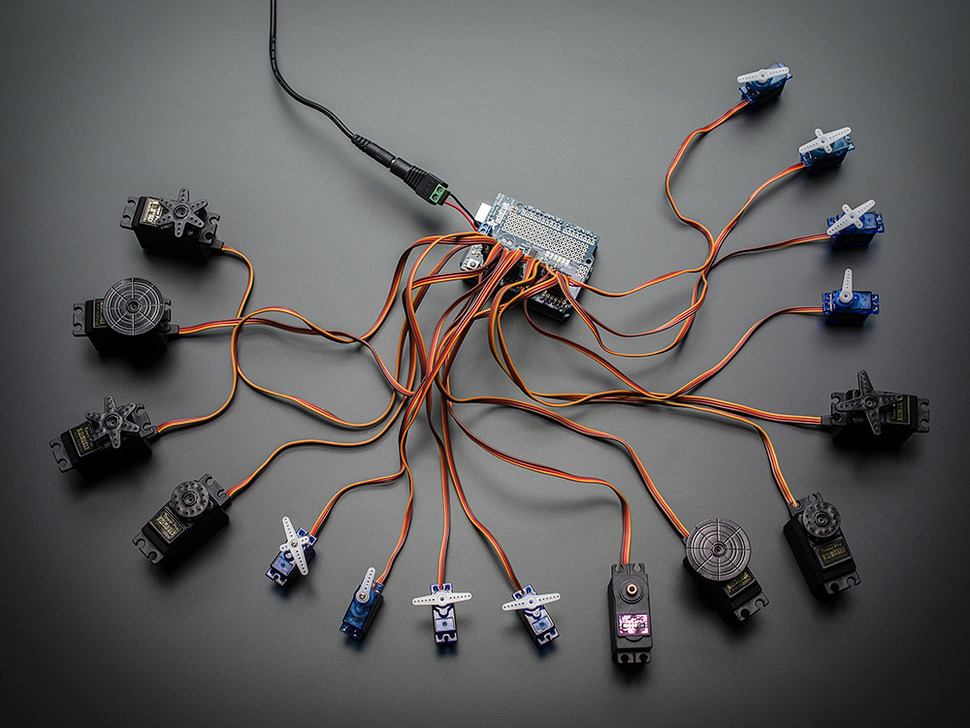
Arduino With PCA9685 Servo Controller
by Adafruit
PCA9685 Servo Driver for Synthiam ARCx adds 16 hardware-timed servo outputs for hexapods, animatronics, and pan/tilt arrays.
USB
Servos
16
Camera
Audio
UART
✕
I2C
ADC
✕
Digital
✕
Arduino Leonardo
by Arduino
Arduino Leonardo with Synthiam ARCx controls servos, PWM, digital I/O, analog inputs, UART and ultrasonic sensors over USB.
USB
Servos
12
Camera
Audio
UART
Varies
I2C
ADC
Varies
Digital
Varies
Install Firmware and turning the Arduino UNO into an EZ-B.
Downloads
Arduino Genuino UNO Firmware: https://synthiam.com/GettingStarted/Build-Robots/Arduino-Genuino-Uno-17527
EZ-Builder Software: https://synthiam.com/download
*Note: This tutorial applies to other Arduino's, however they require their own firmware. Please check the Getting Started section for your applicable firmware.
