
Tutorial

R2-V2
Canada
Published
— Updated
In this Tutorial we will go over the Arduino UNO micro controller and its integration with the Synthiam Platform.
Related Hardware
(view all EZB hardware)
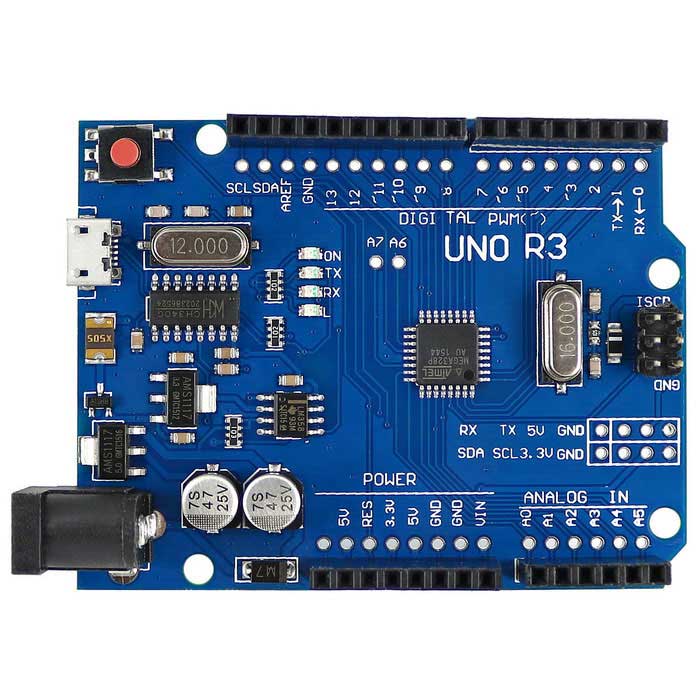
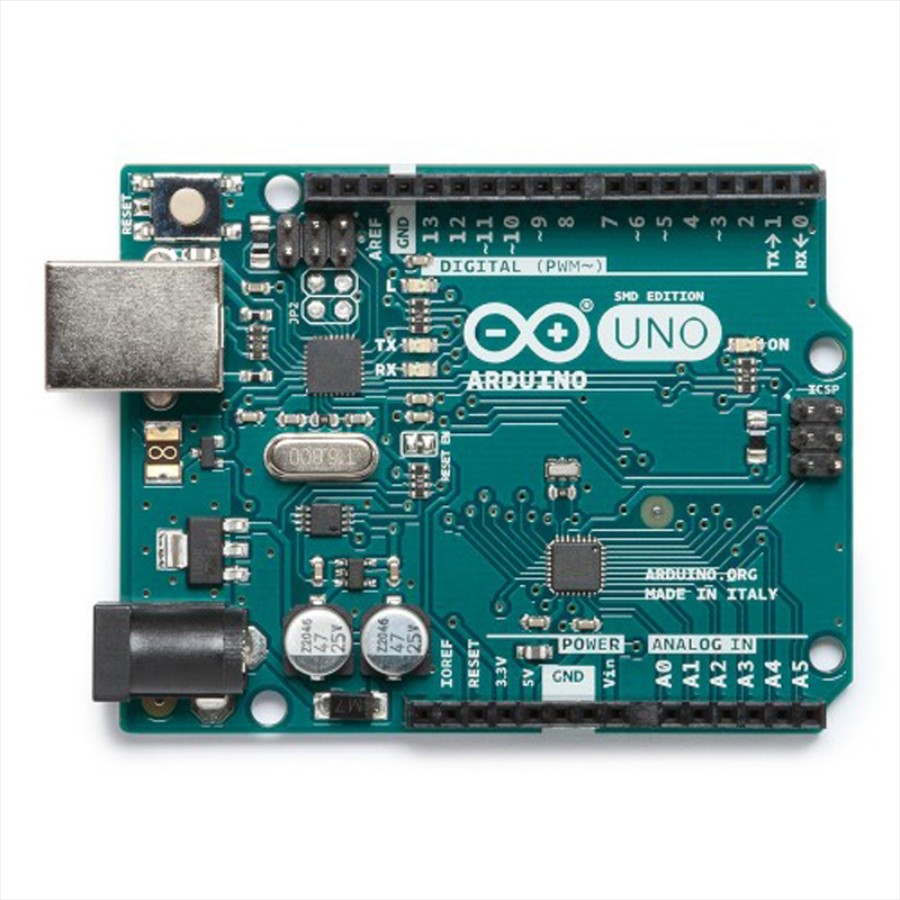
Arduino Genuino Uno
by Arduino
Program Arduino Uno with EZB firmware for Synthiam ARC control; pinouts, PWM pins and frequency details for Arduino boards.
USB
Servos
12
Camera
Audio
UART
✕
I2C
ADC
6
Digital
14
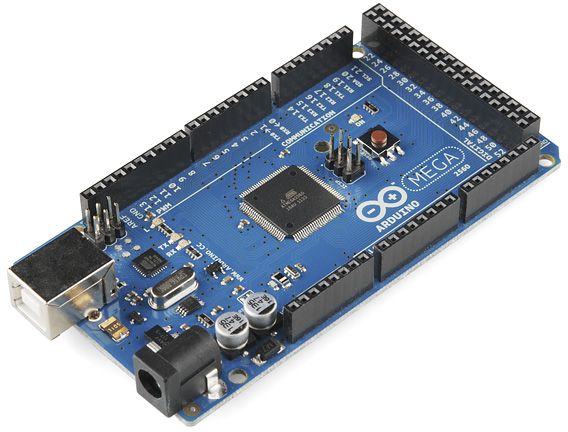
Arduino Due/Mega
by Arduino
Synthiam ARC enables Arduino Mega 2560 control with 8 ADC, 13 PWM, 21 digital ports and 24 servos; includes firmware, shield and tutorials
USB
Servos
24
Camera
Audio
UART
3
I2C
ADC
8
Digital
21
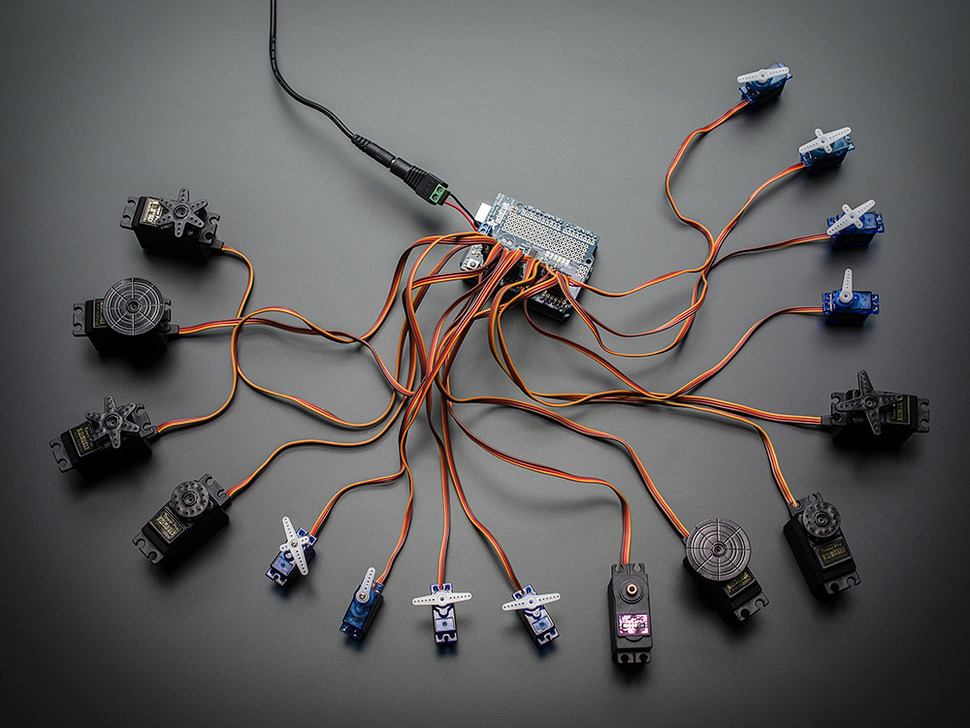
Arduino With PCA9685 Servo Controller
by Adafruit
Control PCA9685 servo breakout with Arduino Uno using Synthiam ARC and EZB firmware; servo shield support and programming tutorial.
USB
Servos
16
Camera
Audio
UART
✕
I2C
ADC
✕
Digital
✕
Arduino Leonardo
by Arduino
Connect Synthiam ARC to Arduino Leonardo via USB using EZB firmware to control GPIO, PWM, servos, and ADC; enable DTR in ARC connection.
USB
Servos
12
Camera
Audio
UART
Varies
I2C
ADC
Varies
Digital
Varies
Install Firmware and turning the Arduino UNO into an EZ-B.
Downloads
Arduino Genuino UNO Firmware: https://synthiam.com/GettingStarted/Build-Robots/Arduino-Genuino-Uno-17527
EZ-Builder Software: https://synthiam.com/download
*Note: This tutorial applies to other Arduino's, however they require their own firmware. Please check the Getting Started section for your applicable firmware.
