
Hello, I am going to start by using your sytem in The Inmoov Robot, before I build my own, Thanks
By pastora710

Discover more robots
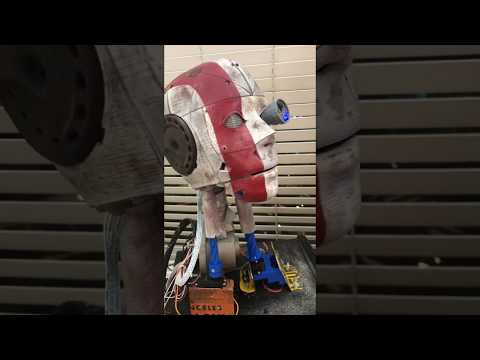
Edbot's RE3D The ROBOT Has Been Watching Too Much...
RE3D tried to audition for a Superbowl commercial but got rejected and now blames me.
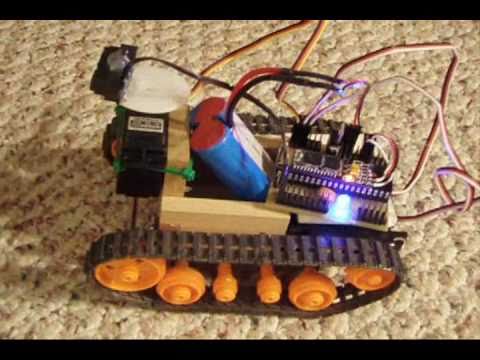
DJ's Tamiya Bulldozer Robot
Convert Tamiya Bulldozer to use modified servos for precise speed control and greater strength, driven and controlled...
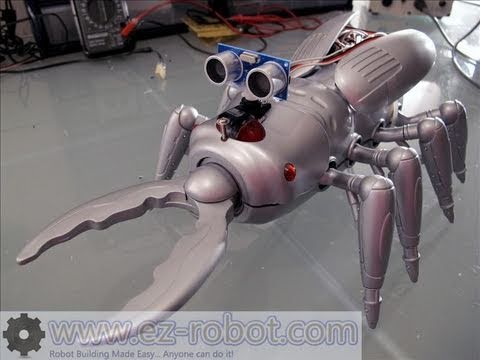
DJ's Scarab Creepy Robot
Scarab robot retrofitted with EZ-B and Synthiam ARC for remote control, HC-SR04 autonomous exploring, voice recognition...
