

Asked
— Edited
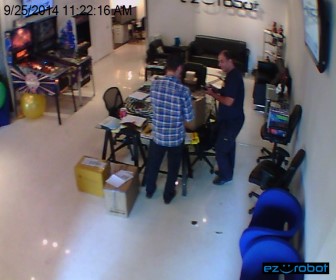
What Is In The Boxes?
So now, What Is In The Boxes?
j
:)

 EZ Gauge Chart
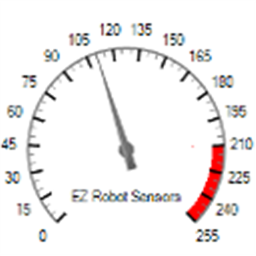
— Dashboard-style configurable gauge chart with red-zone indicator, adjustable range/arc, scale ticks, title and live value updates.
Try it →
EZ Gauge Chart
— Dashboard-style configurable gauge chart with red-zone indicator, adjustable range/arc, scale ticks, title and live value updates.
Try it →
