Hazbot
Get Your Ez-B Ports Connected With Leads That Are Labeled First
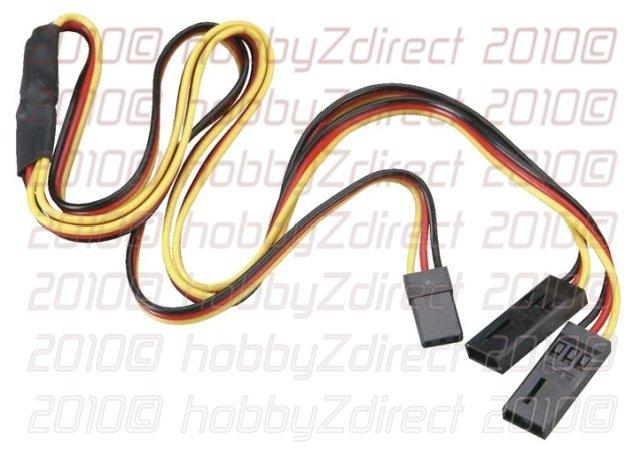
A tip to budding new EZ-b users - get all your ports on the board plugged with connector extensions that are clearly tag labeled. It will be a lot easier when you start changing ports on the board and trying to match components to ports of choice. It also avoids possible pin damage and the frustration of repeatedly pushing in and pulling out those narrow connectors that plug into the EZ-b. The board diagram in the ARC is great but you need some good light and the proper orientation of the board to get the plugs in where you want too - or remove them for various reasons. It's a lot easier on the fingers to sort through clearly labeled connector extensions than pin slots on the board (example d1,d2,d3 etc). PLEASE UNDERSTAND - IN NO WAY IS THIS A CRITICISM OF THE EZ-B OR ITS DESIGN. I personally love the compact physical size of it and how robust it is. This may be a no brainer for techo's out there but I only realised the value of using tagged connector extentions after many many instances of port swapping during the process of making Bob.
