
Hey ,
i found this
https://www.ladyada.net/make/waveshield/index.html
looks beter than the mp3trigger . . . or not ???
grts
helmut
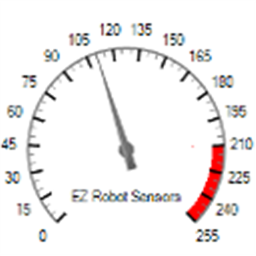 EZ Gauge Chart
— Dashboard-style configurable gauge chart with red-zone indicator, adjustable range/arc, scale ticks, title and live value updates.
Try it →
EZ Gauge Chart
— Dashboard-style configurable gauge chart with red-zone indicator, adjustable range/arc, scale ticks, title and live value updates.
Try it →

Hey ,
i found this
https://www.ladyada.net/make/waveshield/index.html
looks beter than the mp3trigger . . . or not ???
grts
helmut

i like it.....but i didnt see a 3 pic connector to add to ezb?