got wii to work but how do you setup buttons

pittom
USA
Asked
— Edited
1 Participant
 Speech Synthesis Settings
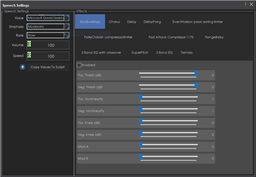
— Configure Windows Audio.say()/Audio.sayEZB() TTS on EZB#0: voice, emphasis, rate, volume, speed/stretch and audio effects; copy control script.
Try it →
Speech Synthesis Settings
— Configure Windows Audio.say()/Audio.sayEZB() TTS on EZB#0: voice, emphasis, rate, volume, speed/stretch and audio effects; copy control script.
Try it →
got wii to work but how do you setup buttons

You add any script commands that take your fancy to the Wii Remote control in ARC (2nd tab)
such as Say (hello world) in the box next to the button you want to press
If you have a movement control in your robot project then the up, down, left, right buttons on the Wii will move your robot without any other setting up its automatic