

Comm Expansion Configuration icon Comm Expansion Configuration Configure EZ-B v4/2 Comm Expansion: switch between UART transparent proxy and USB direct PC link (avoids WiFi); EZ-B needs separate power. Try it →
Download Download EZB File

In order to use this app, you need Synthiam ARC software.

Scratch

Scratch
ForARC
AuthorPerry_S
Created
Last updated

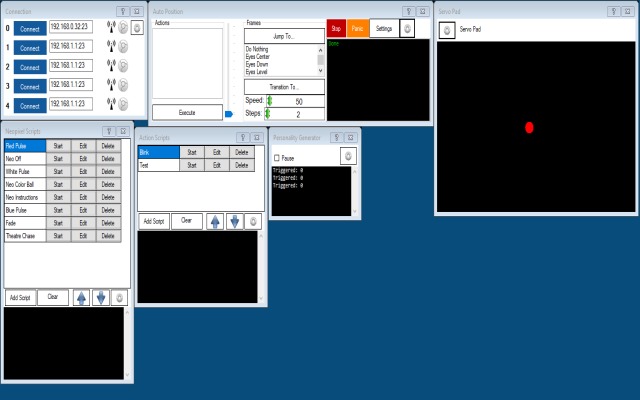
Demo script for EyePod with random blinking and servo Pad control


ARC Pro

Upgrade to ARC Pro

Experience the transformation – subscribe to Synthiam ARC Pro and watch your robot evolve into a marvel of innovation and intelligence.