

jbmsrobotics
USA
 Download EZB File
In order to use this app, you need Synthiam ARC software.



| For | ARC |
| Author | jbmsrobotics |
| Created | |
| Last updated |
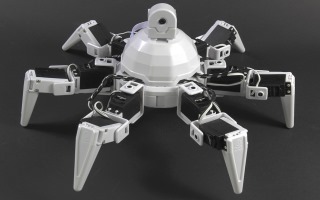
This is the EZ-Robot Revolution Six example starter project.
There is a great tutorial course on our website at www.ez-robot.com with information on getting your Six up and running.
