

Change Release Notes
ARCx v2026.10.04.01 expands what it means to control a robot from anywhere. Your Browser Just Became Part of the Robot.
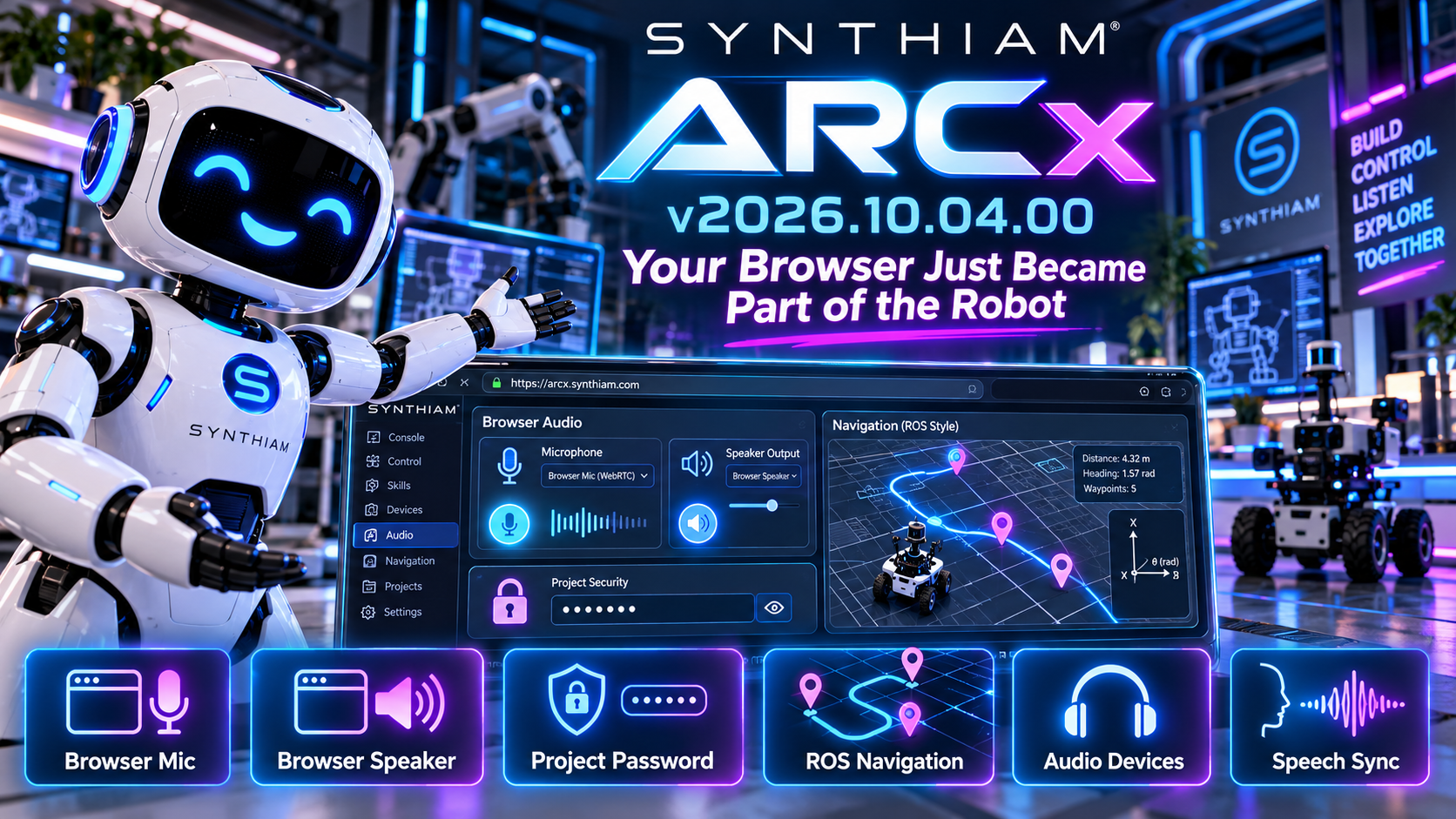
This release introduces browser-based microphone and speaker support, adds password protection for ARCx projects, improves audio-device handling, and brings ARCx navigation data closer to established robotics standards.
Your web browser isn't just displaying ARCx anymore.
Now it can become part of the robot.
Use Your Browser as the Robot's Microphone
ARCx can now use the microphone connected to your web browser as an audio input.
That means the computer, tablet, or other device you're using to access ARCx can provide microphone audio directly to the ARCx audio system.
New browser audio controls let you claim the browser microphone when you need it, giving Robot Skills another flexible source of live audio.
This opens up some very interesting possibilities for:
- Remote robot operation
- Speech recognition
- Telepresence
- Remote conversations
- Browser-based control stations
No microphone connected directly to the robot computer?
No problem.
Your Browser Can Be the Speaker Too
It works both ways.
ARCx can now route audio output through the browser you're controlling it from.
That means speech, sounds, and other ARCx audio can be played through the device sitting in front of you instead of requiring speakers connected directly to the robot.
Combined with browser microphone support, ARCx now has another powerful option for creating remote and distributed robot experiences.
Your browser can listen.
Your browser can speak.
And ARCx sits in the middle connecting everything together.
Password-Protected ARCx Projects
ARCx projects can now provide a proper password prompt when working with password-protected project files.
A new password interface handles entering and confirming project passwords while opening or saving projects.
This improves both security and usability while reducing the chance of accidentally entering a different password during confirmation.
Sometimes the robot project contains things you'd rather not leave lying around unlocked.
Now ARCx handles that a little more elegantly.
Navigation Moves Closer to ROS Standards
ARCx's Navigation and Mapping Service continues to evolve.
Pose and scan reporting have been updated to use conventions more closely aligned with ROS and modern robotics software.
Navigation values now use:
- Radians for angles
- Metres for distances
The navigation API has also been updated with clearer terminology such as Yaw, Angle, and Range. Existing members have been marked obsolete where appropriate to help maintain compatibility while Robot Skills transition to the new API.
For developers building navigation, SLAM, lidar, and autonomous movement Robot Skills, this creates a much cleaner foundation for exchanging robotics data.
Faster Navigation Data Handling
The Navigation and Mapping Service has also received improvements to the way it manages incoming scan points and pose updates.
ARCx now handles large amounts of navigation data more efficiently while prioritizing recent information for subscribers.
That's important because navigation sensors can generate a lot of data very quickly.
Your robot doesn't need to know where it was.
It needs to know where it is.
Smarter Audio Device Handling
Audio devices have a tendency to disappear at exactly the wrong time.
Headsets get unplugged.
USB microphones reconnect.
Bluetooth devices wander off.
ARCx now does a better job remembering your preferred input and output devices even when they're temporarily unavailable.
When the hardware comes back, ARCx has a better understanding of which device you actually wanted to use.
Better Speech Synchronization
The audio system now exposes additional information about playback progress and text-to-speech activity.
ARCx can track how much audio has been played and provide additional events around speech output.
This lays the groundwork for better synchronization between a robot's voice and its physical actions.
Imagine coordinating:
speech + mouth movement + gestures + animation + lights
...all from the same audio timeline.
That's where this starts getting interesting.
New Getting Started Documentation
We've also expanded the ARCx documentation with new guides designed to make it easier to get started with the platform and understand how Robot Skills are updated.
As ARCx grows, we're continuing to improve not just what the platform can do, but how quickly someone can go from installing it to making a robot actually do something.
Updated Core Components
Several internal components and dependencies have also been updated, including the SDL3-CS integration and supporting project configuration.
These updates keep ARCx's cross-platform foundation moving forward as more hardware, audio, AI, navigation, and user-interface capabilities are added.
ARCx v2026.10.04.01 is another step toward robots that aren't tied to one computer, one microphone, one speaker, or one way of interacting with the world.
Open ARCx in a browser.
Use that browser's microphone.
Use its speakers.
Control the robot.
And keep building from there.
Download ARCx
Install ARCx on the computer that runs your robot — from a first prototype to a commercial product or an industrial cell. Available for Windows 64-bit, Linux 64-bit and Linux ARM64 for Raspberry Pi (Ubuntu 24.04 LTS 64-bit).
Linux
Ubuntu, Debian & friends
64-bit (x64) (zip)
Raspberry Pi
Single board computers
Linux ARM64 (zip)
Requires Ubuntu 24.04 LTS (64-bit)
ARCx is always evolving. Follow along in the community for updates.
Follow ARCx development Download ARC today
Upgrade to ARC Pro
Synthiam ARC Pro is a new tool that will help unleash your creativity with programming robots in just seconds!
The delay between frames specifies
This option should not affect the disconnection, as it only defines how often the browser updates the video frame. A lower delay means more CPU, as mentioned above.
This should not affect FPS, because FPS is calculated from incoming frames, not displayed frames. Let us know if you still run into issues because we do not believe that setting is causing the disconnection.
@synthiam support re-read #13 above. Once I got the camera to stay on I had a frame rate discrepancy between ARCX and ARC, only to find the above fix for the issue. But as you posted the delay is to help with CPU and browser overhead...once I set to 0, my frame rate matches regular ARC.
Everything is working as expected now.
Hmmm i'm thinking that might have exposed a different issue. somehow changing that setting had an affect on something that it shouldn't have. remember will, we're talking about the inner workings of the platform - so it might not always be easily visible from the outside. But essentially what we're saying is that setting shouldn't have an affect on anything other than display framerate. the fact that it made a difference for connectivity for you is something we might have to dive into deeper to understand. there must be some weird relationship that we're missing
That did expose something that was overlooked at one point over the last few years. ARC's ezbv4video driver was updated a year ago, but it was not migrated to ARCx. The ARCx version was an older snapshot. However, changing the value seemed to worsen the old driver's lag. We fixed it in the ARCx release later this evening and suspect it may resolve the experience you had.
Restoring the delay to 100 or 200 will help lower CPU usage, since it's only the UI Delay once you use the next update.
I'm so sorry guys, I think some of this is getting lost because I suck at writing.
2 ) That result was a steady camera in ARCX, but it was at a lower frame rate (4-10). So I brought Alan closer to my computer (10 feet ) and that resulted in a steady FPS in ARCX. I adjusted that "delay between frames" config in ARCX from 200 (default) to 0, and I got a steady frame rate that matched regular ARC framerate....
Conclusion: Rebooting my entire network and bringing Alan closer to my office computer seemed to fix the camera disconnect issue in ARCX. I think it was distance to the EZB and router traffic/ network issues.
Thanks so much (as always) for troubleshooting with me.
Thanks! That clarity does help as well. But the good news is we did discover something that can improve the ezb camera driver So that's a bonus!
Whoo hoo! That's a win!