
Myo Gesture Armband icon Myo Gesture Armband — Map Myo armband gestures and accelerometer to servos and ARC scripts for arm-mimic control; supports multiple armbands. Try it →

Arcx 2026.09.23.00

ARCx runs on the robot and is programmed from a browser
Windows · Linux · Raspberry Pi

ARCx Release

ARCx runs on the robot itself — Windows, Linux or a Raspberry Pi — with no screen attached. Program it from a browser on any device on your network, with Robot Skills, Blockly, JavaScript, Python and the Athena AI assistant.

🚫 Runs Headless On The Robot
📱 Program From A Browser
🧩 Blockly, JavaScript & Python
🧠 Athena AI Assistant Built In

Change Release Notes

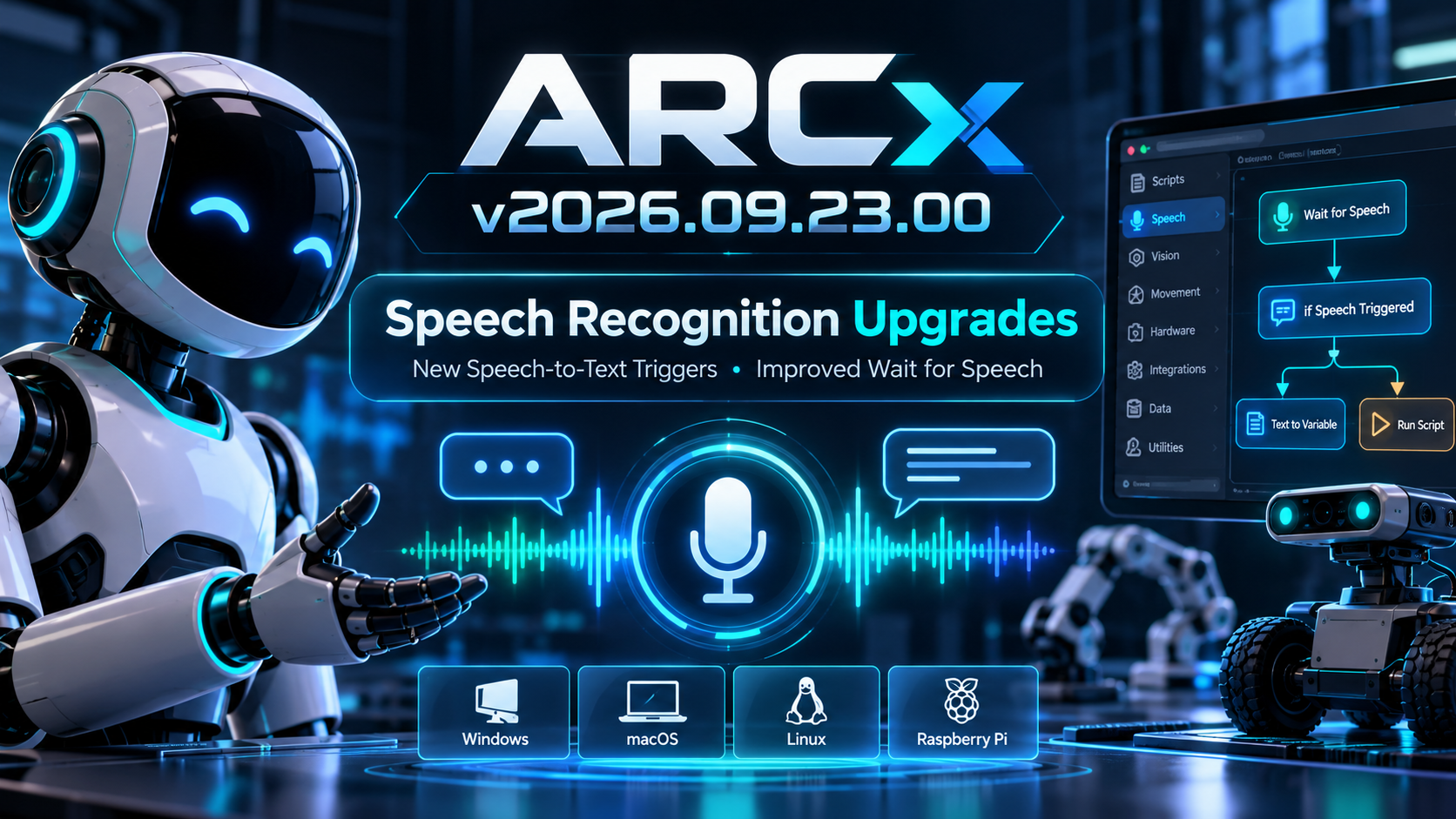
This release brings a major step forward for speech recognition in ARCx, introducing a new speech-to-text trigger system and improving how robot skills interact with speech recognition engines.
User-inserted image

New Speech-to-Text Trigger System

ARCx now includes a dedicated Speech-to-Text Trigger configuration component. Robot skills can use it to select which speech recognition engine should activate speech-to-text functionality, including support for options such as wake words and timing behavior.

This creates a cleaner and more flexible architecture for robot skills that depend on voice input, while allowing multiple speech engines to integrate consistently with ARCx.

Improved Wait for Speech

The Wait for Speech functionality has been substantially refactored.

Speech recognition sessions are now managed more reliably, ensuring the correct recognition session is referenced and dialogs close properly depending on whether recognition succeeds, fails, or is cancelled. Error handling and speech-engine detection have also been simplified. The result is more predictable behavior for robot skills that pause execution while waiting for someone to speak.

Better Speech Engine Integration

Several areas of ARCx were updated to work with the new speech-to-text architecture, including:

  • Robot Skill installation and management
  • Project Properties
  • Wait for Speech controls
  • Speech engine window identification and selection

These changes establish a common way for ARCx robot skills to discover and interact with available speech recognition engines.

Under the Hood

The speech recognition code was cleaned up and refactored to remove unnecessary parameters, simplify engine availability checks, and improve session handling.

The ARCx project version has also officially been updated to 2026.09.23.00.

ARCx continues moving toward a unified cross-platform robotics environment where robot skills can take advantage of services such as speech recognition without needing to know the underlying operating system or speech engine.


Windows · Linux · Raspberry Pi

Download ARCx

Install ARCx on the computer that runs your robot — from a first prototype to a commercial product or an industrial cell. Available for Windows 64-bit, Linux 64-bit and Linux ARM64 for Raspberry Pi (Ubuntu 24.04 LTS 64-bit).

🖥
Windows

Windows 10 & 11
64-bit (x64)

Download Version 2026.10.28.01 Installation guide
🐧
Linux

Ubuntu, Debian & friends
64-bit (x64) (zip)

Download Version 2026.10.28.01 Installation guide
🍒
Raspberry Pi

Single board computers
Linux ARM64 (zip)
Requires Ubuntu 24.04 LTS (64-bit)

Download Version 2026.10.28.01 Installation guide

ARCx is always evolving. Follow along in the community for updates.

Follow ARCx development Download ARC today

ARC Pro

Upgrade to ARC Pro

With ARC Pro, your robot is not just a machine; it's your creative partner in the journey of technological exploration.

Author Avatar
PRO
USA
#1  

i am running the latest version of ARCx and when trying to play an MP3 file for playback via PC speaker, it doesnt play. Am i trying to play the file incorrectly? I get this message:

: Added Title: Sound Board, Store Guid:07912870-395d-4956-a81e-acc6663da244, Window Title: Sound Board, Instance Guid: e4c68745-d9a7-4ebe-aab7-1d0f6edd6f93, Platform: AnyCPU (1 clients)
9/24/2026 12:17:30 PM [warning] Sound\_Board.RobotSkillWorker.watchPlayback
 (Sound Board)
: 'test.mp3' is not playing out of the PC speaker. The audio queue stopped draining, so the sound board has given up on it. (1 clients)

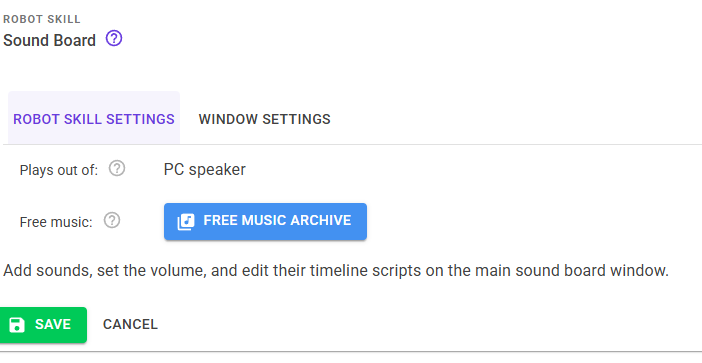
image.png

#2  

It would depend on what your audio output device is set to.

Author Avatar
PRO
USA
#3  

It is set to PC Speaker. The screenshot above shows it on the far right.

Author Avatar
PRO
Synthiam
LinkedIn Thingiverse Twitter YouTube GitHub
#4  

I think they mean what audio output device in your settings for ARCx

#5  

The Sound Board loaded your test.mp3 correctly. The problem is that ARCx's audio output isn't playing anything, so the sound never reaches your speaker. Could you help me narrow it down?

  1. Try resetting the audio device. Go to Options Preferences and select your audio output device again, even if it's already selected. Then try playing test.mp3 again. Does it play now? If not, does restarting ARCx help?

  2. Send me the ARCx log, starting from when ARCx starts up. I'm especially looking for lines like these:

    • "Selected Output device" and "Audio stream started"
    • "No audio output device is available"
    • "Error initializing audio device"
    • "audioStreamCallback Aborting!"

    If it's easier, just paste the whole log.

  3. Tell me about your setup:

    • Which operating system are you on (Windows, Linux, Raspberry Pi, Mac)?
    • What are you playing audio through (built-in speakers, HDMI, USB, Bluetooth)?
    • Was that device unplugged, disconnected or switched while ARCx was running?

Thanks! With that I should be able to tell whether this is a device setup issue or something we need to fix in ARCx.

Author Avatar
PRO
USA
#6  

Running on windows, my speakers are in my Viewsonic monitor. Other sounds like system sounds, Youtube, etc.. play through the speakers just fine. Here is the log I think you are looking for.

9/24/2026 12:52:09 PM [info] ARCxLogService
: ARCx Log Service started (0 clients)
9/24/2026 12:52:09 PM [info] Startup.MoveNext
: Version: 2026.09.23.00 (0 clients)
9/24/2026 12:52:09 PM [info] Startup.MoveNext
: Current platform: x64 (0 clients)
9/24/2026 12:52:09 PM [info] Startup.MoveNext
: Bin location: C:\\Program Files\\Synthiam Inc\\ARCx\\ (0 clients)
9/24/2026 12:52:09 PM [info] ARCx.Services.ConfigRegistry.ConfigRegistryManagerService..ctor
: Loading configuration: C:\\Users\\dbear\\OneDrive\\Documents3\\ARCx\\configReg.json (0 clients)
9/24/2026 12:52:09 PM [info] ARCx.Services.StartupInit.StartupInitService.dK5d0CL6KP
: Assign movement manager event (0 clients)
9/24/2026 12:52:10 PM [info] ARCx.Services.PluginManager.PluginManagerService.zcEheaat82
: Local  robot skill store cache was last updated 9/24/2026 3:06:44 PM with 34 skills. The most recent update on the skillstore is 9/24/2026 3:06:44 PM with 34 skills. (0 clients)
9/24/2026 12:52:10 PM [info] ARCx.Services.StartupInit.StartupInitService.x2Cd3s3cfY
: Init audio devices (0 clients)
9/24/2026 12:52:10 PM [info] ARCx.Services.AudioServices.AudioService.lCYKB1B4kD
: Version: PortAudio V19.7.0-devel, revision 147dd722548358763a8b649b3e4b41dfffbcfbb6 (0 clients)
9/24/2026 12:52:10 PM [info] ARCx.Services.AudioServices.AudioService.lCYKB1B4kD
: Selected Input device 14 (Stereo Mix (Realtek HD Audio Stereo input)) (0 clients)
9/24/2026 12:52:10 PM [info] ARCx.Services.AudioServices.AudioService.lCYKB1B4kD
: Selected Input Details: StreamParameters [
 device=14
 channelCount=1
 sampleFormat=Float32
 suggestedLatency=0.04
 hostApiSpecificStreamInfo?=[False]
]
 (0 clients)
9/24/2026 12:52:10 PM [info] ARCx.Services.AudioServices.AudioService.lCYKB1B4kD
: Selected Output device 1 (VX3276-FHD (NVIDIA High Definit) (0 clients)
9/24/2026 12:52:10 PM [info] ARCx.Services.AudioServices.AudioService.lCYKB1B4kD
: Selected Output Details: StreamParameters [
 device=1
 channelCount=1
 sampleFormat=Float32
 suggestedLatency=0.18
 hostApiSpecificStreamInfo?=[False]
]
 (0 clients)
9/24/2026 12:52:10 PM [info] ARCx.Services.AudioServices.AudioService.lCYKB1B4kD
: Initializing audio stream (0 clients)
9/24/2026 12:52:10 PM [error] ARCx.Services.AudioServices.AudioService.lCYKB1B4kD
: Error initializing audio device.. (0 clients) PortAudioSharp.PortAudioException: Error opening PortAudio Stream
 at PortAudioSharp.Stream..ctor(Nullable`1 inParams, Nullable`1 outParams, Double sampleRate, UInt32 framesPerBuffer, StreamFlags streamFlags, Callback callback, Object userData)
 at ARCx.Services.AudioServices.AudioService.lCYKB1B4kD()
9/24/2026 12:52:10 PM [info] ARCx.Services.EZBScan.EZBScanService.fUlyhNQrLx
: EZB Scan Service Starting (0 clients)
9/24/2026 12:52:10 PM [info] ARCx.Services.StartupInit.StartupInitService.GjsdxHEMf0
: Loading recent robot skills cache (0 clients)
9/24/2026 12:52:10 PM [info] ARCx.Services.StartupInit.StartupInitService.OFvdRFhmhI
: Initialize EZB Manager (0 clients)
9/24/2026 12:52:10 PM [info] ARCx.Services.StartupInit.StartupInitService.xdrduHrpAO
: Create new blank project (0 clients)
9/24/2026 12:52:10 PM [info] ARCx.Services.ProjectTools.ProjectToolsService.xnLGWWI58R
: Clearing project (0 clients)
9/24/2026 12:52:10 PM [info] Controller:0 (Disconnect)
: Disconnected (Connected for 00:00:00) (0 clients)
9/24/2026 12:52:10 PM [info] ARCx.Core.TCPServer.TCPServer.Stop
: TCP Server stopped (0 clients)
9/24/2026 12:52:10 PM [info] ARCx.Services.ProjectTools.ProjectToolsService.uowG4xhFcT
: Added Title: Ezb Connection, Store Guid:4f6c19f3-a949-47a9-b3cb-77021eacfa36, Window Title: Ezb Connection, Instance Guid: e27a3984-04c3-4a8a-b0bd-337f42541a8f, Platform: AnyCPU (0 clients)
info: Microsoft.Hosting.Lifetime[14]
 Now listening on: http://127.0.0.1:5000
info: Microsoft.Hosting.Lifetime[0]
 Application started. Press Ctrl+C to shut down.
info: Microsoft.Hosting.Lifetime[0]
 Hosting environment: Production
info: Microsoft.Hosting.Lifetime[0]
 Content root path: C:\\Program Files\\Synthiam Inc\\ARCx
Author Avatar
PRO
USA
#7  

Sorry meant to send this screenshot. image.png

#8  

Hi, thanks for sending the log. That told us exactly what was wrong.

It wasn't your MP3 or the Sound Board. When ARCx started, it tried to pair your speaker with a recording device that can't be used alongside it. When that failed, ARCx didn't start its audio output at all. So nothing ARCx played could be heard, not just the Sound Board. What that means is your recording device and playback device are different units, or you're missing a recording device.

We've fixed this, and the fix will be in the ARCx update going out this evening. You don't need to change any settings. Once the update installs, restart ARCx and your sounds should play normally. If test.mp3 still doesn't play after the update, send me a fresh log and I'll take another look.

Stay tuned for an update tonight, that also includes a diagnostic screen to make sure all services are running.