

Hi, how do I change ARC's UI language to portuguese?

lmiranda
Portugal
Asked
1 Participant
Portuguese UI
Related Hardware (view all EZB hardware)
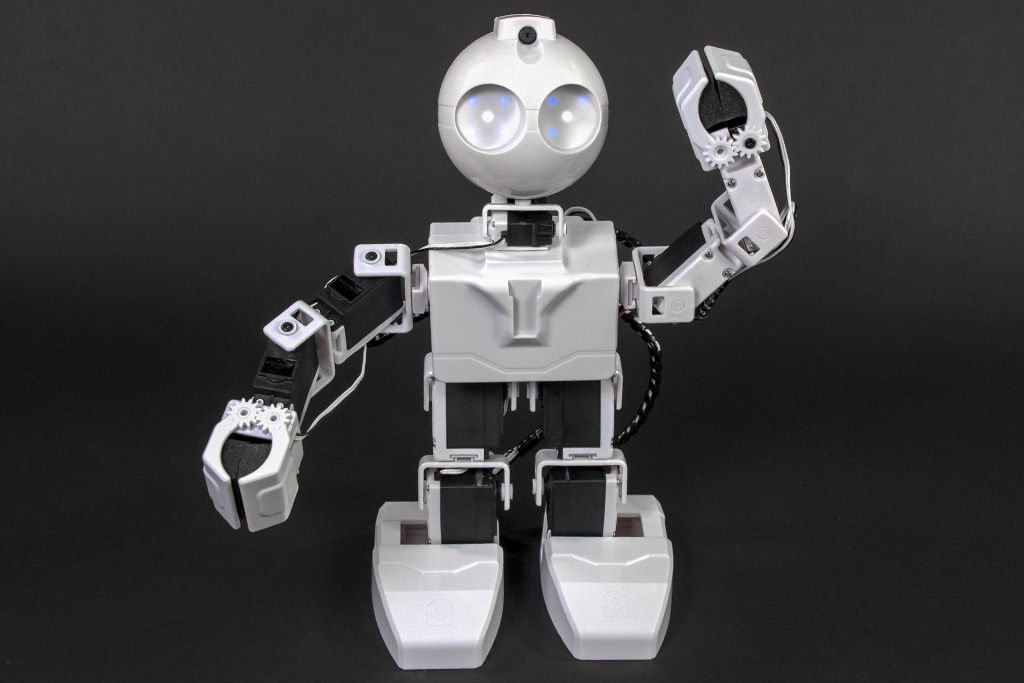
JD Humanoid
by EZ-Robot
JD Humanoid with Synthiam ARCx: pose, animate, walk, voice, vision, and AI control from any browser.
Wi-Fi / USB
Servos
24
Camera
Audio
UART
3
I2C
ADC
8
Digital
24

To change the language of the ARC software, follow these steps:
Please note that not all parts of the software may be translated. If you find any issues or have further questions, feel free to ask.