









All Community Content


Drive Real Robots, Anywhere
Remotely operate robots around the world or add live telepresence to your own build — straight from your browser.
Discover Exosphere
"I build robots" Hoodie

Autonomous AI
Autonomous AI robot agent with vision, speech, movement, animations, memory, and self-directed task...

Advanced Speech Reco…
Azure Cognitive Speech recognition for ARC with custom API credentials, scripting, language control,...

Audio File Out EZB
Stream MP3 or WAV files from your PC to the primary EZ-B speaker for robot audio playback, alerts,...
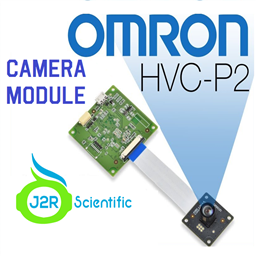
Omron HVC-P/HVC-P2 ARC plugin: Python-based camera integration for body, hand and face detection, gaze, age/gender, expressions and face recognition.
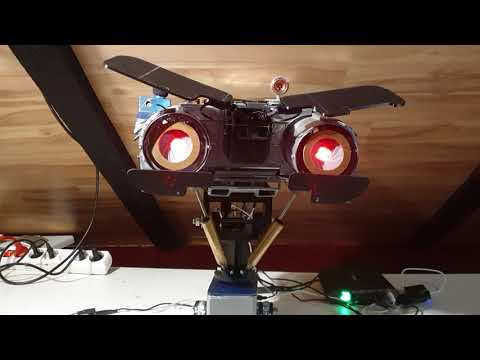
Johnny 5 from Short Circuit-inspired robot project showing steady progress with build photos of ongoing development
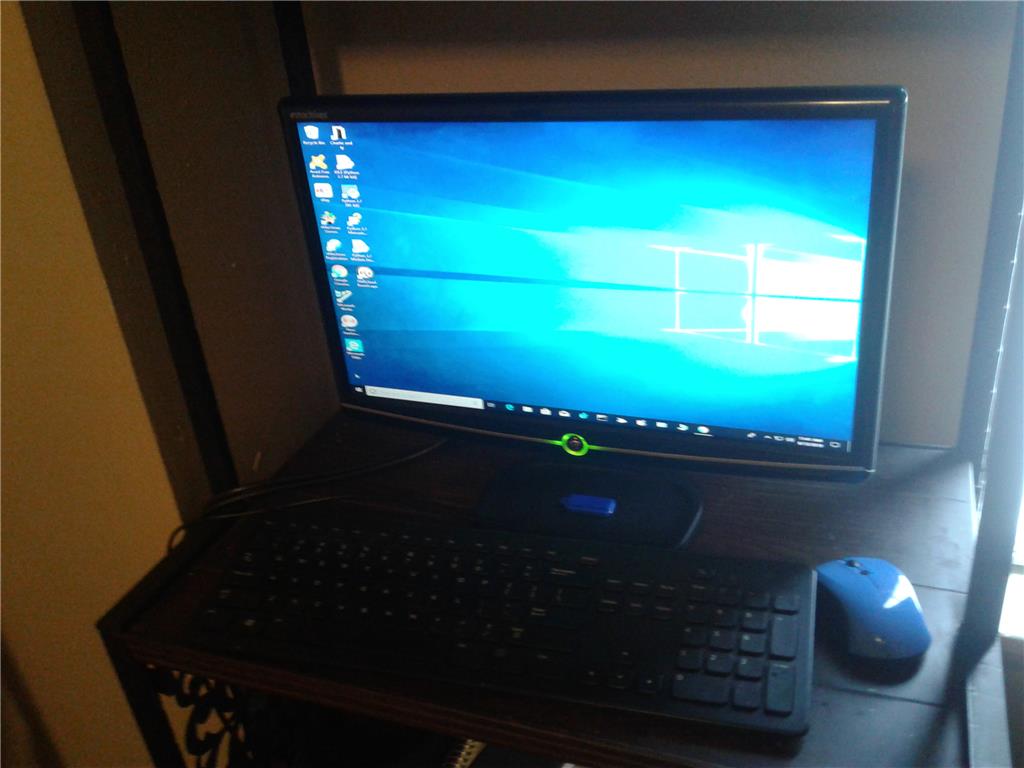
Linux's New Desktop For Modification To Installation In To Next Robot
Refurbish Emachine PC into quad-core 8GB system with 4TB storage, projector, WiFi... 0
0
 3 k
3 k
How To Make A Original Robot Like Ardunio
I made my original Robot use by Ardunio , in case of Ardunio progrming language is C Llike language . if i make my original robot use EZ-B v4/2 . After setting io port and Analog input difinition, i have to write EZ-script or Blocky ? After pow on , How to Start program automatically Please give me some advice.
2
2 k
I Won Hackaday.Io Robotics Module Challenge With Ez Robot
https://hackaday.com/2018/06/12/these-twenty-amazing-projects-won-the-robotics-module-challenge/ Using V3 board and the modded ez robot cam here I won 100 first tier prize the proceeded to win th 1000 dollar prize, how awesome would it be to make it to 50,000 Whoo!
9
3 k
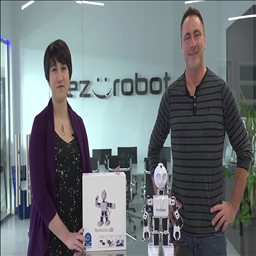
The Robot Program Episode 001: Revolution JD Box Contents
Identify Revolution JD robot kit parts, charging components, Getting Started Guide and where to find more...
0
23 k
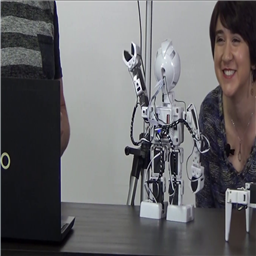
The Robot Program Episode 022: Detect Face And Wave - EZ-Script
Enable face detection and use EZ-Script to make your robot wave when a face is detected.
0
48 k
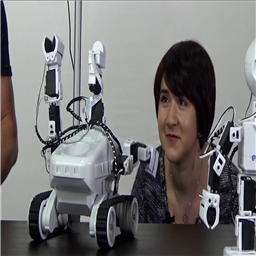
The Robot Program Episode 020: Detect Face And Wave - Roboscratch
Use RoboScratch to enable face detection and program your robot to wave once a face is...
0
37 k
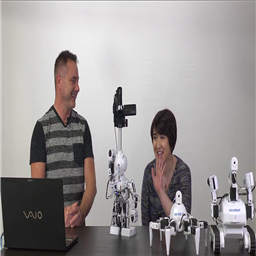
The Robot Program Episode 021: Detect Face And Wave - Blockly
Enable face detection and code a Blockly script to make your robot wave when it detects a face.
0
42 k
How To Light An Led Strip
Hi all. I have LED strip with Positive and Negative wiring. how do i connect it to EZ so that i can turn of the LED as and when i like through EZ B controller?
8
3 k
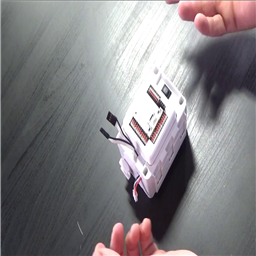
The Robot Program Episode 004: Identify JD Shoulder Servos
Identify JD shoulder servos and determine left/right for proper connections using a simple technique...
0
17 k
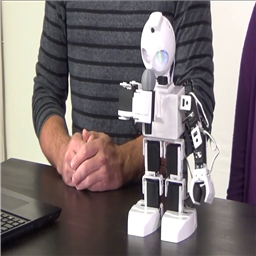
The Robot Program Episode 003: Getting JD To Move
Control the Revolution JD robot via WiFi: create and save servo profiles, use Auto Position and Soundboard to run...
0
37 k
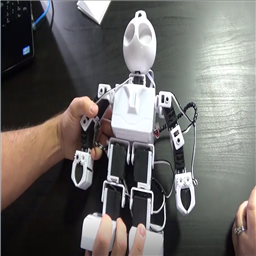
The Robot Program Episode 002: Building JD
Build Revolution JD with EZ-Builder: download software, follow Clip'n'Play EZ-Bit assembly and secure EZ-B Robot Controller...
0
47 k
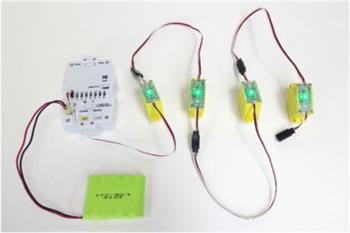
Some Idea For The Jd Servo Wires
hi all i painted some ez robots and i got an idea to make ez robots look, way better with all the wires.i dont know if there's a reason why, the wires are...
20
4 k