
Release 2019.12.09.01
Change Release Notes
- Behavior controls raise OnClosing for plugins/controls when application exiting
- Fix for mobile interface sizing
- resized some controls to better optimize screen realestate
- movement panels use color dimming on buttons rather than setting colors explicitly
- keep original themed bg color of the script start/stop button
- Ensure new controls are added to a virtual desktop by verifying the selected index id
- Display controls in the top menu controls tab
- Additional GUI rendering performance improvements from last update
- Top menu can be themed in Options -> Preferences -> Theme
- Fixes to a few controls that didn't render correctly (sound servo, etc)
- More visible checkboxes
- Theme editor displays example during configuration
- updated json library
- Disabled gpu usage on cef rendering
- Theme colors can be edited Options -> Preferences -> Theme
- Uses the stable plugin interface (all plug-ins must be updated to work with this release moving forward
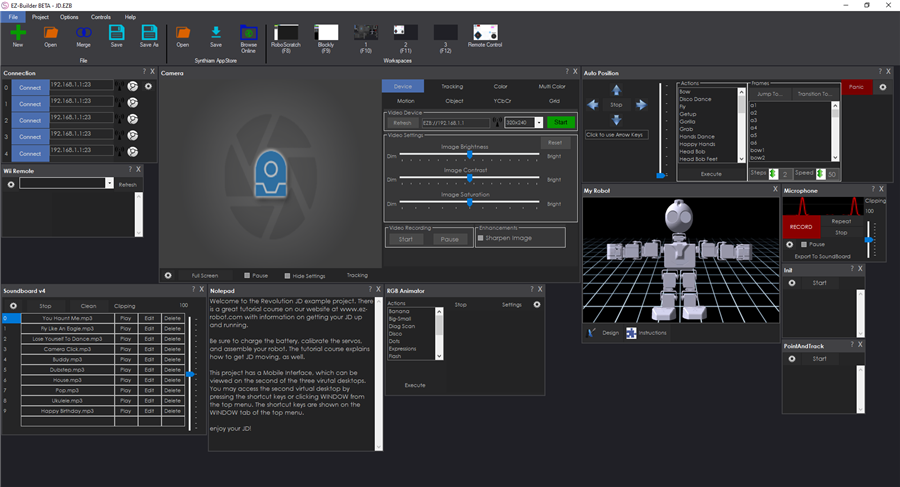
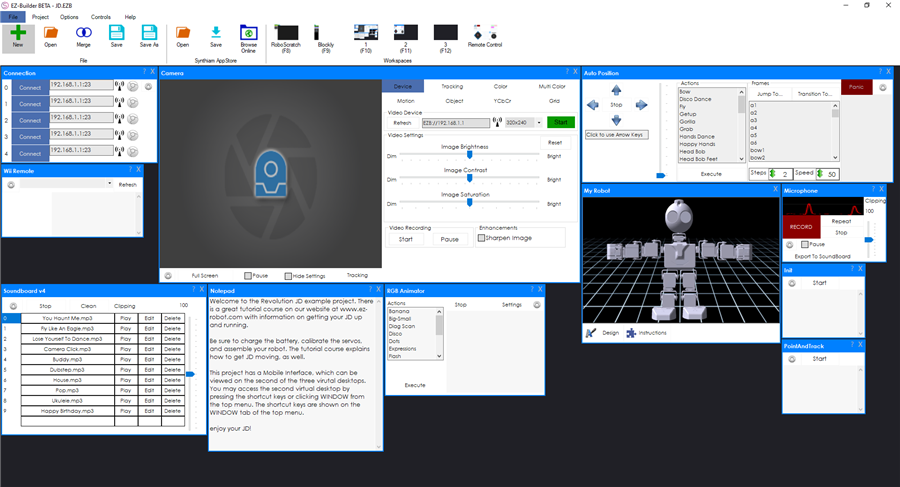
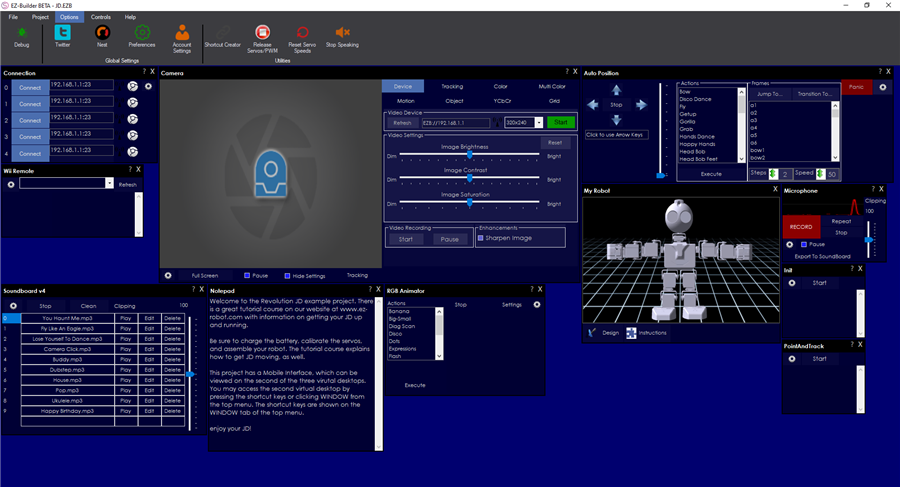
Authors of Plugins to Update The pnlControl has been removed. This means you'll have to edit the designer.cs file for your forms and remove the pnlControl references to use this. For example...
Change: this.pnlControl.Controls.Add(something); To: this.Controls.Add(something);
ARC Downloads
ARC
FREE
$0
always free
- 1 third-party plugin skill per project
- Trial cloud services
- Personal, DIY & education use
- Updated every 6–12 months
 Download
Recommended
ARC
PRO
$8.99
per month
- Use on 2+ PCs simultaneously
- Unlimited robot skills
- Cloud backup & revision history
- Weekly features & bug fixes
- Business use permitted
ARC
RUNTIME
$0
always free
- Load & run any ARC project
- Read-only mode
- Unlimited robot skills
- Includes early access fixes & features
- Minimum requirements: Windows 10 or higher, 2 GB RAM, 500 MB free disk space.
- Recommended: Windows 10 or higher, 8 GB RAM, 1 GB free disk space.
- Prices are in USD.
- More about each edition: Download & install guide.
- Latest changes: Release notes.
Compare Editions
| Feature |
ARC
FREE
|
ARC
PRO
|
|---|---|---|
| Get ARC Free | View Plans | |
| Usage | Personal · DIY · Education | Personal · DIY · Education · Business |
| Early access to new features & fixes | — | ✓ |
| Simultaneous microcontroller connections * | 1 | 255 |
| Robot skills * | 20 | Unlimited |
| Skill Store plugins * | 1 | Unlimited |
| Cognitive services usage ** | 10 / day | 6,000 / day |
| Auto-positions gait actions * | 40 | Unlimited |
| Speech recognition phrases * | 10 | Unlimited |
| Camera devices * | 1 | Unlimited |
| Vision resolution | max 320×240 | Unlimited |
| Interface builder * | 2 | Unlimited |
| Cloud project size | — | 128 MB |
| Cloud project revision history | — | ✓ |
| Create Exosphere requests | — | 50 / month |
| Exosphere API access | — | Contact Us |
| Volume license discounts | — | Contact Us |
| Get ARC Free | View Plans |
* Per robot project
** 1,000 per cognitive type: vision recognition, speech recognition, face detection, sentiment, text recognition, emotion detection, azure text to speech

Upgrade to ARC Pro
Discover the limitless potential of robot programming with Synthiam ARC Pro – where innovation and creativity meet seamlessly.
here's is mine ARC.
Looks good nomad. I recommend updating your version of ARC. It appears to be outdated.
hi dj
i have the latest version downloaded.2019.12.07.00
Since the new release, I cannot set the size of my Mobile Interface. It used to be 800x480px but now is insists on making it 1308x788px. If I modify my background image to that size, it complains it's too large. What is happening here?
Even the help screens show the Mobile Interface size set to 800x480px. But the new release s/w will not save any size changes I make.
I keep moving your posts to the respective threads. This belongs in the topic of the release.
ensure you have updated to the most recent release. There have not been any changes to the mobile interface control in a few years, so everything is the same.
im unable to reproduce this issue you’re experiencing. To change the resolution of an app screen, select the configuration button on the mobile interface builder. There will be options for width and height on the right. Change those for the render dimensions.
ensure you have saved the project to the cloud. Then, update the project in your mobile device. The app won’t appear on the device without those two steps
Sorry but when I change the width and height as required, they are not saved. Try this please. Change the dimensions, click save, then save your project, or exit ARC and re-open your project. The dimensions will not have been saved. I have gone back to using release 19.05.08 where this works perfectly.
It's only when saving for you? to the cloud or to a local drive?