Change Release Notes
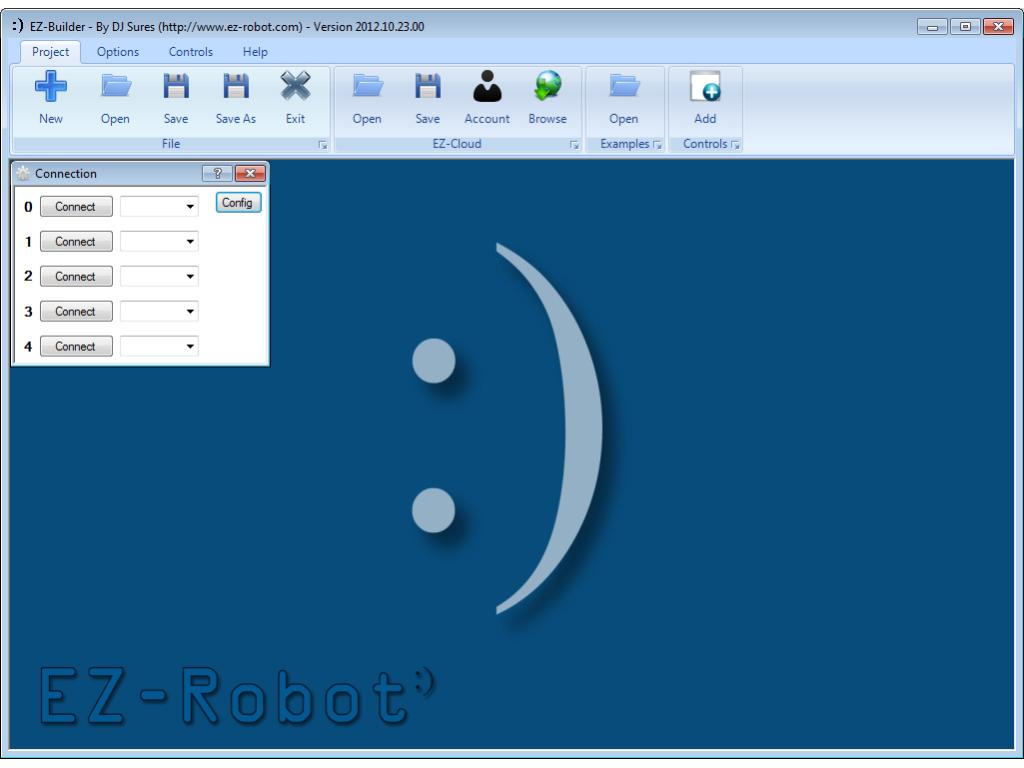
This latest ARC release includes a new interface and enhancements. The new menu interface promotes productivity by making the most common features accessible. Add functions to your robot faster than ever!
- New Menu interface update to increase productivity. Common menu items are more accessable
- Vuzix Augmented Reality displays connect/disconnect status
- sound servo bug fix when not connected to ez-b
- new EZ-Script Speech Recognition ControlCommand "PauseMS". Pauses the speech recognition for the specified number of MS. (i.e. ControlCommand("Speech Recogniton", PauseMS, 500) will pause for 500 ms)
- new optional parameter for MP3 Trigger Play. Pauses Speech Recognition for specified MS
- EZ-Cloud interface enhancements
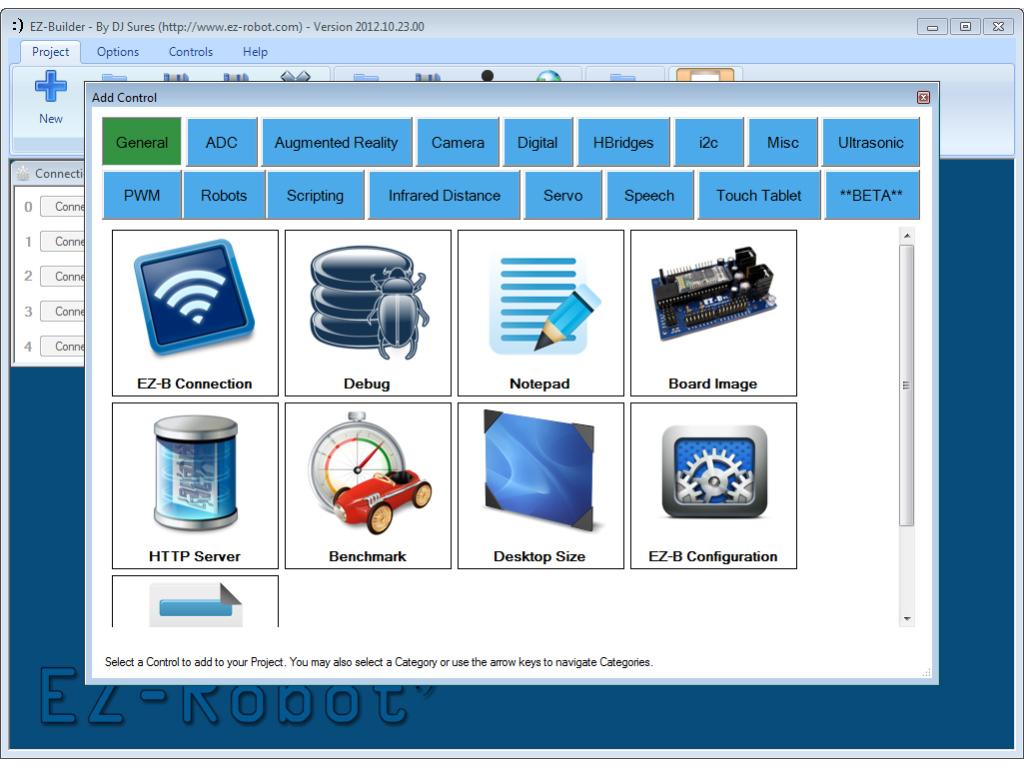
- New Add Control Menu Interface
- New Examples interface
- New Windows List Menu interface for manipulating controls in projects with lots of controls
Enjoy
ARC Downloads
ARC
FREE
$0
always free
- 1 third-party plugin skill per project
- Trial cloud services
- Personal, DIY & education use
- Updated every 6–12 months
 Download
Recommended
ARC
PRO
$8.99
per month
- Use on 2+ PCs simultaneously
- Unlimited robot skills
- Cloud backup & revision history
- Weekly features & bug fixes
- Business use permitted
ARC
RUNTIME
$0
always free
- Load & run any ARC project
- Read-only mode
- Unlimited robot skills
- Includes early access fixes & features
- Minimum requirements: Windows 10 or higher, 2 GB RAM, 500 MB free disk space.
- Recommended: Windows 10 or higher, 8 GB RAM, 1 GB free disk space.
- Prices are in USD.
- More about each edition: Download & install guide.
- Latest changes: Release notes.
Compare Editions
| Feature |
ARC
FREE
|
ARC
PRO
|
|---|---|---|
| Get ARC Free | View Plans | |
| Usage | Personal · DIY · Education | Personal · DIY · Education · Business |
| Early access to new features & fixes | — | ✓ |
| Simultaneous microcontroller connections * | 1 | 255 |
| Robot skills * | 20 | Unlimited |
| Skill Store plugins * | 1 | Unlimited |
| Cognitive services usage ** | 10 / day | 6,000 / day |
| Auto-positions gait actions * | 40 | Unlimited |
| Speech recognition phrases * | 10 | Unlimited |
| Camera devices * | 1 | Unlimited |
| Vision resolution | max 320×240 | Unlimited |
| Interface builder * | 2 | Unlimited |
| Cloud project size | — | 128 MB |
| Cloud project revision history | — | ✓ |
| Create Exosphere requests | — | 50 / month |
| Exosphere API access | — | Contact Us |
| Volume license discounts | — | Contact Us |
| Get ARC Free | View Plans |
* Per robot project
** 1,000 per cognitive type: vision recognition, speech recognition, face detection, sentiment, text recognition, emotion detection, azure text to speech

Upgrade to ARC Pro
Unleash your creativity with the power of easy robot programming using Synthiam ARC Pro
@dobermann the little version (EZ-Mini) is having some production issues. Sadly, it won't be available for a few more months. Thank you for the kind words
Oh, OK, Is see. Thanks. Here is what I found for the MP3 Trigger's optional parameter to pause theSpeech recognition:
Optionally, the Pause Time value can be used which disables the Speech Recognition control for the specified number of milliseconds. Example: MP3TriggerPlayTrack( d0, 38400, 1, 3000 ) Above parameter: ( digitalPort, baud, trackNumber, [pause time] )
This is great!
Thanks, Dave Schulpius
DJ,
ARC is not accepting any input after I start my test program of operating 4 ping radar panels,
all the panels are working but I can't stop, config, disconnect or even close the program.
I have to CTR/ALT/DEL to the task manager to shut it down. confused
any thoughts? tired
Ensure you have the latest updates to your operating system. Check .net 4 is most recent version. Other than that, you can try posting your project and I can take a look at it
DJ,
Everything's up to date,
It's pretty simple
4 Radar Scan panels set up as D0, D2, D4, D6 as triggers and D1, D3, D5, D7 as echo's
nothing else changed and not using any servo's
nothing else in the whole program this is just a test of those 4 panels.
2 will run , 3 starts to get glitchy and 4 locks the ARC.
I'm using a 6 core AMD, 8 gigs ram, Windows 7 64 bit.
Interestingly I can run 4 ping distant panels and 4 ping collision panels all at the same time with no ill affects.
The ping radar controls require a servo.. You can specify NA, but that will share NA is a virtual servo. So each ping radar control will be attempting to move NA virtual servo. That will cause issues for sure. If you are using radar controls without servos, set the servos to real ports then.
Otherwise, use the Ping Distance control instead
That helped a-little but ARC is still responding very slowly to mouse inputs while the scanners are running also after i finally do disconnect and close the window I'm getting a windows error "ARC has stopped working"
I have not had a single issue up until the last release.