Change Release Notes
This update focuses on improving the learning experience, refining the coding workflow, and fixing several usability issues across platforms.
Learning Experience
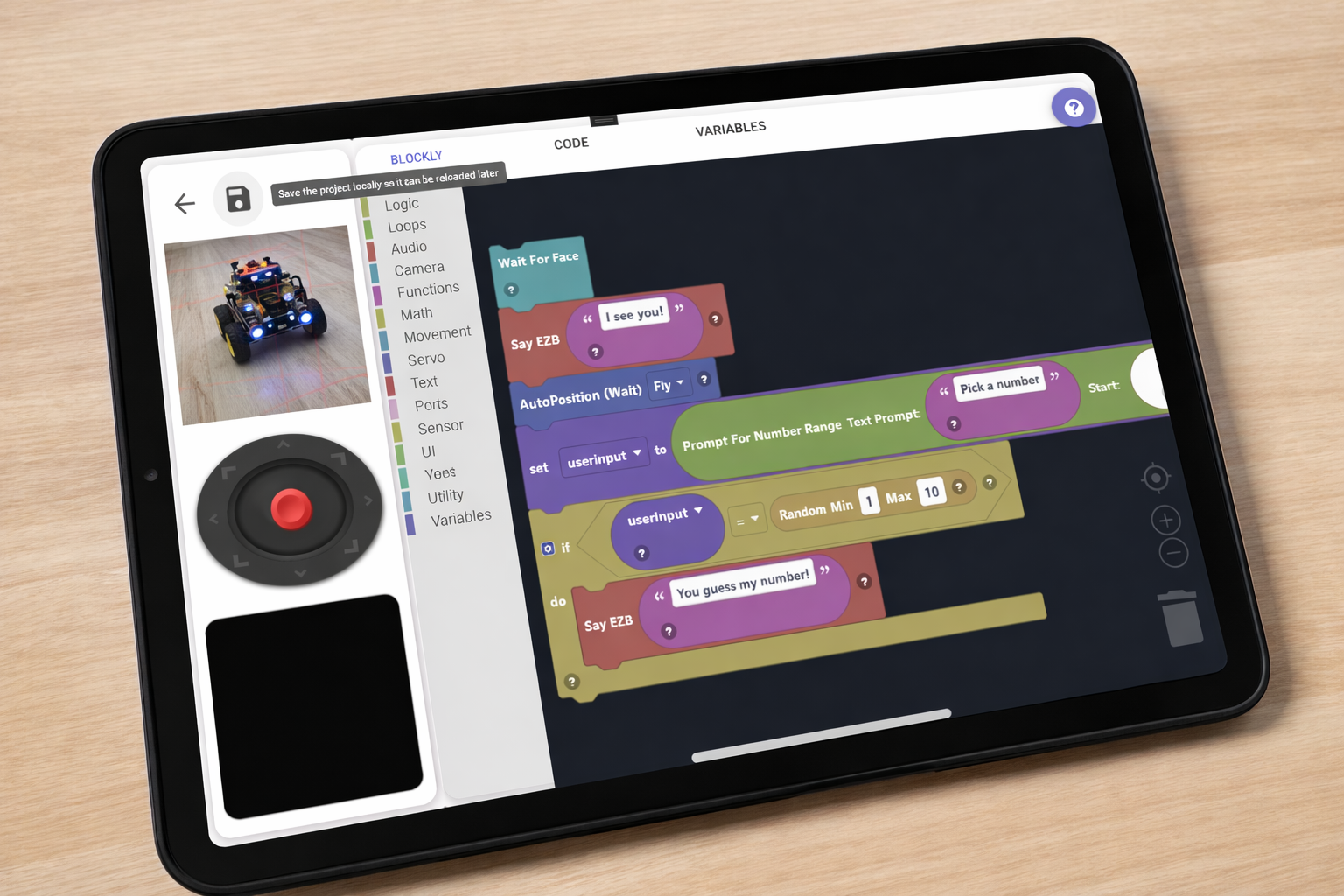
- Lessons are now displayed directly inside the Blockly workspace instead of opening in a popup. This makes it much easier for students to follow instructions without switching context or memorizing steps.
- Added support for lesson types in the configuration system. (UI integration coming soon.)
Activities & Interface
- Increased the size of the preview button in Activities to make it more visible and easier to use.
- Chromebook users will now see a prompt to maximize the window, helping ensure the best possible layout and experience.
Blockly Improvements
- Servo selection dropdowns now display friendly names pulled from EZ-Bits or port summaries (e.g., Left Shoulder, Vertical Head, Right Gripper), making projects easier to understand.
Programming Editors
- Fixed an issue where selecting variables in the Python and JavaScript editors would insert duplicate
$symbols. - Disabled automatic text wrapping in both editors to improve readability and maintain proper code formatting.
Connectivity & Platform Behavior
- On Android, pressing the WiFi Settings button now opens the device’s system WiFi settings directly.
- Update checks are now limited to Windows only, avoiding unnecessary checks on other platforms.
Fixes & Stability
- Fixed an issue where global max servo positions were not correctly applied when loading a project.
- Prevented guest users from saving projects, ensuring proper account usage and data integrity.
Overall, this update makes ARC-Lite more intuitive for students, cleaner for developers, and more consistent across devices.
Get ARC-Lite — It's Free
Available on all major platforms.
Version 2026.07.16.00
Latest changes: Release notes

Upgrade to ARC Pro
Stay on the cutting edge of robotics with ARC Pro, guaranteeing that your robot is always ahead of the game.