


Comm Expansion Configuration icon Comm Expansion Configuration — Configure EZ-B v4/2 Comm Expansion: switch between UART transparent proxy and USB direct PC link (avoids WiFi); EZ-B needs separate power. Try it →
Tutorial
United Kingdom
YouTube
Published — Updated

Flex Sensor With An ADC Port Tutorial

Step 2 of 10
Step 1

Using a servo extension cable, snip off the male connector and strip the white and red wires. Then tin the ends with solder.
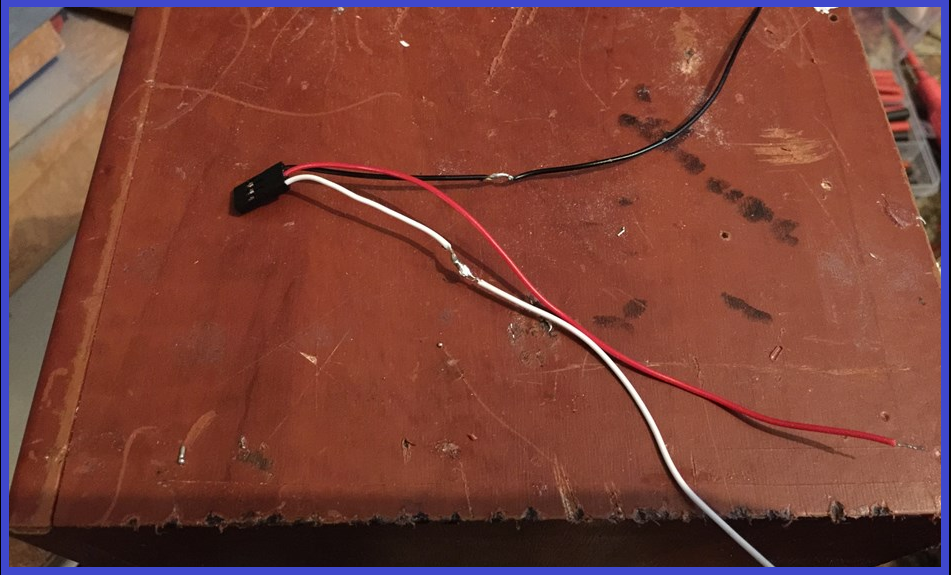
User-inserted image

In the middle of the White and black wires, strip back the outer casing to bare the wire, and tin with some solder.
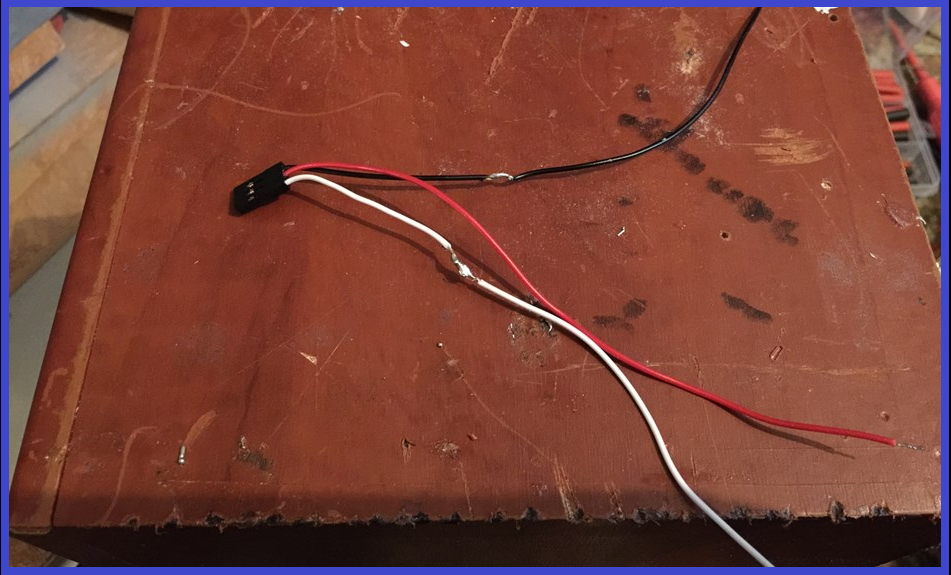

User-inserted image


ARC Pro

Upgrade to ARC Pro

Synthiam ARC Pro is a new tool that will help unleash your creativity with programming robots in just seconds!