
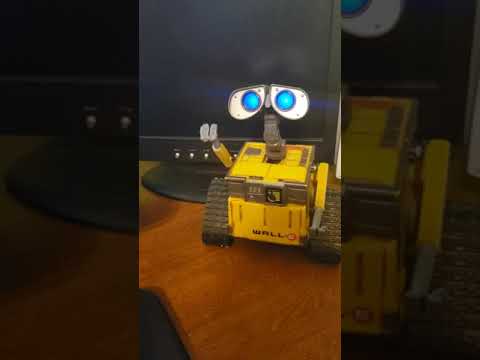
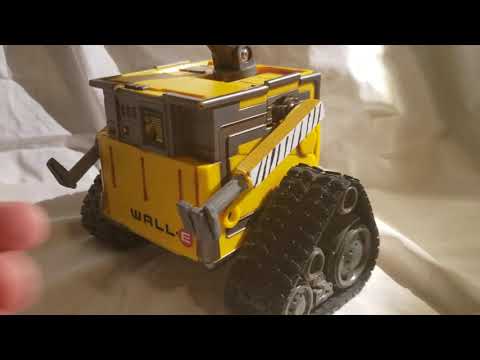
I'm not brave enough for "live hacks" yet, but this shows me updating my software, explaining how I built him, trying to remember which ports his servos are connected to (oops) and how I was able to use the stock toy switches with some resistors on 1 ADC line. I'll have to actually make him do something cute in a future video.
He is not the Ultimate wall.E that most builders get to hack, I accidently got a smaller non-motorized version (which I don't recommend due to size) but I've come to like the little guy.

By JustinRatliff
— Last update





Discover more robots
Rb550f's Jo Robosapien Project
Custom Robosapien head from 3D kids projector with tinted LED face shield, adjustable R/C shocks, HD head servo and EZ-B...
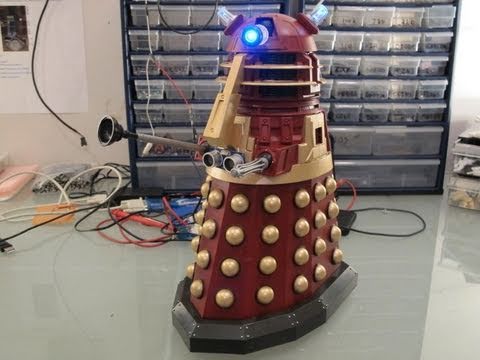
DJ's Dalek
Control a Dalek toy with Synthiam ARC, EZ-B and H-bridge for joystick remote, voice recognition and ultrasonic...
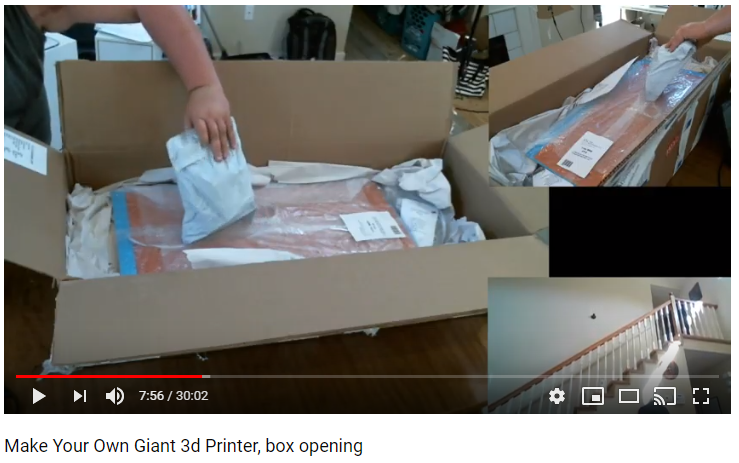
Jstarne1's Build A Giant 3D Printer , Live Build, Come Join...
Unboxing Folger FT-6 large-format 3D printer kit with 3-camera views; full build livestream planned to print larger,...

Hi Justin, I have a question on a different subject, hope you don't mind
Pertaining to aiml Bot: What files do you edit to make your own responses
Hey, I don't mind. I'm not using aiml in this project though. I think DJ already answered your question in another thread with a link here: https://synthiam.com/Products/Controls/Artificial-Intelligence/AimlBot-16020
Are you still having some issues?
I thought there was a few files you could point me to too edit, I guess no short answer, I will read the document, thanks
That’s a good tutorial video! I enjoyed that
Oh! You gonna add the camera in the eye like I did with my last revision?
WALL.E soooo cute!!
DJ, sadly no. I can't fit a camera in the head. This Wall.e is too small and just barely holds the ioTiny.
Ah yah - that's because it's the super tiny one. If you fit it, maybe the bottom of the PCB and cable of the camera would have to be under the one eye... hmmm