


Asked
— Edited
 Resolved by Steve G!
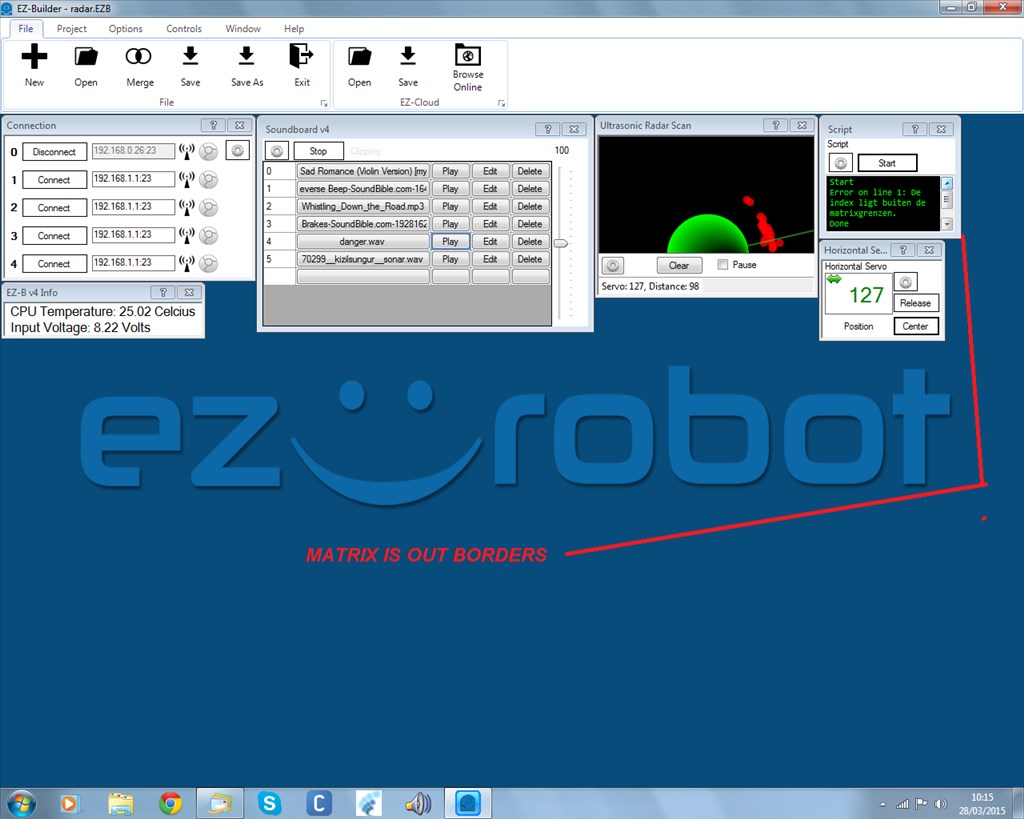
What Is Matrix?
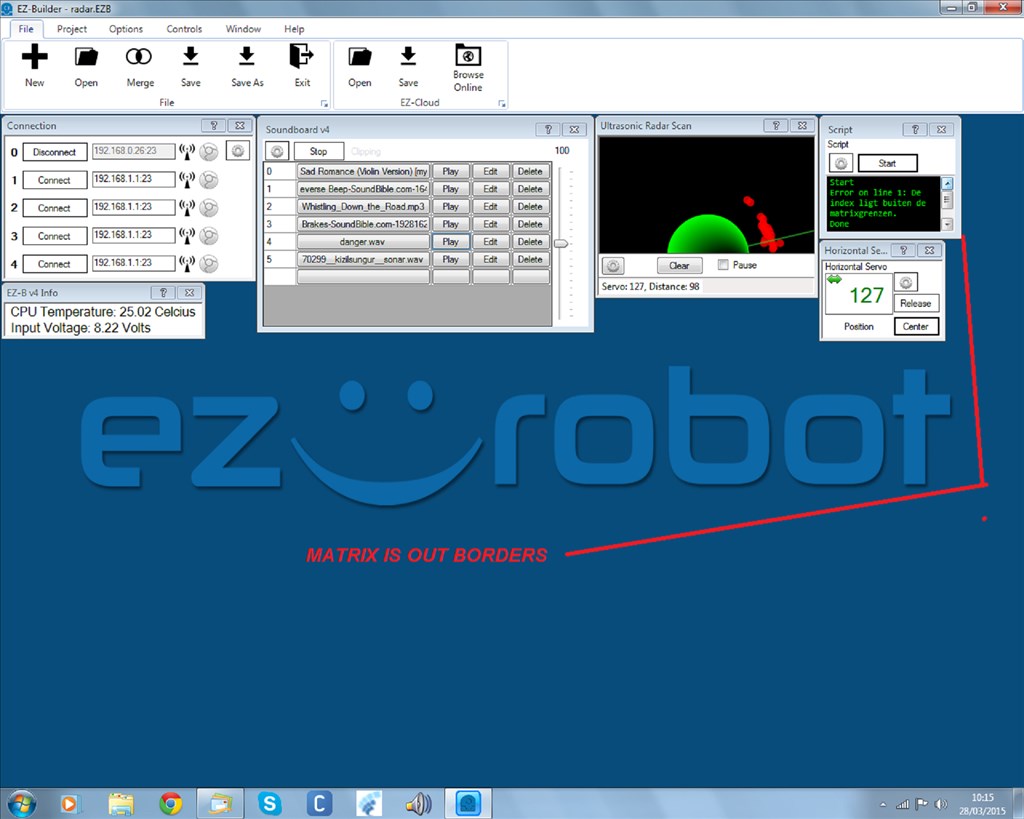
i get an error trying to use the ping sensor.something about matrix is not good.
and the text is in nederlands written
bigger pic

I think I'll leave this to Richard as I'm not near a Computer right now.
@nomad.
See what you gone and did... You went and broke the EZ Robot website, lol.
Anyway back to your problem. Try this...
When you start the script the Ping sensor will start detecting distance. Now when the value goes below 50, the EZ-B will say Danger. It will sleep for three seconds and start start detecting distance again.
Hope it helps.
ooops, a bug in Ping_Wait() .. I'll fix it right away
Temporary work around: Use ports between D0 - D21
hi guys
sorry late respons.i couldn get on the forum here.
rr
yes the ping works at port D22 AND D22 but not the script thanks averyone
@nomad... Just after the site went down I remembered there is a bug that DJ knows about... Some ping commands (haven't checked all of them) do not work on ports 23 and 22... As DJ mentioned, you need you use ports 21 or lower...
@nomad.
If my script doesn't work for you (it does work as I tested it) then it maybe what Richard said about using port 22.
okay try other ports
allright it works,just need some volume
thanks you all