


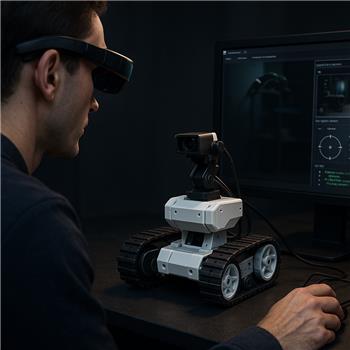
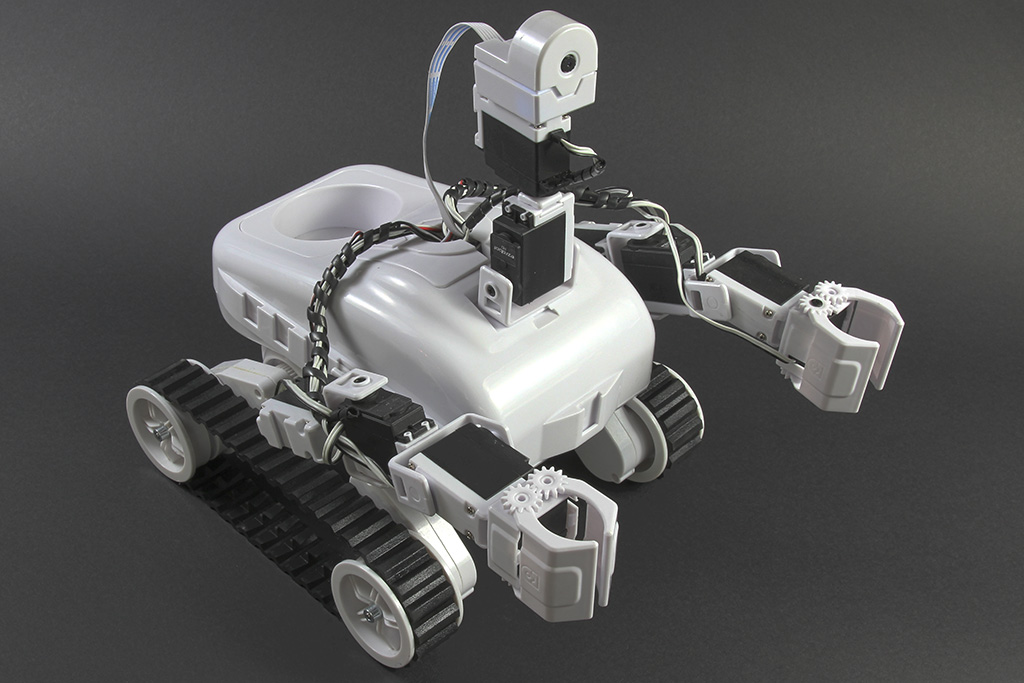
I’ve got a Roli Rover (EZ-B v4 over WiFi, client mode) with the EZ-Robot pan/tilt and camera mounted up front (pan on D0, tilt on D1). Camera Device skill is streaming fine. I dug out a legacy Vuzix 920VR headset and added the Vuzix Augmented Reality skill in ARC. The headset shows up on the PC via USB with the old Vuzix driver/manager installed. In the Vuzix AR skill I mapped pan to D0 and tilt to D1 and set the servo ranges to 20-160 to avoid mechanical limits.
What I’m seeing: yaw tracks my head reasonably well for a few seconds but then the pan servo slowly creeps to the right until it hits the limit. Pitch is usable but jitters around "level" and occasionally jumps a few degrees even if I hold my head still. If I calibrate in the Vuzix manager first the drift reduces for a short while, but it returns after 30-60 seconds. Slowing both servos (Servo Speed 3) makes the jumps less violent but doesn’t eliminate the creep/jitter. Toggling invert on yaw/pitch and adjusting min/max offsets helps with direction but not the drift.
I don’t see an obvious "recenter" hotkey or deadband/smoothing option in the Vuzix Augmented Reality skill UI. I tried compensating by narrowing the servo range further and fine-tuning the centers in servo Fine Tune, but that just delays the inevitable creep to one side. I’d prefer to keep using the Vuzix skill rather than hack around it with a scripting loop, unless that’s the recommended approach for this legacy headset.
Is there a built-in way in the Vuzix Augmented Reality skill to zero/recenter the headset periodically and add a small deadband or smoothing so my Roli’s D0/D1 pan/tilt servos don’t drift and jitter, or is there a best-practice ARC workaround for stabilizing the 920VR inputs?


What you’re describing sounds like sensor drift from the legacy 920VR headset, not a servo issue.
The Vuzix Augmented Reality skill was built around the old Vuzix 920VR and, in ARC, it doesn’t provide a built-in deadband, smoothing, or periodic recenter option in the skill UI. So if the headset’s orientation values slowly drift, ARC will faithfully keep moving the servos.
What to try first
1) Recalibrate the headset before each session
Since you noticed calibration helps briefly, do that after ARC starts and after the headset is fully settled. Also make sure:
2) Check whether the Vuzix driver is updating continuously
If the Vuzix manager is still running in the background, try closing anything nonessential except the driver itself. Sometimes legacy headset software layers can contribute to noisy readings.
3) Reduce the servo response using a small script layer
Since the skill itself doesn’t expose deadband/smoothing, the best ARC workaround is usually to route the input through a script or intermediary control so you can filter small movements before commanding
D0andD1.That gives you:
Best-practice workaround in ARC
If you want stable pan/tilt, I’d recommend:
ARC doesn’t provide a built-in deadband setting in that skill, so scripting is the cleanest path.
Why the creep happens
The slow pan drift to one side usually means the headset’s yaw zero point is not perfectly stable. Even a tiny offset, like
0.5per sample, will accumulate over time and walk the servo to the limit.Recommended ARC approach
A simple pattern is:
If you want, I can help you build that as a JavaScript robot skill in ARC.
Important note about the Vuzix skill
Since this is a legacy control, I wouldn’t expect new stabilization features to be added there. If you need reliable filtering, scripting is the right ARC solution.
Helpful references
https://synthiam.com/Support/Skills/Camera/Vuzix-Augmented-Reality?id=16046
https://synthiam.com/Support/ARC-Overview/Servo-Controls
https://synthiam.com/Support/Create-Robot-Skill/Overview
If you want, I can help with one of these next:
If you’d like, I can draft the script for Roli pan on D0 and tilt on D1 right now.