


Asked
— Edited
 Resolved by Redzone!
Tuttorial About Talk Servo For Leds
hi
is there a window for talk servo with led?insteadt of inmoove mouth opens, while talking,but with a led then.

Nomad where is his project?
ezang
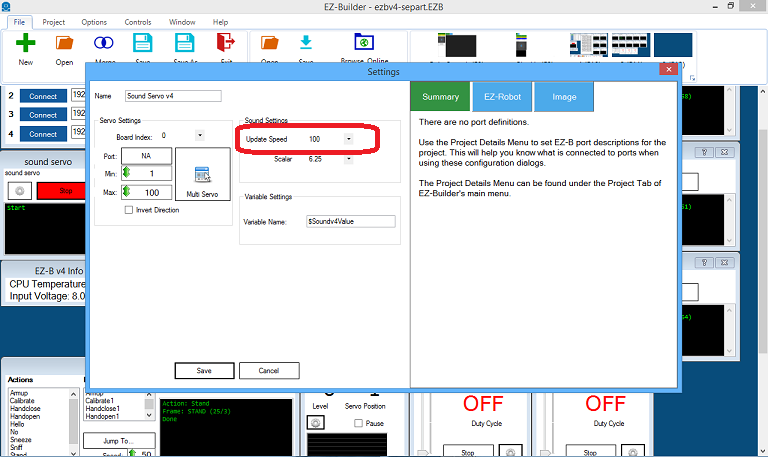
post #84 see pic.
Bobsheaux, in EZ script: when you first open the script, just put a letter in there then delete it, now you are in EZ script
and add
Or a simple script to turn on and off:
code:
set the servo speed to 2 or whatever, I use 0
ServoSpeed(d0, 0)
:loop
Set LED On
pwm(d0, 0)
wait some time for the pwm to do its ramping thing
sleep(1000)
#set LED Off pwm(d0, 100)
wait some time for the pwm to do its ramping thing
sleep(1000)
goto(loop) Edit Comment
I see you have sound servo mic -
you need sound servo (PC)
EzAng
ezang
you got somethin here. bolt saying sound servo pc ,one says sound servo speakers.
Here is mine under servo not audio
sound servo (PC)
ezang
do you have the latest version ARC ?
ezang
yours is correct .
bobsheaux
ezang is correct. see sound servo pc in his pic ,post 94 . it chould work now .me bad sorry about that.