

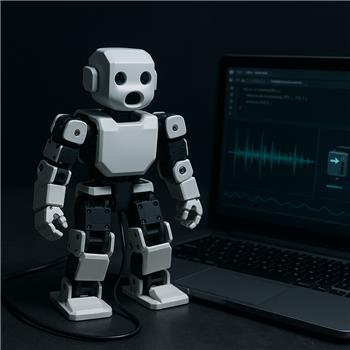
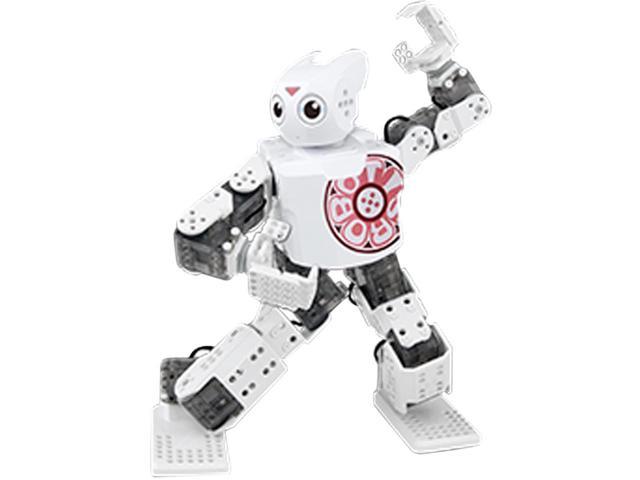
I’m trying to get my ROBOTIS DARWIN MINI (OpenCM9.04, 16x XL-320) to "talk" using the Sound servo (PC Speaker) skill, but the selected servo never moves even though the skill is clearly reading audio. I flashed the ARC-compatible firmware to the OpenCM9.04 per /Hardware/17530 and I’m connected over USB (Board Index 0). I can control servos with scripts and Auto Position just fine, so the connection and power are good.
What I did:
- Picked the head tilt XL-320 as the "mouth" (its ID is 2 on my robot). From what I understand, the firmware maps Dynamixel IDs to ARC servo ports (D0..D15?). I set Sound servo (PC Speaker) to drive D1 (assuming ID 2 maps to D1), and also tried a few others (D0..D5) in case my mapping guess is wrong.
- The Sound servo skill shows the Level value jumping with music, and the servo Position readout updates between my Min/Max as expected.
- If I run a quick ARC JavaScript test, the servo moves instantly:
// test jaw on D1
Servo.setPosition("D1", 120);
Sleep(500);
Servo.setPosition("D1", 80);
- I paused/closed my Auto Position control so nothing else is holding the servo. I also tried toggling Release and different Scalar/Min/Max values. Same result over Bluetooth (more latency, but still no movement from the Sound servo output).
Is Sound servo (PC Speaker) supposed to directly drive the XL-320s on the OpenCM9.04 firmware, and if so what is the correct ARC port mapping for Darwin Mini (D0..D15 vs V0..V15) to make the audio-driven movement actually reach the selected servo?


Yes - Sound servo (PC Speaker) should be able to drive the XL-320s on Darwin Mini as long as the Dynamixel skill is translating the selected virtual servo into the correct XL-320 ID.
Key point: use Virtual servo ports, not D0/D1
For the Dynamixel Robot skill, ARC maps Dynamixel IDs to virtual servo ports:
So if your XL-320 is ID 2, the servo should be assigned and controlled as
V2, notD1.Why your JavaScript test worked on
D1That suggests D1 is being used for a normal servo port or another control path, but the Sound Servo skill is meant to move the servo that’s configured in its own port selection. For Dynamixel robots, that selection should typically be the virtual port exposed by the Dynamixel robot skill.
What to do
1) Confirm the Dynamixel skill is configured for the servo
Open the Dynamixel robot skill:
0The relevant docs are here:
2) In Sound Servo, select the virtual port
When configuring Sound servo (PC Speaker):
V2if your mouth servo is Dynamixel ID 2If you select
D1, Sound servo will not be addressing the Dynamixel mapping you expect.3) Test the exact same port with a script
If the Dynamixel skill is set up right, this should move the same servo:
If that works, then Sound servo should be able to drive it too once it’s pointed at V2.
Important note about port mapping on Darwin Mini
For a Darwin Mini using the Dynamixel Robot skill:
The virtual servo port number equals the Dynamixel ID.
So in your case:
If Sound servo still doesn’t move it
If Sound servo is reading audio but the servo still doesn’t move after switching to
V2, the next things I’d check are:V2?Best next check
Could you confirm these two things?
If you want, I can also help you verify the OpenCM UART #0 / baud / protocol settings for the Darwin Mini so everything matches cleanly.