

KyotoWalker
Smoothing Myo Control On EZ-Inmoov
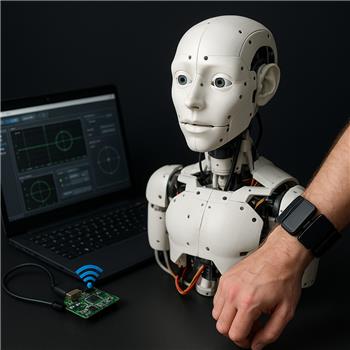
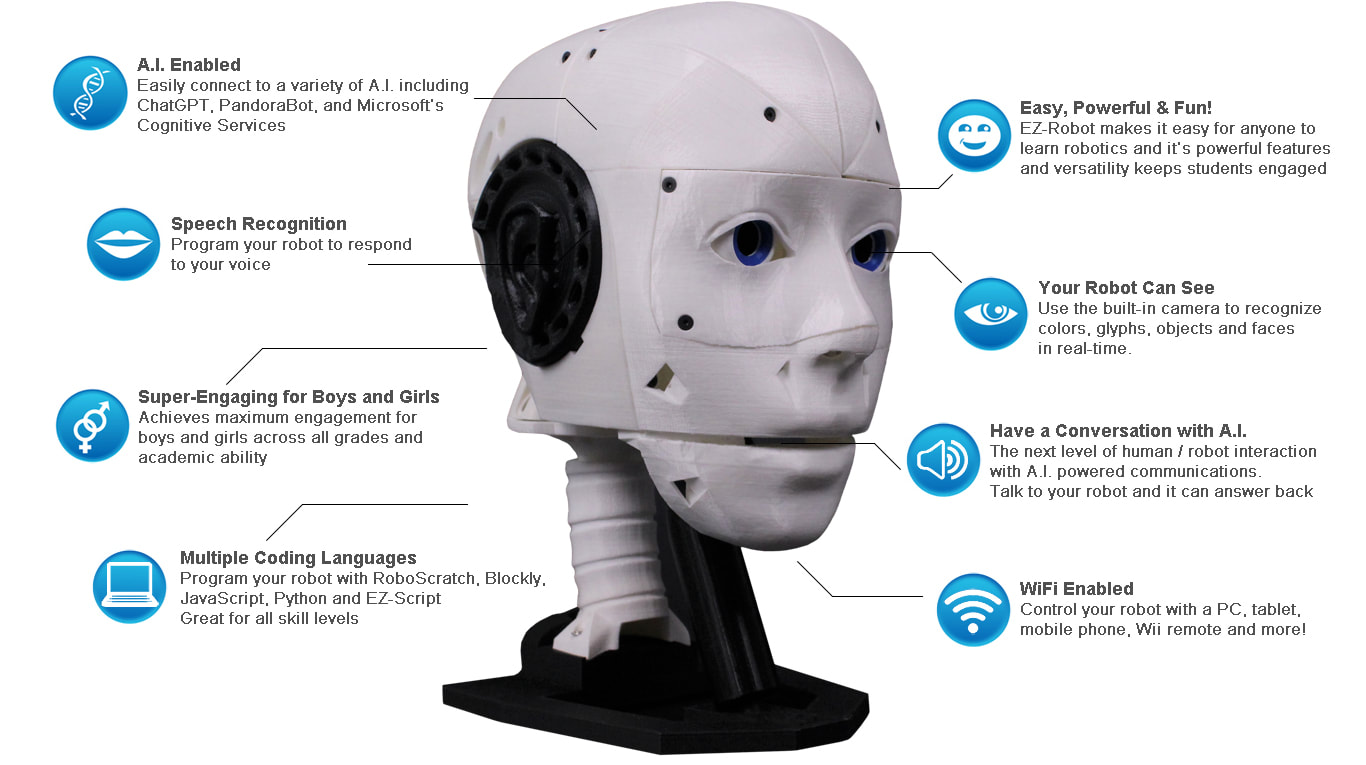
I’ve got an EZ-InMoov Robot Head running on an EZ-Robot IoTiny over WiFi (ARC on a Windows laptop). Servos are wired: D0 = neck pan, D1 = neck tilt, D2 = eyes pan, D3 = jaw. I’m trying to drive pan/tilt with a Thalmic Labs Myo armband using the Myo Gesture Armband robot skill. I installed the Myo Connect 1.0.1 driver from the link on the skill page, paired the armband, and the skill connects fine (green status, gestures show up in the UI). If I map Yaw to D0 and Pitch to D1 inside the skill, the head follows-but I get a lot of drift and twitching even when my arm is fairly still, and the "center" seems to wander after a few minutes.
What I want: add a small deadband and smoothing, and also be able to "re-center" the head with a gesture (ideally Double Tap) without having to recalibrate in Myo Connect each time.
What I tried so far:
- Turned off direct servo mapping in the skill and attempted to read the orientation variables in a Script (JavaScript) to do my own filtering. I assumed variables like $myo_yaw and $myo_pitch would update, but in Variables they seem to stay at 0 even while the UI graphs move.
- Lowered servo Speed and added a small offset in the servo config; helps a bit but doesn’t cure the drift.
- Myo Connect set to Always Unlocked; recalibrated a few times.
What are the exact script variable names the Myo Gesture Armband skill publishes for orientation and gesture events, and is there a recommended way in ARC to add deadband/smoothing and a re-center gesture for pan/tilt on the IoTiny without relying on Myo Connect recalibration?
Related Hardware (view all EZB hardware)
Related Robot Skill (view all robot skills)

Yes - this is a good use case for ARC scripting rather than letting the Myo skill drive the servos directly.
Short answer
The Myo Gesture Armband skill does not publish generic variables named
$myo_yawor$myo_pitch. In ARC, the accelerometer/orientation values are exposed through the variable names you assign in the skill’s settings, not fixed names.What to check in the Myo skill
Open the skill’s kebab/menu in the top-right of the Myo window and look under:
There you can:
If you want to read the values in JavaScript, first assign the variables in the skill configuration, then read them by those names with
getVar().Recommended approach
For what you want, I’d do this:
This is much more stable than raw servo mapping.
Why the drift happens
Myo orientation data tends to:
So the fix is usually not more servo config - it’s filtering plus a re-center offset.
Example JavaScript pattern for ARC
Below is a simple approach you can use in a script that runs repeatedly:
How to recenter with Double Tap
In the Myo skill’s Poses tab:
Example:
That way, when you double tap, the current arm pose becomes the new neutral center.
Important note about the variable names
Because the skill lets you assign variable names in its settings, the exact names on your project may be different.
If you want to confirm them:
So if you named them:
myoYawmyoPitchThen your script should use:
getVar("$myoYaw")getVar("$myoPitch")A better long-term setup for ARC
If you want, you can also make this cleaner by putting the Myo reading/filtering in one script, and the servo motion in another skill or script. ARC works well when each behavior is separated.
And if you’re doing this kind of code cleanup, the ARC AI Assistant inside ARC can often rewrite the script for you directly: https://synthiam.com/Products/AI-Assistant
One thing I’d like to confirm
To give you the exact variable names and a script matched to your project:
If you share that, I can tailor the JavaScript exactly for your EZ-InMoov head setup.