
SeoulServo
Korea
Asked
Chronos Tilt To Tello Yaw Mapping
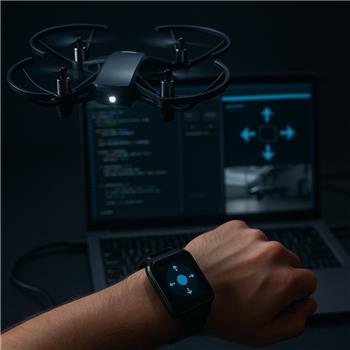
Trying to fly a DJI Tello hands-free using wrist tilt from a TI eZ430-Chronos watch in ARC. Hardware-wise: Windows laptop on the Tello WiFi, DJI Tello Movement Panel added (video/arrow keys work fine), eZ430-Chronos Wrist Watch skill connected via the TI USB dongle (X/Y values stream in the skill). I also added Soundboard (PC) to beep when I cross a tilt threshold. I wrote a JavaScript script that polls the watch axes and sends Movement commands; it flies, but it’s jerky and my X-tilt results in lateral strafe, not yaw. Occasionally Forward() seems ignored unless I send Stop() first. Here’s the gist of what I’m doing:
while (true) {
  var x = getVar("$chronos_x");
  var y = getVar("$chronos_y");
  // deadband + simple smoothing
  var dead = 12;
  var px = getVar("$px") || 0; var py = getVar("$py") || 0;
  x = px + 0.3*(x - px); y = py + 0.3*(y - py);
  setVar("$px", x); setVar("$py", y);
  if (Math.abs(y) > dead) { y>0 ? Movement.Forward(y) : Movement.Reverse(-y); }
  else if (Math.abs(x) > dead) { x>0 ? Movement.Right(x) : Movement.Left(-x); }
  else { Movement.Stop(); }
  Sleep(60);
}
- I’d prefer X = yaw (cw/ccw) and Y = forward/reverse. I tried ControlCommand("DJI Tello Movement Panel", "cw 10")/"ccw 10", but that seems like one-shot degrees, not a rate; Movement.TurnLeft/Right also looks like it maps to strafe for Tello. Is there a way to set a continuous yaw rate via ControlCommand or the Movement API, and any best practice to throttle updates so I don’t flood the Tello while keeping things smooth, plus does triggering Soundboard (PC) from the same loop block or delay movement commands?
Related Hardware (view all EZB hardware)
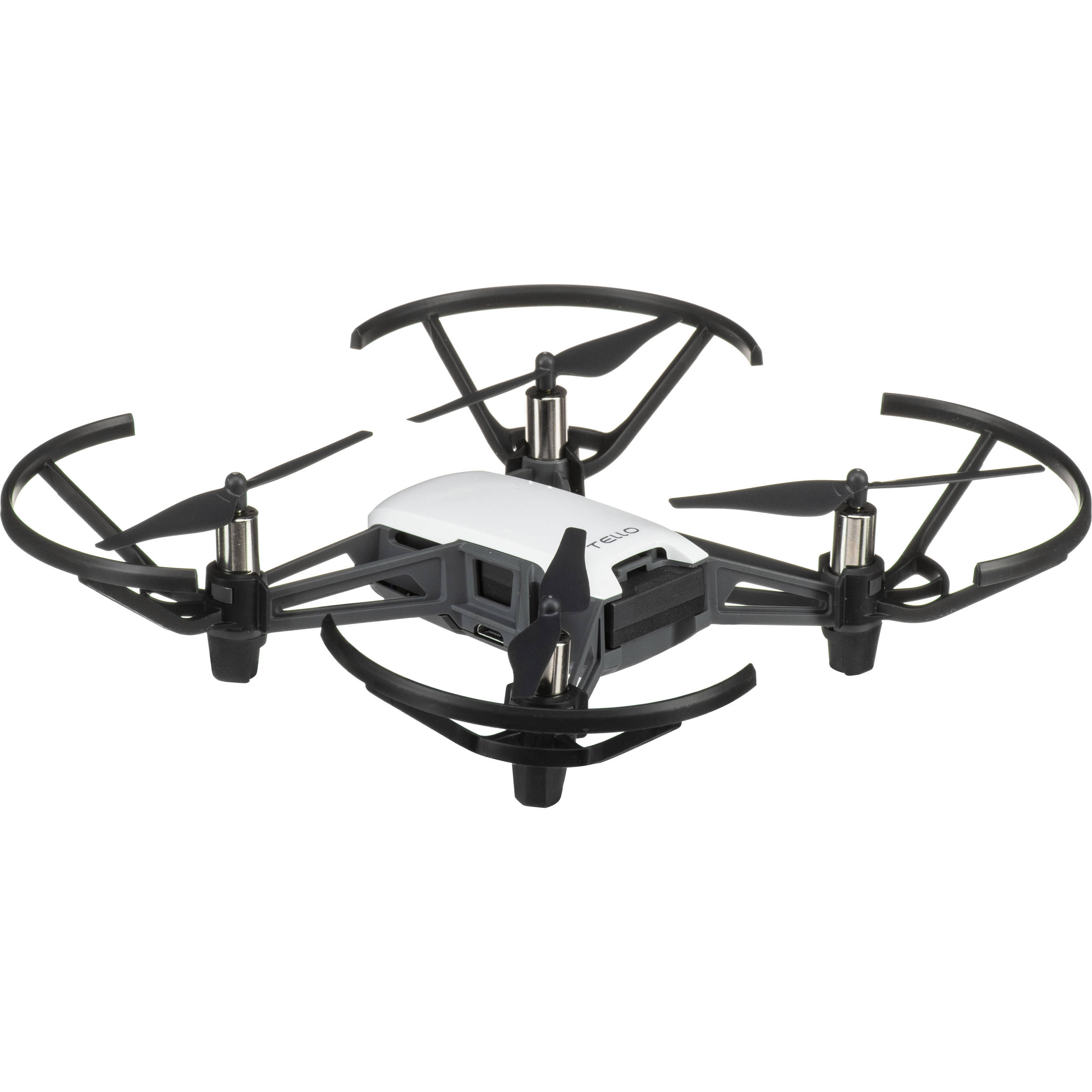
Tello Drone
by DJI
Program the DJI Tello in Synthiam ARC for computer vision tracking and movement using JavaScript, Python, EZ-Script, C++, or .NET.
Wi-Fi
Servos
✕
Camera
Audio
UART
✕
I2C
ADC
✕
Digital
✕
Related Robot Skills (view all robot skills)
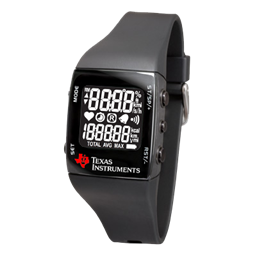
Ez430-Chronos Wrist Watch
by Texas Instruments
Map TI eZ430-Chronos watch accelerometer X/Y tilt to ARC servos for intuitive, Wii-Remote-style control of servo positions.
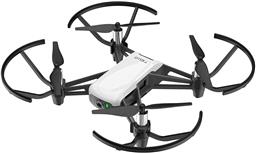
DJI Tello Movement Panel
by DJI
Control DJI Tello from ARC with live camera feed for computer vision tracking; fly via scripts, speech, joysticks, Python, or Exosphere.
Requires ARC
v3

Yes - for the Tello Movement Panel,
Movement.Left()/Movement.Right()are indeed strafe commands, not yaw. So if you want X tilt = yaw and Y tilt = forward/reverse, the cleanest approach is:Movement.rotateLeft()/Movement.rotateRight()if available in your installed ARC version/skill setMovement.forward()/Movement.reverse()Important Tello behavior
Tello is a little different from ground robots:
Stop()before a new command seems to helpRecommended control strategy
Instead of polling and sending movement every 60 ms with raw values, use:
For Tello, I’d avoid sending a new command every loop unless the intended direction actually changes.
Better mapping concept
If you want:
Then use something like this idea:
But for yaw:
If your installed Tello skill exposes turn/rotate commands in the
MovementAPI, use those instead of left/right. If not, the skill may expose ControlCommand actions forcw/ccw, but those are often designed as single actions rather than continuous rate control.About continuous yaw rate
For the Tello skill, continuous yaw rate is usually best done through the Movement Panel’s movement state, not by repeatedly firing
cw 10commands.That said, the exact available command names depend on the skill’s supported
ControlCommand()list.Check the skill’s supported commands
In ARC:
If
cw/ccware listed there, they’re usually action commands, not a continuous joystick-style yaw speed.Why
Forward()sometimes seems ignoredThat’s usually because:
A good fix is to only send a new command when the desired motion changes.
For example, store the last command:
Then only change command when your tilt crosses a threshold into a new zone.
Soundboard question
If you trigger Soundboard (PC) from the same loop:
ControlCommand()to play a short sound, it usually won’t block your script very longBest practice
$beepedLeft,$beepedRightBecause ARC robot skills run independently,
ControlCommand()is generally non-blocking. So the soundboard command itself usually won’t stop the movement command, but a blocking audio script or excessive repeated commands can still create perceived lag.Strong recommendation: use command states instead of raw analog spam
A more stable approach is:
neutralyaw_leftyaw_rightforwardreverseThen only send a command when the state changes.
That will feel much smoother than sending a new motion value every 60 ms.
Example state-based JavaScript
Here’s a cleaner pattern:
One thing to verify
I want to confirm one important detail: what exact variables is the Chronos skill exposing for X/Y in your project?
Are they:
$chronos_xand$chronos_yAlso, if you want, I can help you turn this into a proper ARC JavaScript control script with:
If you paste the exact ControlCommand cheat sheet entries for the DJI Tello Movement Panel, I can map the commands precisely.