

Change Release Notes
ARCx just gained some serious new capabilities.
Version 2026.09.27.01 expands what robot skills can see, control, and display with native gamepad and HID support, an embedded browser designed for robots running with or without a desktop, and a big upgrade to Blockly.
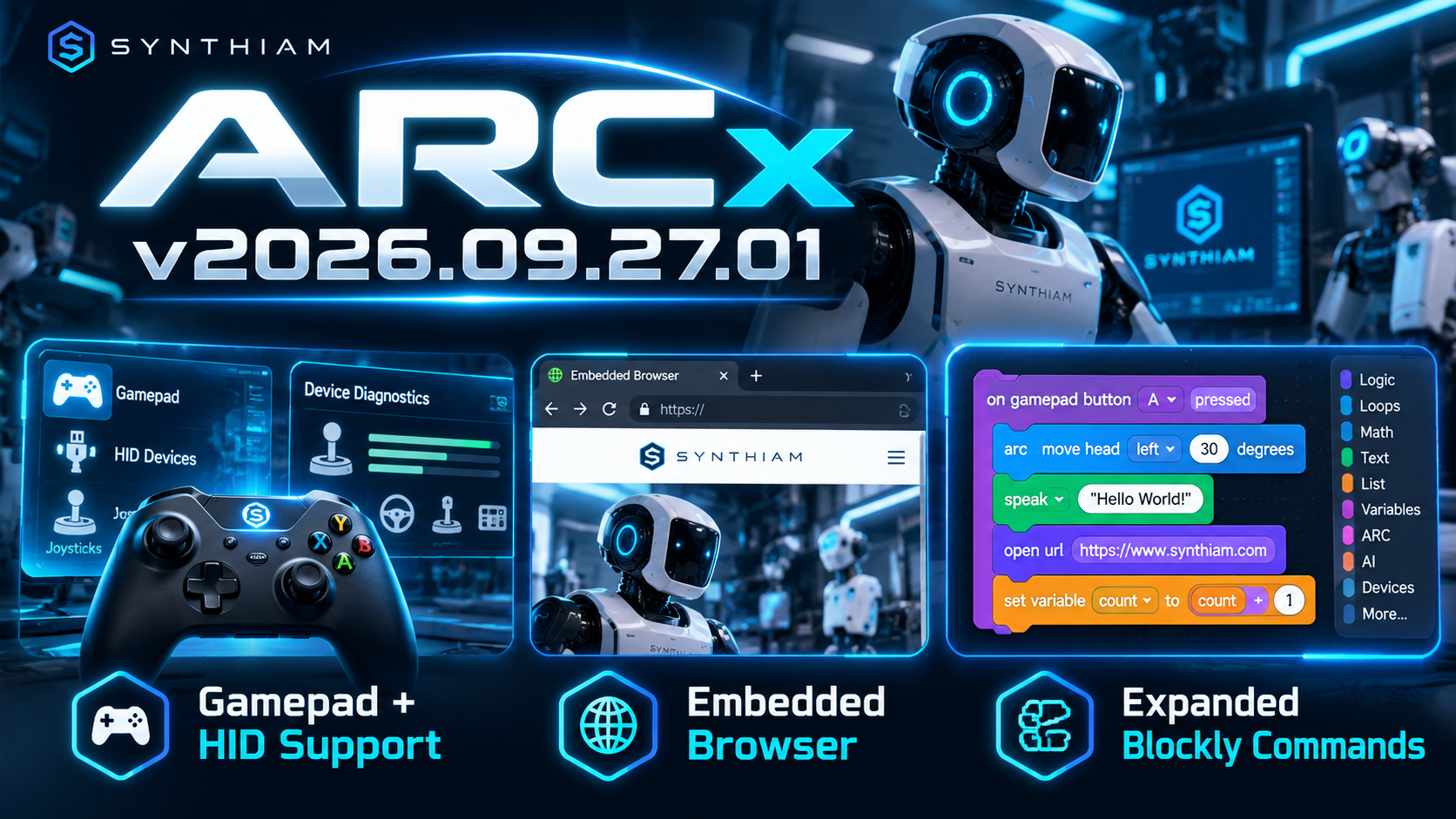
Native Gamepad, Joystick & HID Support
ARCx can now work directly with gamepads, joysticks, and HID devices, opening the door to entirely new ways of controlling robots.
Robot skills can take advantage of connected input devices for teleoperation, custom controllers, interactive exhibits, simulators, accessibility interfaces, and more.
A new input diagnostics interface has also been added so you can see connected devices and monitor their input data in real time. This makes testing and developing controller-based robot skills much easier.
Embedded Browser Support
This is a big one.
ARCx now includes an embedded browser system that robot skills can use to display web content directly.
Robot skills can launch and control browser instances in:
- Windowed mode
- Fullscreen mode
- Kiosk mode
Even better, the browser system was designed to work on ARCx installations without requiring a traditional desktop environment.
That means robots running headless Linux installations can still present browser-based interfaces, dashboards, WebRTC sessions, telepresence experiences, web applications, and other visual content when a display is connected.
ARCx also includes a new browser management interface for starting, stopping, configuring, and controlling browser instances.
Blockly Gets a Major Upgrade
Blockly continues moving closer to the full scripting power available elsewhere in ARCx.
This release brings the JavaScript command set into Blockly, greatly expanding what can be created visually without writing traditional code.
New and updated Blockly functionality includes support for areas such as:
- Navigation
- File operations
- Debugging
- Robot Skill commands
- Additional scripting and control functionality
This makes Blockly considerably more capable for education, rapid prototyping, and anyone who prefers visual robot programming.
More Ways to Build Robots
With this release, ARCx can now interact with more physical input hardware, provide richer browser-based visual experiences, and expose more of its scripting capabilities through Blockly.
Whether you're building a remotely operated robot, an interactive kiosk, a telepresence platform, an educational robot, or something nobody has thought of yet, ARCx v2026.09.27.01 gives robot skills a much bigger toolbox to work with.
Download ARCx
Install ARCx on the computer that runs your robot — from a first prototype to a commercial product or an industrial cell. Available for Windows 64-bit, Linux 64-bit and Linux ARM64 for Raspberry Pi (Ubuntu 24.04 LTS 64-bit).
Linux
Ubuntu, Debian & friends
64-bit (x64) (zip)
Raspberry Pi
Single board computers
Linux ARM64 (zip)
Requires Ubuntu 24.04 LTS (64-bit)
ARCx is always evolving. Follow along in the community for updates.
Follow ARCx development Download ARC today
Upgrade to ARC Pro
Unlock the true power of automation and robotics by becoming a proud subscriber of Synthiam ARC Pro.
Have a request if possible. I am adding scripts to a script collection, as I add script (10 in total) the log section gets larger also. Is it possible to either provide the ability to resize the log section or have it fixed at around 4 to 5 lines and add a scroll bar or any other suggestion you may have to reduce the size of the log section on a script and script collection.
Also, what is the equivalent in ARCx: Get
Digital.get(port, [ezbIndex])Parameters
Returns
True if the specified digital port is 1 (high). False if the digital port is 0 (low).
Description
Please excuse previous post about digital ports, it was my error.
Looking for this in ARCx. Setvolumepc
Parameters
Returns
Nothing
Description
The editor has built-in help.
Also, there is intellisense as you type. This means that as you type, it shows the built-in script commands that match the words you have typed. If you type Audio. (and hit the period), you'll see Audio..... and all the commands that fall under the Audio class. This operates the same way as in ARC, if you are familiar with the editor. The editor in ARCx is the same editor used in Visual Code, so you can learn several shortcuts and other features as you go.
I am probably looking in the wrong place. But I am looking for Audio.setVolume(PC) and Servo.setSpeed and I can find them in ARCx, can you point me in the right direction. See attached screenshots. Screenshot Audio.png Screenshot Servo.png
SetVolume() is in that list in your screenshot. There is only one volume - there is no difference between ezb and pc. Sound comes out of the selected device, whether thats an ezb or a pc.
Speed in ARCx is named to its appropriate velocity.