i did connect bolt and they work bolt.
i was thinking to work whit diff settings.
excample eyes green and rgb on chest red.
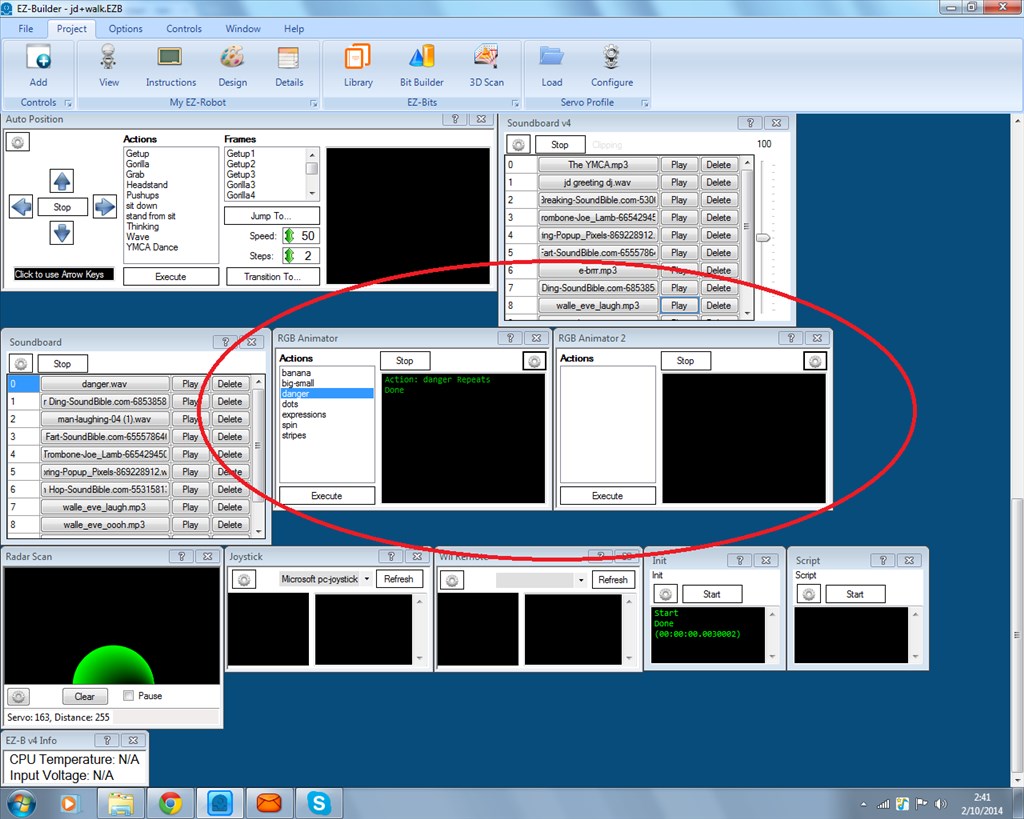
but bolt do desame.aldo i can choose two rgb and rgb 1 in ARC
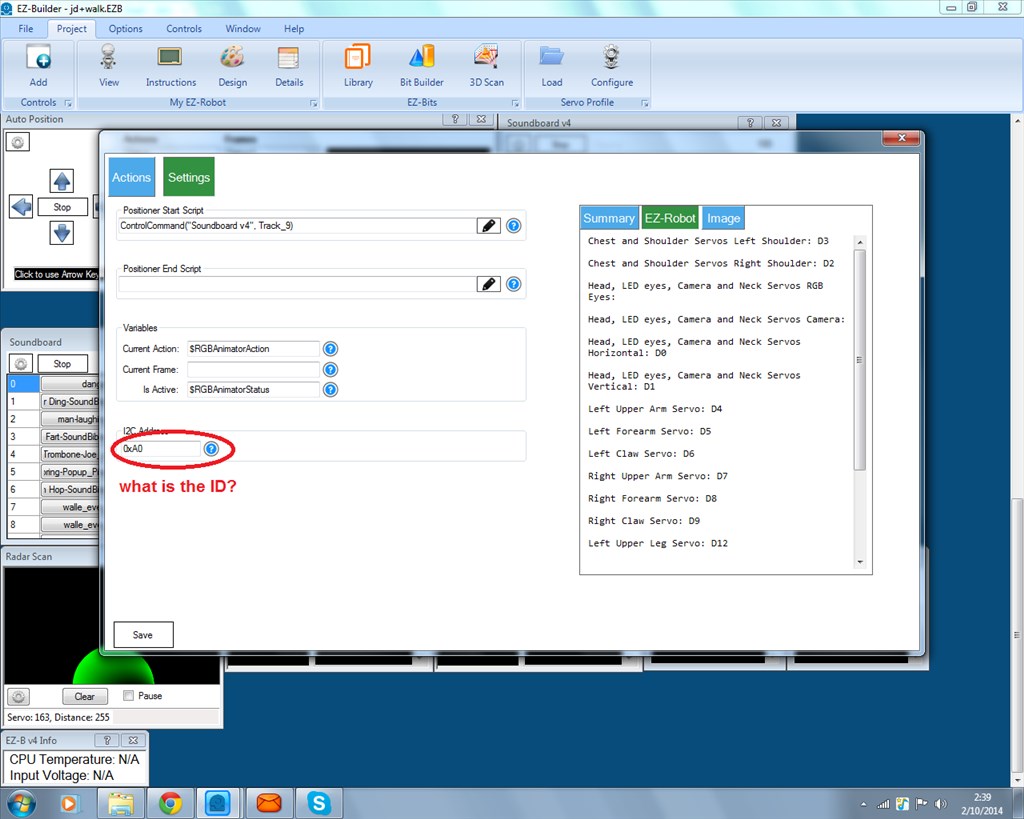
If you want them to work independent of each other you will need to change the I2C address of one of them and then change the I2C address in the settings of the RGB animator to the new I2C address.
As far as I know (and I haven't looked recently so it may have been changed) the information to change the I2C address of the RGB animators has not been given yet, if it hasn't been you will need to wait for EZ-Robot to provide details.


 Resolved by Rich!

You've got the ports right but I'm not sure of the hex ID codes.
hi i wanna use the eyes&rgb. i think the ARC needs to know where its plugged in.
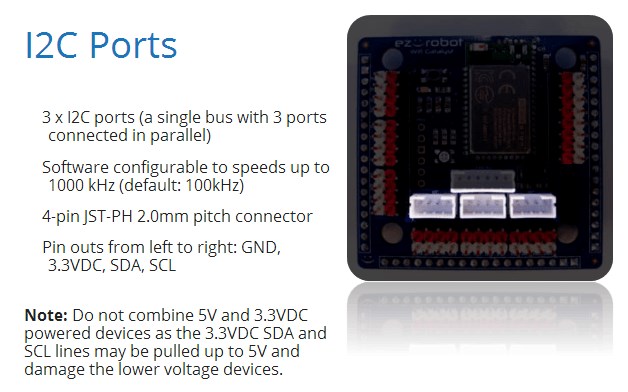
All 3 ports are I2C prts, the port itself doesn't have a number or name but the device has an address.
Some I2C devices can have their address changed, usually done by sending it a command.
I don't know about the EZ robot rgb leds though. But connect it and by default itll probably copy JDs eyes.
hi rich
i did connect bolt and they work bolt. i was thinking to work whit diff settings. excample eyes green and rgb on chest red. but bolt do desame.aldo i can choose two rgb and rgb 1 in ARC
If you want them to work independent of each other you will need to change the I2C address of one of them and then change the I2C address in the settings of the RGB animator to the new I2C address.
As far as I know (and I haven't looked recently so it may have been changed) the information to change the I2C address of the RGB animators has not been given yet, if it hasn't been you will need to wait for EZ-Robot to provide details.
ah okay rich
thank you
There is a control to change the i2c address of the RGB - but it's so funny because I forget where I put it! I will get back to you soon
i forget things that i read few sec ago.
thank you dj