(Autonomous Robot Control Software)
Make robots with the easiest robot programming software. Experience user-friendly features that make any robot easy to program.
Change Release Notes
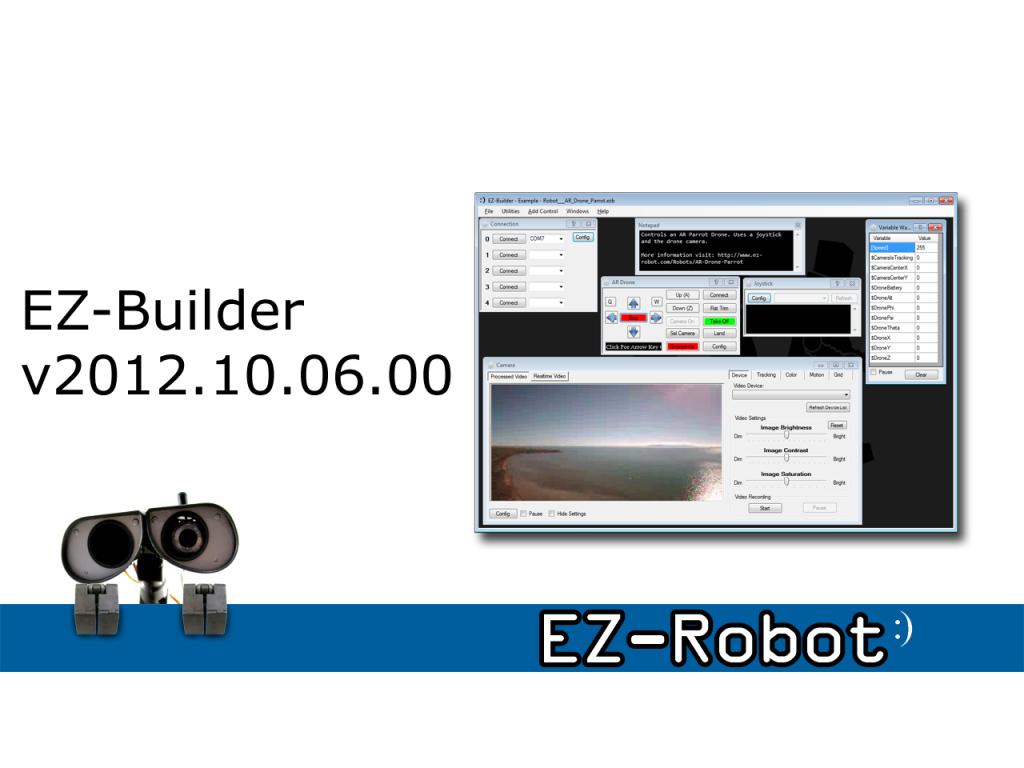
Video Recording, Multiple Joysticks, Video Overlay, and more! Welcome to a fantastic new release of ARC! There are many new features in this release to keep you busy. The video recording is one of my personal favorites - allowing you to begin recording by a speech command or touch of a button to capture moments with your robot.
- Now updated to use .Net 4 Framework
- Video Overlay of custom text and EZ-Script variables
- New color tracking (faster and smoother)
- AR Parrot Drone selectable cameras
- AR Parrot Drone real-time navigation data
- Unlimited number of joystick controls
- Twitter Camera Image Update is faster and uses seperate thread while uploading
- Brookstone Rover Camera fix for slower AMD processors
- Camera Object Tracking information available as EZ-Script Variable
- New Examples (Auto connect at specific time, Camera Overlay, AR Parrot Drone, Camera Recording By Script)
- Video Recording includes customizable auto title
- Video Recording (Start/Stop/Pause)
- Video Recording EZ-Script Commands (start, stop, pause, toggle, etc)
- Video Recording Encoding Codec (mpeg4, wmv, avi, etc.)
- New EZ-Script $time constant (added to other constants, check EZ-Script manual)
- New AR Parrot Done EZ-Script command (DroneEmergency)
- Speech Recognition pauses when speaking
- Camera Image Snapshot has adjustable compression quality
- Camera Image Snapshot is now higher resolution
Enjoy!
ARC Downloads
ARC
FREE
$0
always free
- 1 third-party plugin skill per project
- Trial cloud services
- Personal, DIY & education use
- Updated every 6–12 months
 Download
Recommended
ARC
PRO
$8.99
per month
- Use on 2+ PCs simultaneously
- Unlimited robot skills
- Cloud backup & revision history
- Weekly features & bug fixes
- Business use permitted
ARC
RUNTIME
$0
always free
- Load & run any ARC project
- Read-only mode
- Unlimited robot skills
- Includes early access fixes & features
- Minimum requirements: Windows 10 or higher, 2 GB RAM, 500 MB free disk space.
- Recommended: Windows 10 or higher, 8 GB RAM, 1 GB free disk space.
- Prices are in USD.
- ARC Free known issues: view here.
- More about each edition: Download & install guide.
- Latest changes: Release notes.
Compare Editions
| Feature |
ARC
FREE
|
ARC
PRO
|
|---|---|---|
| Get ARC Free | View Plans | |
| Usage | Personal · DIY · Education | Personal · DIY · Education · Business |
| Early access to new features & fixes | — | ✓ |
| Simultaneous microcontroller connections * | 1 | 255 |
| Robot skills * | 20 | Unlimited |
| Skill Store plugins * | 1 | Unlimited |
| Cognitive services usage ** | 10 / day | 6,000 / day |
| Auto-positions gait actions * | 40 | Unlimited |
| Speech recognition phrases * | 10 | Unlimited |
| Camera devices * | 1 | Unlimited |
| Vision resolution | max 320×240 | Unlimited |
| Interface builder * | 2 | Unlimited |
| Cloud project size | — | 128 MB |
| Cloud project revision history | — | ✓ |
| Create Exosphere requests | — | 50 / month |
| Exosphere API access | — | Contact Us |
| Volume license discounts | — | Contact Us |
| Get ARC Free | View Plans |
* Per robot project
** 1,000 per cognitive type: vision recognition, speech recognition, face detection, sentiment, text recognition, emotion detection, azure text to speech

Upgrade to ARC Pro
Stay at the forefront of robot programming innovation with ARC Pro, ensuring your robot is always equipped with the latest advancements.
The download is currently offline while I fix a bug in the installer
Okay, the file is back up. Sorry for the delay
Installed and running fine. Looking forward to experimenting with dual cameras. Thank you, again, and have a Happy Thanksgiving.
In the Latest Version you change the Default install folder from "EZ-Robot" to "EZ-Robot Inc" This leaves the old version of EZ-Robot in place and Desktop Icons may still point to Old "EZ-Robot" folder not the new "EZ-Robot Inc" Folder. Very Confusing. Download of new version also seems really slow too.
There seems to be a problem in the Last couple of version that disconnect the "Ping Radar Control" from the "Custom Movement Panel". I believe this was working in an older version. The "Ping Radar Control" works with the "Movement Panel" but not the "Custom Movement Panel".
@RobertL184, thanks for your feedback. The directory has changed, correct. The download may appear slow because the setup file is much larger. Downloading installation files is not a function of ARC. Please consult your internet provider for internet speed related issues.
I do not understand your second paragraph regarding movement panels. If you expand in greater detail, perhaps i can help you.
Thank you DJ. I also reinstalled and every thing working great so far. I never seen a product that works so great and a person so dedicated as DJ Sures.
Thank you DJ!
love updates is there one for WiFi in the future
I have a rover 5 chassis with their motor controller/quadrature encoder board and have ez-robot as the controller. I was using the sonar ping sensor "ping radar control" with the original "movement panel".
When the "ping radar control" would detect that the robot was too close to a object the robot would stop and turn with the original "movement panel".
I switched over to a "custom movement panel" so I could get speed control. With the standard "movement panel" I had to program the speed into the movement scripts.
The "ping radar control" does not make the robot stop and turn with the "custom movement panel". I thought it worked when I first switched over to the "custom movement panel", but I am not 100% sure.
Movement scripts are identical between "movement panel" and "custom movement panel" except for $speed variable is substituted for a number in the "custom movement panel" movement scripts.
I switched back to the original "movement panel" and the robot stops and turns when the robot is too close.
So it looks to me like the "ping radar control" is not treating the "custom movement panel" the same as a the original "movement panel" as would expect it to.
The "custom movement panel" was a great enhancement DJ but I suspect there is a small bug in the code. I have not tried camera control with the "custom movement panel".