
Change Release Notes
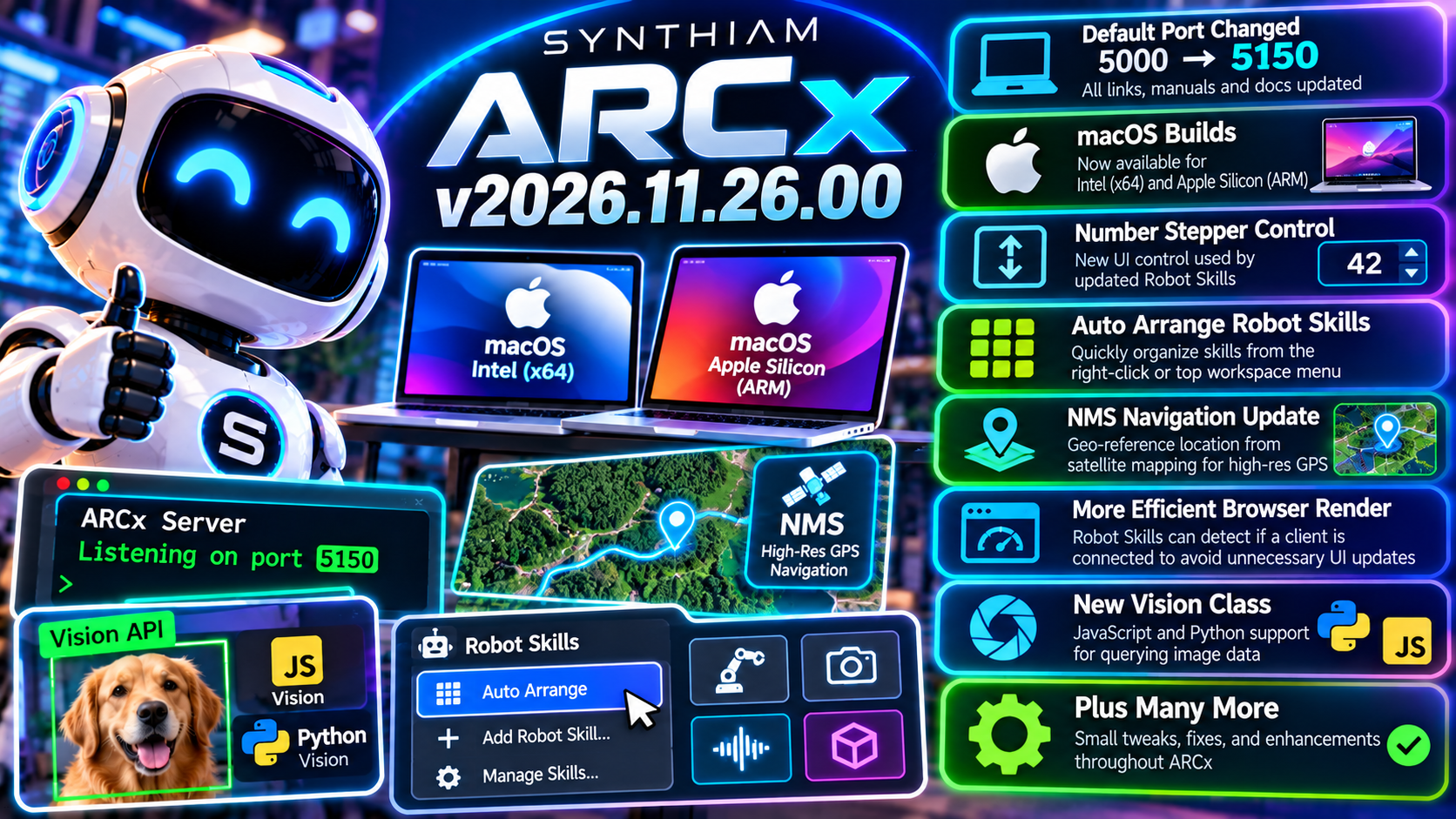
Changed the default ARCx port from 5000 to 5150. All internal links, manuals, documentation, and related references have been updated accordingly.
Added downloadable macOS builds for both:
- Intel 64-bit Macs
- Apple Silicon / ARM Macs
Added a new Number Stepper user control, now used by several updated Robot Skills for cleaner and more consistent numeric input.
Added an Auto Arrange Robot Skills option, available from both the workspace right-click menu and the top workspace menu.
Updated the Navigation and Mapping Service (NMS) with geo-reference support using satellite mapping data, enabling more accurate high-resolution GPS-based navigation.
Improved browser rendering efficiency. Robot Skills can now detect whether a browser client is connected, avoiding unnecessary updates to UI variables, objects, and visual elements when nobody is viewing the interface.
Added a new Vision class for both JavaScript and Python, making it easier for scripts to query and work directly with image data.
Included many additional small fixes, refinements, and quality-of-life improvements throughout ARCx.
Download ARCx
Install ARCx on the computer that runs your robot — from a first prototype to a commercial product or an industrial cell. Available for Windows 64-bit, Linux 64-bit, Linux ARM64 for Raspberry Pi (Ubuntu 24.04 LTS 64-bit), and macOS for Apple Silicon and Intel Macs.
Linux
Ubuntu, Debian & friends
64-bit (x64) (zip)
Raspberry Pi
Single board computers
Linux ARM64 (zip)
Requires Ubuntu 24.04 LTS (64-bit)
ARCx is always evolving. Follow along in the community for updates.
Follow ARCx development Download ARC today
Upgrade to ARC Pro
Get access to the latest features and updates before they're released. You'll have everything that's needed to unleash your robot's potential!