

Change Release Notes
This ARCx update is packed with improvements behind the scenes that make everyday robot development feel faster, cleaner, and more reliable.
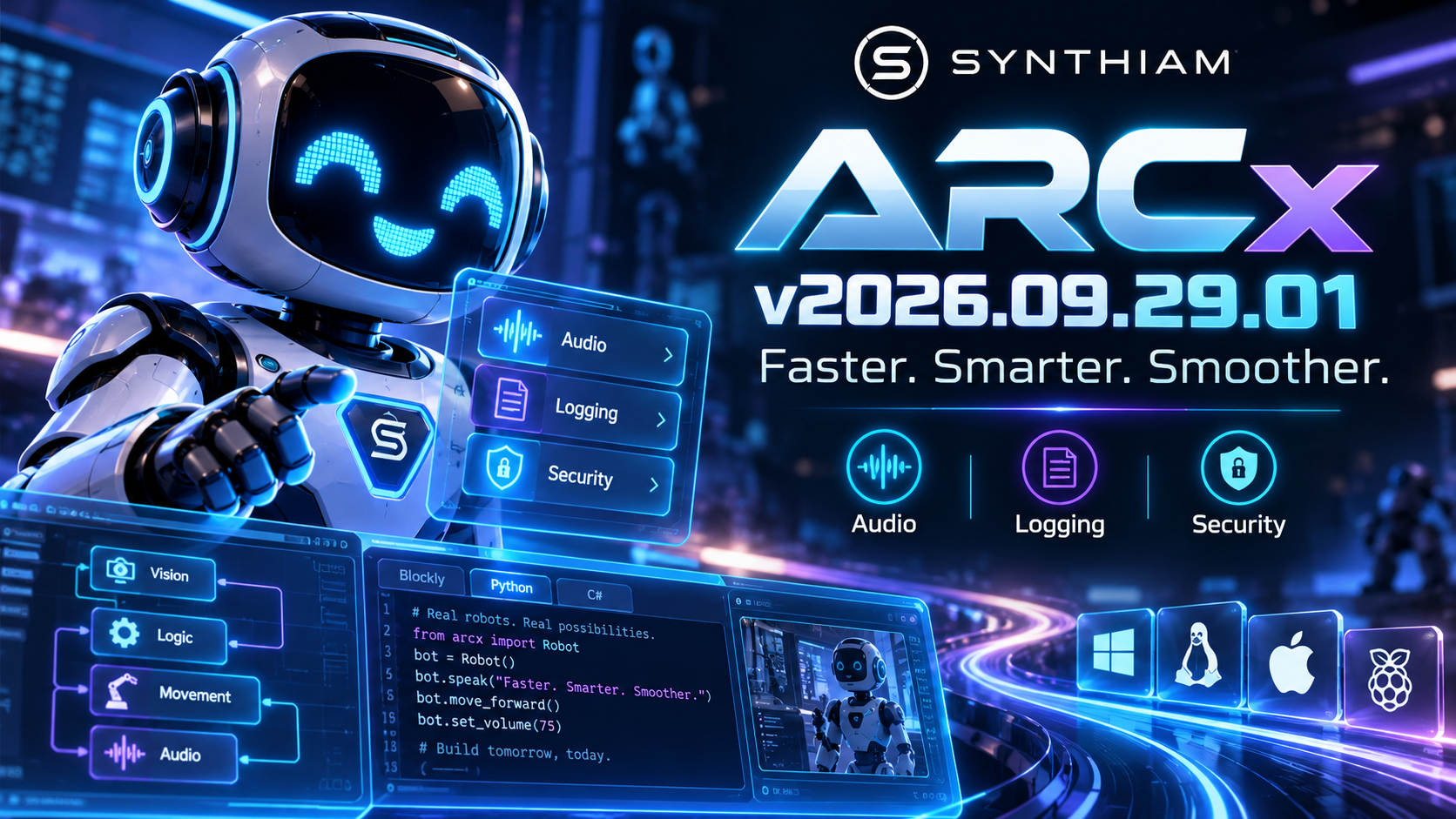
From smarter audio resource management and stronger logging to smoother project creation and more secure robot skill downloads, v2026.09.29.01 continues polishing the foundation of ARCx across Windows, Linux, and Raspberry Pi.
Smarter Audio Management
ARCx now does a better job managing its audio resources.
Microphone input and audio output streams can now be parked when they aren't being used, reducing unnecessary CPU activity while keeping them ready when your robot needs them.
We've also standardized the internal input and output sample-rate handling, making audio behavior more predictable throughout ARCx.
Less wasted work. More resources for your robot.
Smoother Project Creation
Creating a new project is now asynchronous.
That might sound like an internal change, but the result is simple: ARCx stays responsive while a new workspace is being prepared.
We've also improved what happens immediately after creating an account or signing in. ARCx now initializes the new workspace asynchronously and makes sure the required default Robot Skills are available before you start building.
No awkward first-run surprises. Just sign in and start creating.
More Secure robot skill Downloads
Robot Skill downloads now have stronger authentication behind them.
Plugin requests include account authentication information, and ARCx verifies that a user is signed in before attempting to download Robot Skills.
This makes the robot skill workflow both cleaner and more secure.
ARCx Now Shuts Down Like It Means It
Nobody likes an application that decides shutting down is optional.
ARCx now includes a new shutdown watchdog that monitors the shutdown process and prevents a misbehaving component from leaving the application hanging indefinitely.
When you tell ARCx to exit, ARCx exits.
Much Better Logging
ARCx's logging system has been expanded beyond application-specific messages.
Logs generated by ASP.NET Core and other framework components can now flow directly into ARCLog alongside ARCx's own diagnostic information.
That includes important events such as server errors and Blazor circuit failures that previously may only have appeared in the console.
The result is significantly better visibility when diagnosing those wonderfully mysterious problems that only happen when nobody is watching.
Cleaner Script Editing
Script editor groups now begin collapsed by default.
Instead of opening an editor filled with every available section expanded, ARCx gives you a cleaner workspace where you can open only the tools you need.
A small change that makes larger scripting sessions much nicer.
Friendlier Project File Handling
JavaScript and Python project utilities are now smarter about filenames.
When a project filename is provided without its extension, ARCx can automatically add it. Bare filenames are also resolved against the default project directory.
That means scripts can be simpler and more portable without constantly worrying about full paths or extensions.
Linux & Raspberry Pi Documentation Improvements
We've also updated the Linux and Raspberry Pi installation documentation to better explain display-server requirements.
ARCx can continue running headless, while an X server only needs to be started when something actually requires a graphical display.
Perfect for robots that don't spend their day staring at a monitor.
Under-the-Hood Cleanup
Several internal services received some housekeeping as well, including simplified plugin Manager dependencies and updated project components.
These aren't the flashy changes, but they're the kind that keep ARCx easier to maintain, faster to evolve, and ready for what's coming next.
ARCx v2026.09.29.01 is another round of polishing the platform underneath your robots - reducing unnecessary resource usage, improving reliability, tightening security, and smoothing out the development experience.
Build something awesome.
Download ARCx
Install ARCx on the computer that runs your robot — from a first prototype to a commercial product or an industrial cell. Available for Windows 64-bit, Linux 64-bit and Linux ARM64 for Raspberry Pi (Ubuntu 24.04 LTS 64-bit).
Linux
Ubuntu, Debian & friends
64-bit (x64) (zip)
Raspberry Pi
Single board computers
Linux ARM64 (zip)
Requires Ubuntu 24.04 LTS (64-bit)
ARCx is always evolving. Follow along in the community for updates.
Follow ARCx development Download ARC today
Upgrade to ARC Pro
Get access to the latest features and updates before they're released. You'll have everything that's needed to unleash your robot's potential!