
Change Release Notes
This update fine-tunes ARC with better error handling, smarter logging, a new Audio Manager, and a safeguard against overwriting example projects. If you've ever wanted your robot to speak with advanced text-to-speech engines, this is the update for you.
Auto Position Errors Now Log to Their Own Log
For years, Auto Position errors have been politely knocking on the ARC system log’s door, hoping someone would notice them among the chaos of other messages. No more. Now, these errors will be logged directly to the Auto Position log, where they belong. This makes it easier to troubleshoot servo positioning and movement sequences without wading through an ocean of unrelated system messages.
If Auto Position errors could talk, they’d probably say, "Finally, some respect."
Protecting Example Projects from Accidental Overwrites
Have you ever loaded an example project, made some changes, then instinctively hit save - only to realize you just overwrote the original example? Of course, you have. We all have. It’s basically a rite of passage.
Now, if you try to save changes to an example project, ARC will automatically use "Save As" instead, protecting the original example from being permanently altered. Think of it as a safety net for those moments when your fingers move faster than your brain.
More Helpful Errors for Outdated Robot Skills
In the past, adding an outdated robot skill sometimes resulted in cryptic error messages, silent failures, or worse-no message at all, leaving you to wonder if you did something wrong or if ARC just decided to take the day off.
Now, if you try to add a robot skill that is outdated, ARC will log a clear, helpful message in the main ARC log. This serves as a reminder that both ARC and the robot skill itself should be updated to avoid compatibility issues.
It’s the software equivalent of a friendly mechanic saying, "Your oil change is overdue, and your tires are about to explode." You might not want to hear it, but you need to.
ARC Audio Tools - Custom Voice Engines for Your Robot
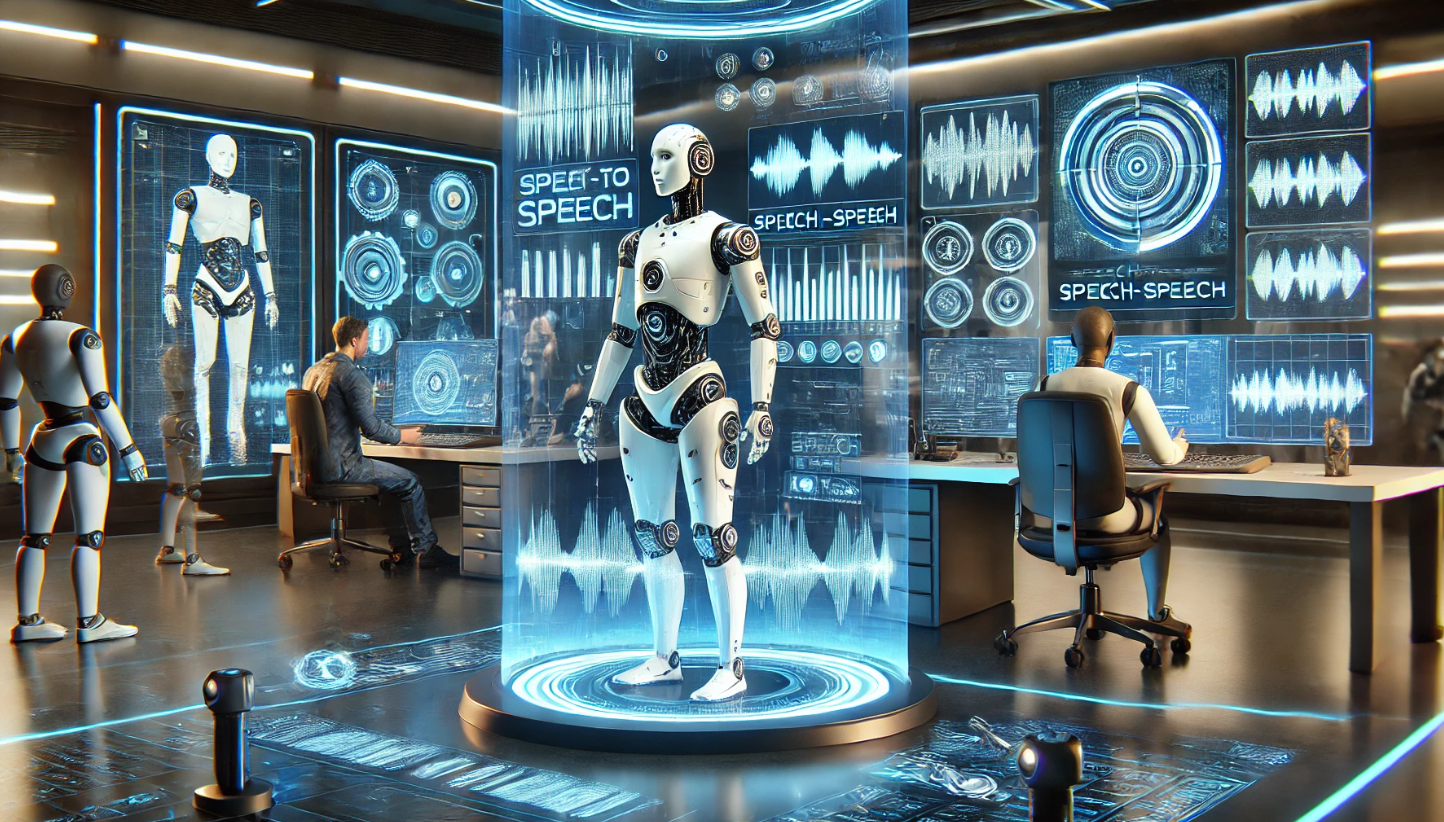
This is the big one. The brand-new ARC now includes an AudioManager, which allows robot skills to override ARC’s built-in Audio.say(), Audio.sayEZB(), Audio.sayWait(), and Audio.sayEZBWait() script commands.
What does this mean? It means robot skills, like Azure Text-To-Speech, can now seamlessly integrate with scripting commands, allowing for advanced, natural-sounding speech synthesis without needing to use ControlCommand() . Robot projects that use the Audio.say() commands can easily transition to use a more advanced speech synthesis by simply adding the robot skill.
Before this, if you wanted a custom text-to-speech system, you had to wrestle with various scripting tricks, sacrifice a few lines of code to the programming gods, and hope for the best. Now, the AudioManager makes it effortless to swap out ARC’s default speech engine for something more advanced, without breaking existing scripts.
This means your robot can now speak with the voice of a high-end AI rather than the default speech synthesis. Whether you want your bot to sound like a futuristic AI assistant, a dramatic movie trailer voice, or just a slightly more enthusiastic version of itself, the power is now in your hands.
What Do You Think?
This update makes ARC smarter, safer, and more flexible. Better logging means easier troubleshooting, smarter saving protects your example projects, outdated robot skills get a clear warning, and robots finally get access to next-level speech synthesis.
If your robot could thank us, it would. But thanks to this update, it can.
ARC Downloads
ARC
FREE- 1 third-party plugin skill per project
- Trial cloud services
- Personal, DIY & education use
- Updated every 6–12 months
 Download
ARC
PRO- Use on 2+ PCs simultaneously
- Unlimited robot skills
- Cloud backup & revision history
- Weekly features & bug fixes
- Business use permitted
ARC
RUNTIME- Load & run any ARC project
- Read-only mode
- Unlimited robot skills
- Includes early access fixes & features
- Minimum requirements: Windows 10 or higher, 2 GB RAM, 500 MB free disk space.
- Recommended: Windows 10 or higher, 8 GB RAM, 1 GB free disk space.
- Prices are in USD.
- More about each edition: Download & install guide.
- Latest changes: Release notes.
Compare Editions
| Feature |
ARC
FREE
|
ARC
PRO
|
|---|---|---|
| Get ARC Free | View Plans | |
| Usage | Personal · DIY · Education | Personal · DIY · Education · Business |
| Early access to new features & fixes | — | ✓ |
| Simultaneous microcontroller connections * | 1 | 255 |
| Robot skills * | 20 | Unlimited |
| Skill Store plugins * | 1 | Unlimited |
| Cognitive services usage ** | 10 / day | 6,000 / day |
| Auto-positions gait actions * | 40 | Unlimited |
| Speech recognition phrases * | 10 | Unlimited |
| Camera devices * | 1 | Unlimited |
| Vision resolution | max 320×240 | Unlimited |
| Interface builder * | 2 | Unlimited |
| Cloud project size | — | 128 MB |
| Cloud project revision history | — | ✓ |
| Create Exosphere requests | — | 50 / month |
| Exosphere API access | — | Contact Us |
| Volume license discounts | — | Contact Us |
| Get ARC Free | View Plans |
* Per robot project
** 1,000 per cognitive type: vision recognition, speech recognition, face detection, sentiment, text recognition, emotion detection, azure text to speech

Upgrade to ARC Pro
Become a Synthiam ARC Pro subscriber to unleash the power of easy and powerful robot programming