
Why teach robotics?
Robotics is one of the most effective ways to teach computational thinking, engineering, and artificial intelligence, because students see their code move in the real world. The barrier has always been complexity — expensive kits, brittle wiring, and programming environments built for engineers rather than learners.
Synthiam removes that barrier. With the free ARC-Lite app and the ARC platform, students drag, drop, and see their robot respond — building confidence before they write a single line of code, then growing into Blockly, JavaScript, and Python as they advance.
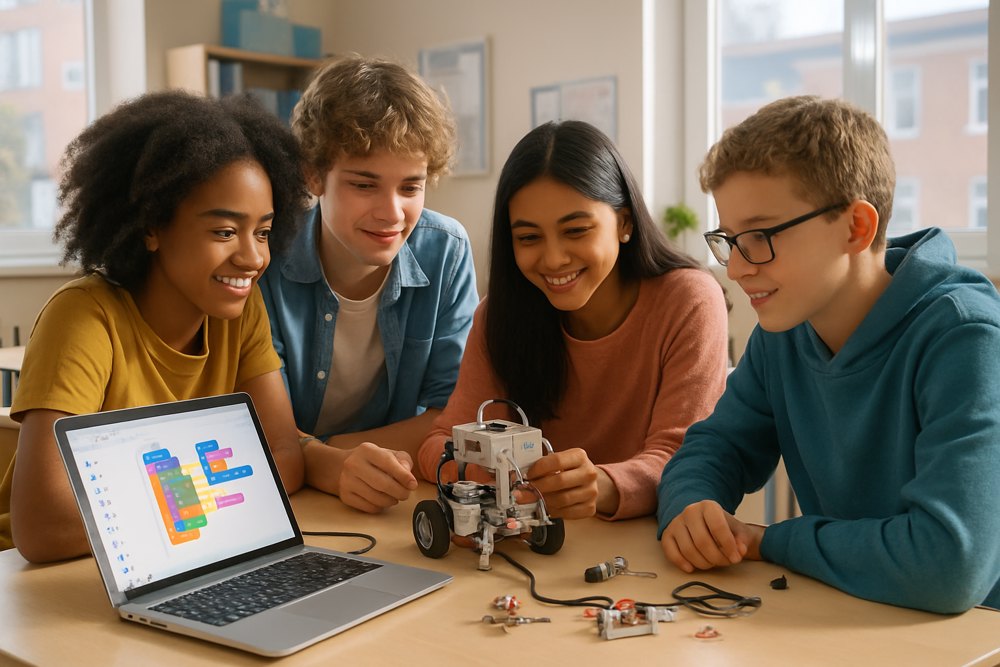
Robotics education for every level
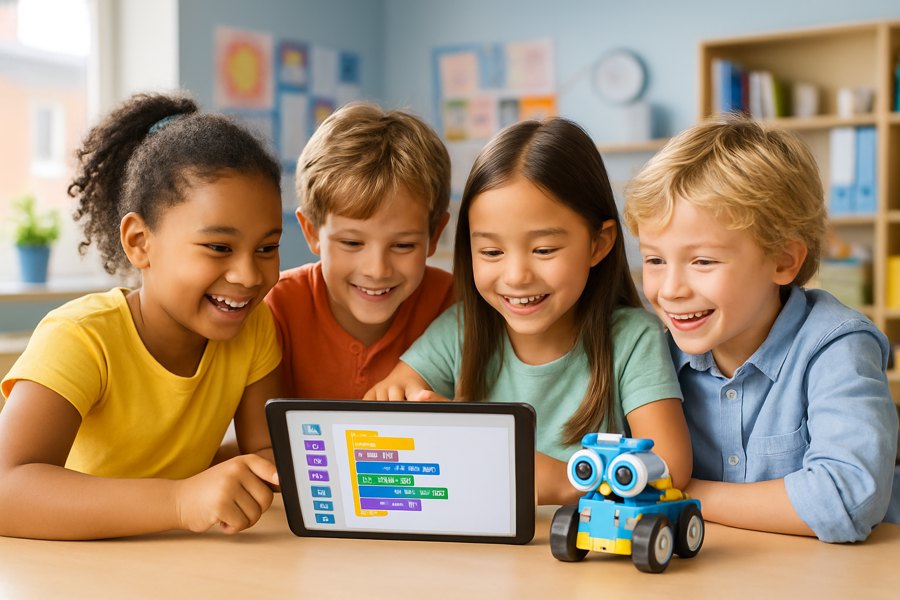
K-12 Classrooms
Free, guided activities teach computational thinking through real robot projects. Students use Blockly and RoboScratch to program robots visually — perfect for ages 5 to 18 with no coding experience.
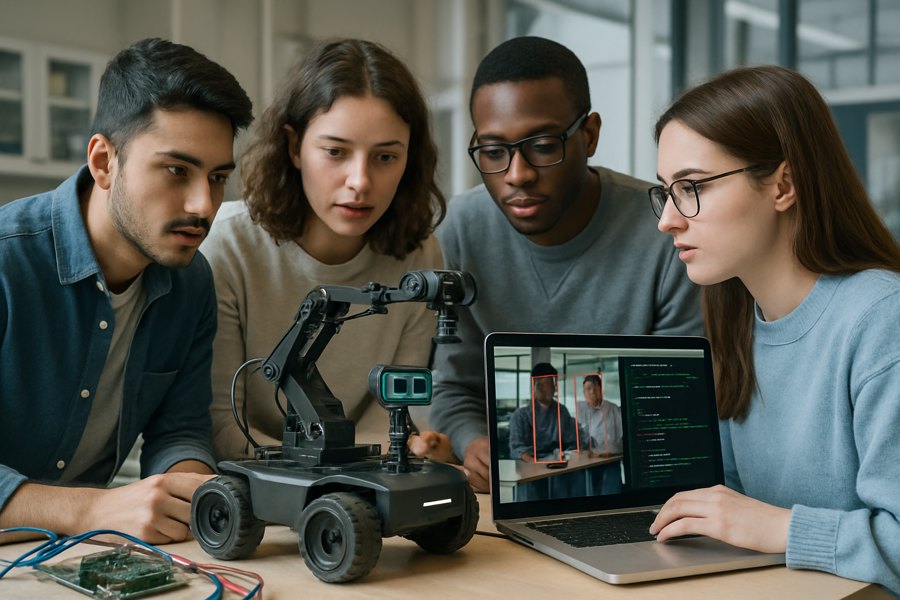
Universities & Colleges
Advanced courses use ARC Pro for computer vision, machine learning, and autonomous navigation. Students apply theory to real hardware — Arduino, Raspberry Pi, ESP32, and commercial robot platforms.
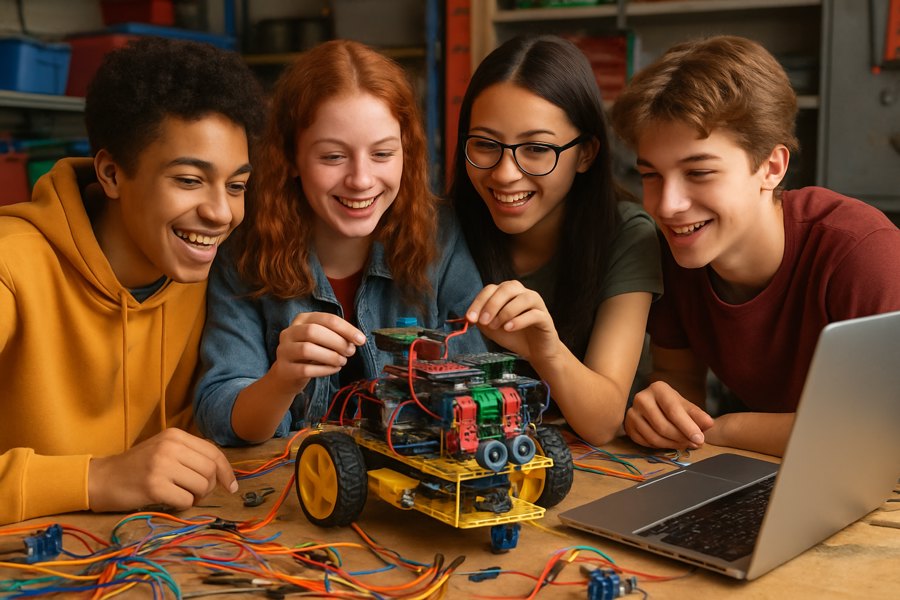
Clubs, After-School & Home
Robotics clubs, competition teams, and home learners prototype quickly and focus on creativity instead of low-level firmware. Everything runs on hardware you already have, including phones and Chromebooks.
How to start teaching robotics
Install free software
Download ARC-Lite on classroom tablets, Chromebooks, or PCs — no cost and no license setup to get started.
Pick your hardware
Use affordable, widely available controllers like Arduino, ESP32, and Raspberry Pi, or a supported classroom robot. See supported hardware.
Follow guided lessons
Start with built-in activities and step-by-step tutorials so students build a working robot in the first session.
Grow into code & AI
Progress from visual Blockly to JavaScript and Python, then add computer vision, speech, and AI skills as students advance.
What students learn
Coding & computational thinking
Sequencing, logic, loops, and problem-solving — first visually with Blockly, then in real languages like JavaScript and Python.
Artificial intelligence
Hands-on experience with computer vision, speech recognition, and large language models applied to a physical robot.
Engineering & electronics
Connecting sensors, servos, and controllers teaches how software and hardware work together in real systems.
Collaboration & creativity
Students design, test, and iterate as teams — sharing projects with a worldwide community of robot builders.
Support for educators
Schools, clubs, and educators can access volume licensing and grant assistance to bring ARC Pro into advanced courses. Learn more on the schools, clubs & educators program page, or contact us to talk through your classroom.
Bring robotics to your classroom
Get the free ARC-Lite app and start teaching robots, coding, and AI today — no robotics background required.
Get ARC-Lite Free Explore School Programs