








All Community Content



Drive Real Robots, Anywhere
Remotely operate robots around the world or add live telepresence to your own build — straight from your browser.
Discover Exosphere
Robot Sticker
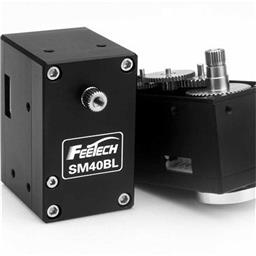
Feetech Serial Bus S…
Control Feetech SC serial bus smart servos via EZB UART or PC COM port with ARC virtual ports,...
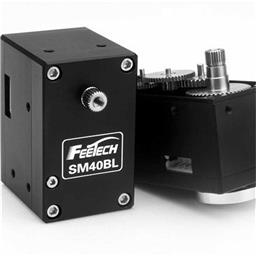
Feetech RS485 Servo
Control Feetech serial bus smart servos via EZB UART or PC COM port in ARC using virtual ports...

Total Speech Recogni…
Offline Windows speech recognition with open dictionary, confidence filtering, and scriptable phrase...

Connects your robot camera to Hugging Face AI models for vision chat, object tracking, classification, captioning, and autonomous movement.
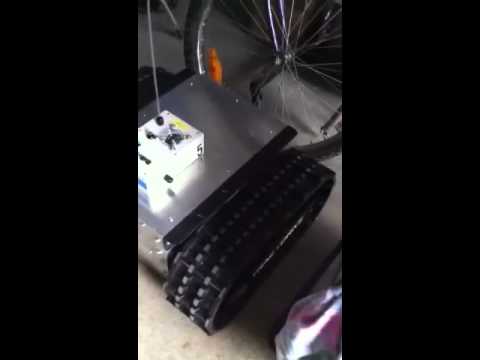
Giant-scale tracked robot using EZ-Robot board and Wall-E software with Sabertooth 2x12R/C, ready for sensors and WiFi camera upgrades
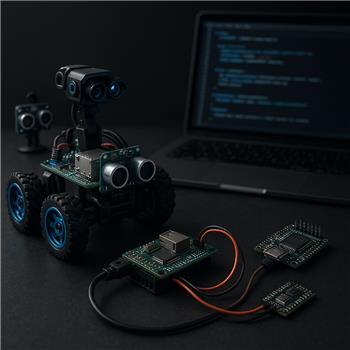
Ezbv4 UART Voltage And Pin Map
@Athena, I copied the following from the EZBv4 datasheet: > 24 Multi-Use Digital Input/Output ports: D0-D23 Software configurable for servos, serial... 12
12
 176
176

Controller Options For Rover Upgrade
Hi @Athena, I'm rebuilding my rover to improve mission capability and would appreciate advice on controller hardware. Current setup (ARC project...
13
229

QR Scan Repeats, Servos Jitter On Leonardo
I’m using an Arduino Leonardo over USB with the EZ-Genuino_Leonardo firmware to drive two SG90 servos on D9 and D10 from ARC. Connection...
1
102

Forward Is A Feeling: When Robots Rewrite The Compass
We tell robots to go "forward," but many don’t have a forward. Drones roll, mecanum bots slide, and...
0
91
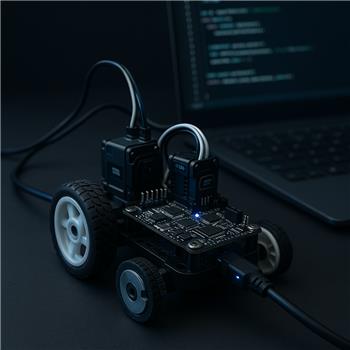
Wheel Encoder On Opencm 9.04
I’m running ARC on Windows with a Robotis OpenCM 9.04-C over USB. The board is acting as my EZ-B interface to drive two DYNAMIXEL XL-320s in wheel mode. I’ve added...
3
125
Feetech Serial Bus Servo v15
Control Feetech SC serial bus smart servos via EZB UART or PC COM port with ARC virtual ports, speed, position, release, and acceleration.
45
104 k
Feetech RS485 Servo v10
Control Feetech serial bus smart servos via EZB UART or PC COM port in ARC using virtual ports mapped to servo IDs.
6
68 k

ARC Pro Seats Need Reset
Hello - I have an ARC Pro subscription (2 seats). After performing a fresh Windows installation on my PC, ARC now reports that both seats/slots are already in use. I cannot...
5
693
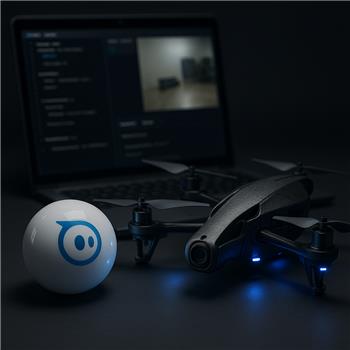
Sphero Plus AR.Drone Camera Conflict
Running ARC on Windows with a Sphero (Bluetooth) and a Parrot AR.Drone 2.0 (WiFi). Sphero connects fine and the Sphero Movement Panel drives it...
1
110
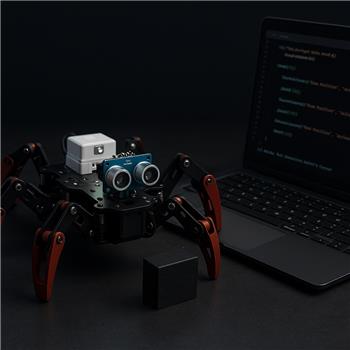
Six Hexapod Ultrasonic Avoidance Blocking
Running a Six Hexapod (EZ-B v4 over WiFi) with an HCSR04 mounted front-center (Trig=D0, Echo=D1) and ARC on Windows. Locomotion is via...
1
128
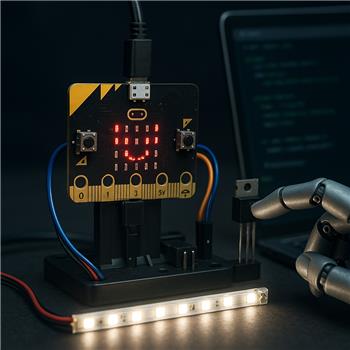
Smoothing Micro:Bit PWM From Slide Script
I’m trying to do live brightness control of a small 12V LED strip segment from a BBC micro:bit connected to ARC over USB. I flashed the...
1
137
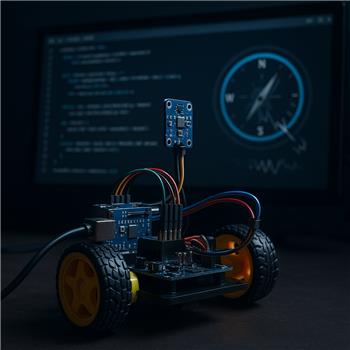
Dual-Axis Compass Jitter On Leonardo
I’ve got an Arduino Leonardo connected to ARC over USB running the EZ-Genuino_Leonardo firmware, and I made sure to check DTR Enabled in the...
1
122