









Robot Tutorials


Drive Real Robots, Anywhere
Remotely operate robots around the world or add live telepresence to your own build — straight from your browser.
Discover Exosphere
Gaming Mouse Pad

Total Speech Recogni…
Offline Windows speech recognition with open dictionary, confidence filtering, and scriptable phrase...

Hugging Face
Connects your robot camera to Hugging Face AI models for vision chat, object tracking,...

Autonomous AI
Autonomous AI robot agent with vision, speech, movement, animations, memory, and self-directed task...
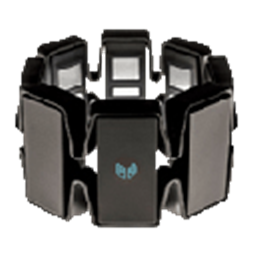
Map Myo armband gestures and accelerometer to servos and ARC scripts for arm-mimic control; supports multiple armbands.
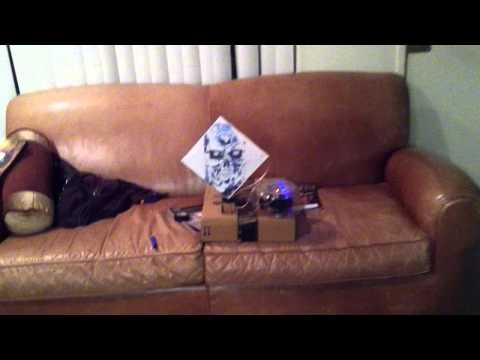
Control Target Bot in Synthiam ARC: EZ-Script moves D7 servo, reads D8 switch (GND+Signal, no resistors), triggers hit routine and 'Nice Shot'.
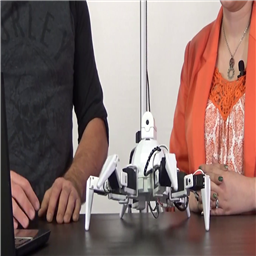
The Robot Program Episode 009: Getting Six To Move
Connect Revolution Six via WiFi, control movement, track the default color, and run Auto Position and Soundboard... 0
0
 35 k
35 k
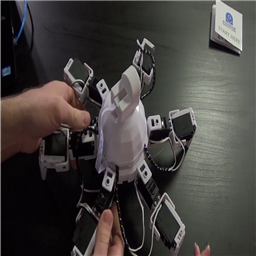
The Robot Program Episode 008: Building Six
Build the Revolution Six robot: download EZ-Builder, follow step-by-step Clip'n'Play EZ-Bit assembly and secure EZ-B Robot Controller...
0
77 k
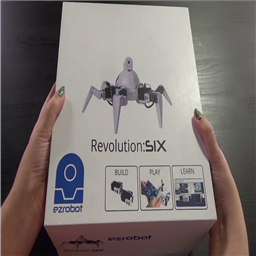
The Robot Program Episode 007: Six Box Contents
Revolution Six robot kit parts, chargers, and Getting Started Guide explained with links to Episode 007 video and further...
0
20 k
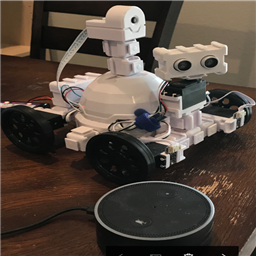
Using Amazon Echo (Alexa) As Microphone For Synthiam
Connect Amazon Echo Dots to EZ-Robot AdventureBot via IFTTT Maker to send HTTP commands for multi-room,...
1
16 k

Synbot Plugin Tutorial - Interface To Syn Bot Software
Install bot software, EZ-Builder Synbot plugin and example SIML project files for robot setup, plugins and...
0
54 k
Speech Recognition Tutorial
Control robots with EZ-Builder speech recognition: setup, control explanations, Windows Speech Recognition training, and practical usage tips.
0
22 k

Posting Pictures In A Forum Thread
Prepare your pictures with correct orientation for robot forum threads to upload polished, great-looking posts.
0
12 k
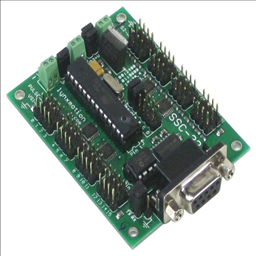
Ssc-32 Servo Control Via Script
Control Lynxmotion SSC-32 servo board with EZ-Script in Synthiam ARC; covers direct EZ-Script use without the EZ-Builder SSC-32 control.
0
4 k
ARC Installation Tips
Troubleshoot Synthiam ARC installation errors, compatibility issues, FAQs and tips for successful setup
0
7 k

3Rd Party Voice Fix After Win10 Anniversary Update
Restore Ivona third-party voice on Windows 10 Anniversary for Synthiam ARC with a simple fix and troubleshooting.
0
8 k
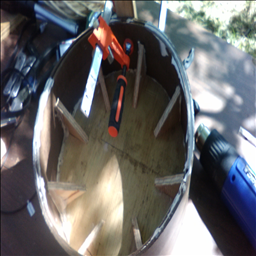
Wheel Building With Basic Power Tools
Build lightweight large robot wheels from plywood and hardboard using common tools (circular saw, jigsaw, clamps, heat gun, hacksaw, drill).
0
17 k
How To: Control Windows Media Player
Control Windows Desktop Media Player with PowerShell scripts and caveats; works for Desktop (not Windows 8 app) - may fail on Windows 10.
0
9 k