
Sketch Pad icon Sketch Pad Script-driven Sketch Pad for ARC: draw shapes, text, lines and faces via controlCommand() to visualize object locations, paths and robot data. Try it →
Tutorial
United Kingdom
YouTube
Published — Updated

Tip120 & Tip122 Transistor Switching Circuit

Step 8 of 12
Step 6.

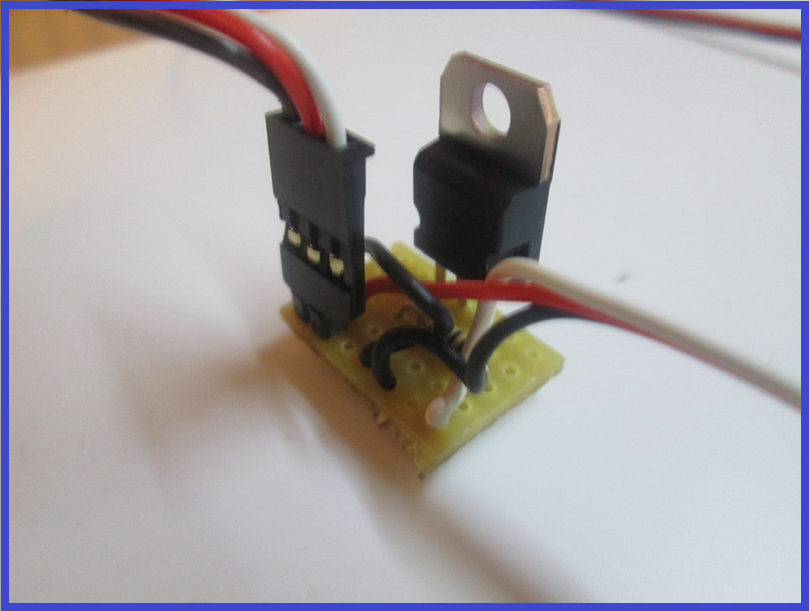
10.) Job done. Plug the servo Extension in to a Digital port on the EZB and connect the circuit that needs switching to the Pin Header, I do this with another servo Extension (as I have hundreds of them).

User-inserted image

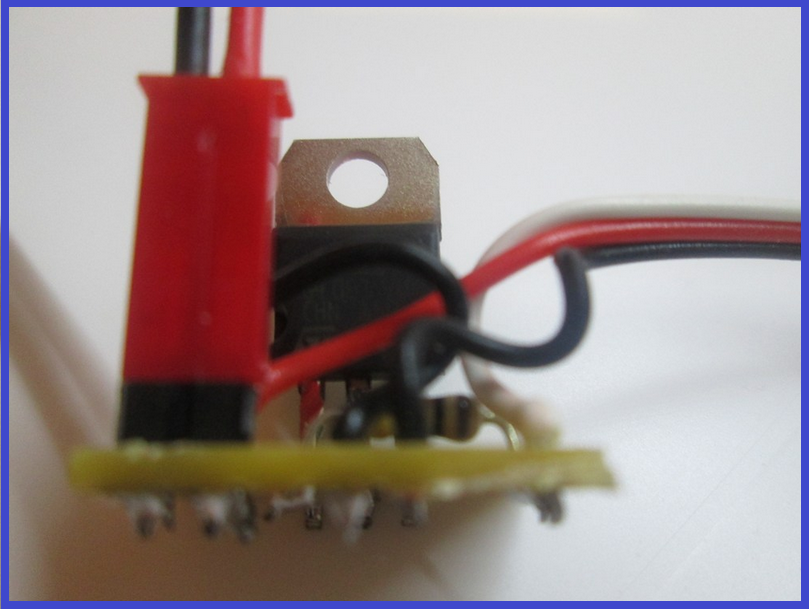
Or a JST connector works very well also...

User-inserted image


ARC Pro

Upgrade to ARC Pro

Subscribe to ARC Pro, and your robot will become a canvas for your imagination, limited only by your creativity.