

EZ-B V3 Configuration icon EZ-B V3 Configuration Manage EZ-B hardware settings: edit Bluetooth name and apply updates to restore altered configurations. Try it →
Tutorial
United Kingdom
YouTube
Published — Updated

Tip120 & Tip122 Transistor Switching Circuit

Step 5 of 12
Step 3.

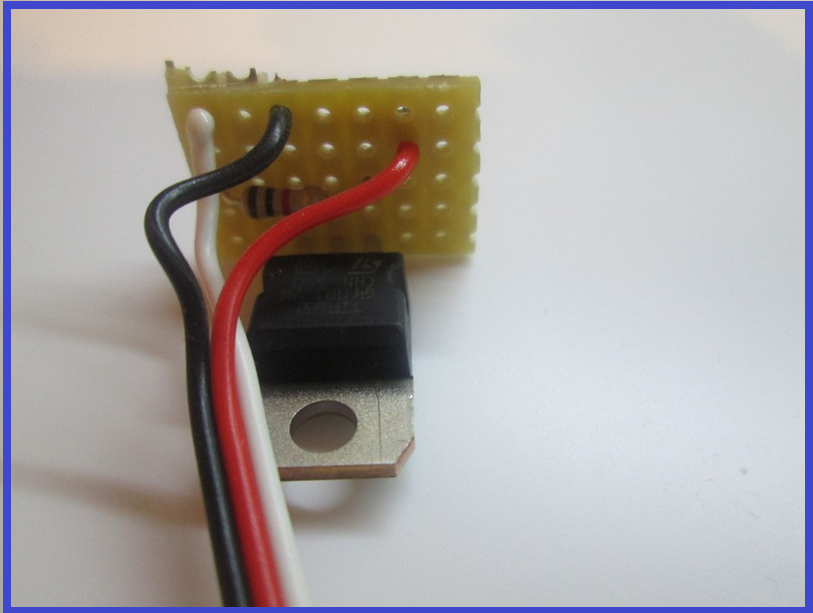
3.) Cut off the end of a servo Extension and strip back the wires.

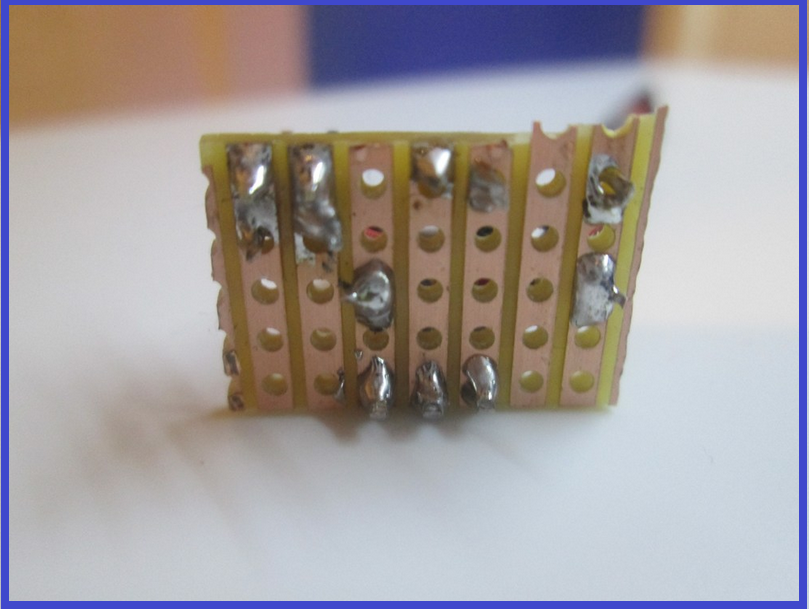
4.) Solder the Black wire of the servo Extension to the strip connected to the Emitter of the transistor.

5.) Solder the White wire of the servo Extension to the strip connected to the end of the resistor (not the transistor end).

6.) Solder the Red wire to a spare copper strip.
User-inserted image

User-inserted image


ARC Pro

Upgrade to ARC Pro

Join the ARC Pro community and gain access to a wealth of resources and support, ensuring your robot's success.