


EZ-B Settings icon EZ-B Settings Configures and pushes WiFi SSID, password, system name and channel to EZ-Robot EZ-B v4 from ARC; saves settings with project for quick redeploy. Try it →
Tutorial
Published — Updated

The Robot Program Episode 022: Detect Face And Wave - EZ-Script

Step 11 of 27
Step 10

Push the green Start button to connect to the camera. The camera will provide peripheral information that will be used within the program.
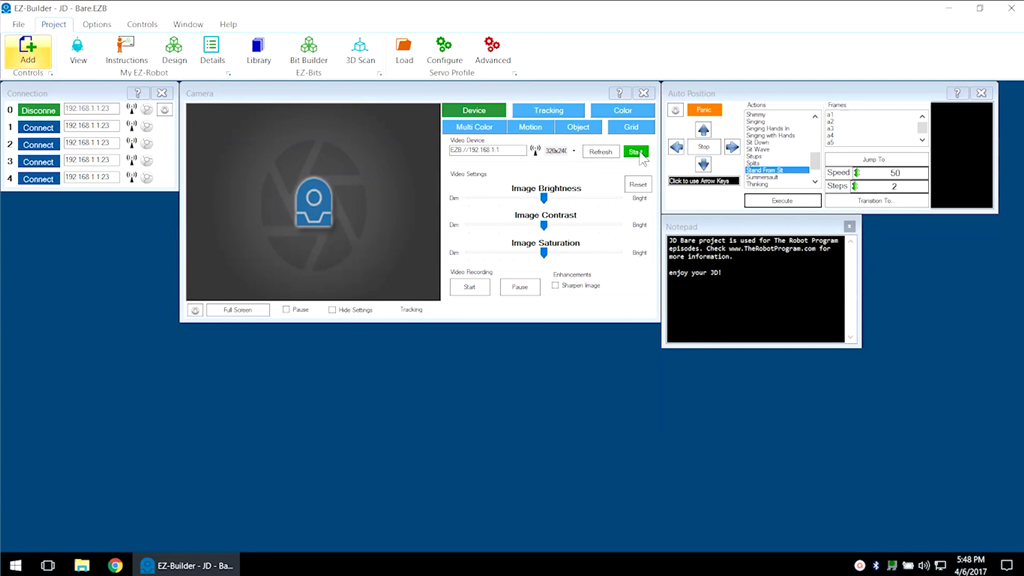

User-inserted image


ARC Pro

Upgrade to ARC Pro

With ARC Pro, your robot is not just a machine; it's your creative partner in the journey of technological exploration.