


Day One: The Box
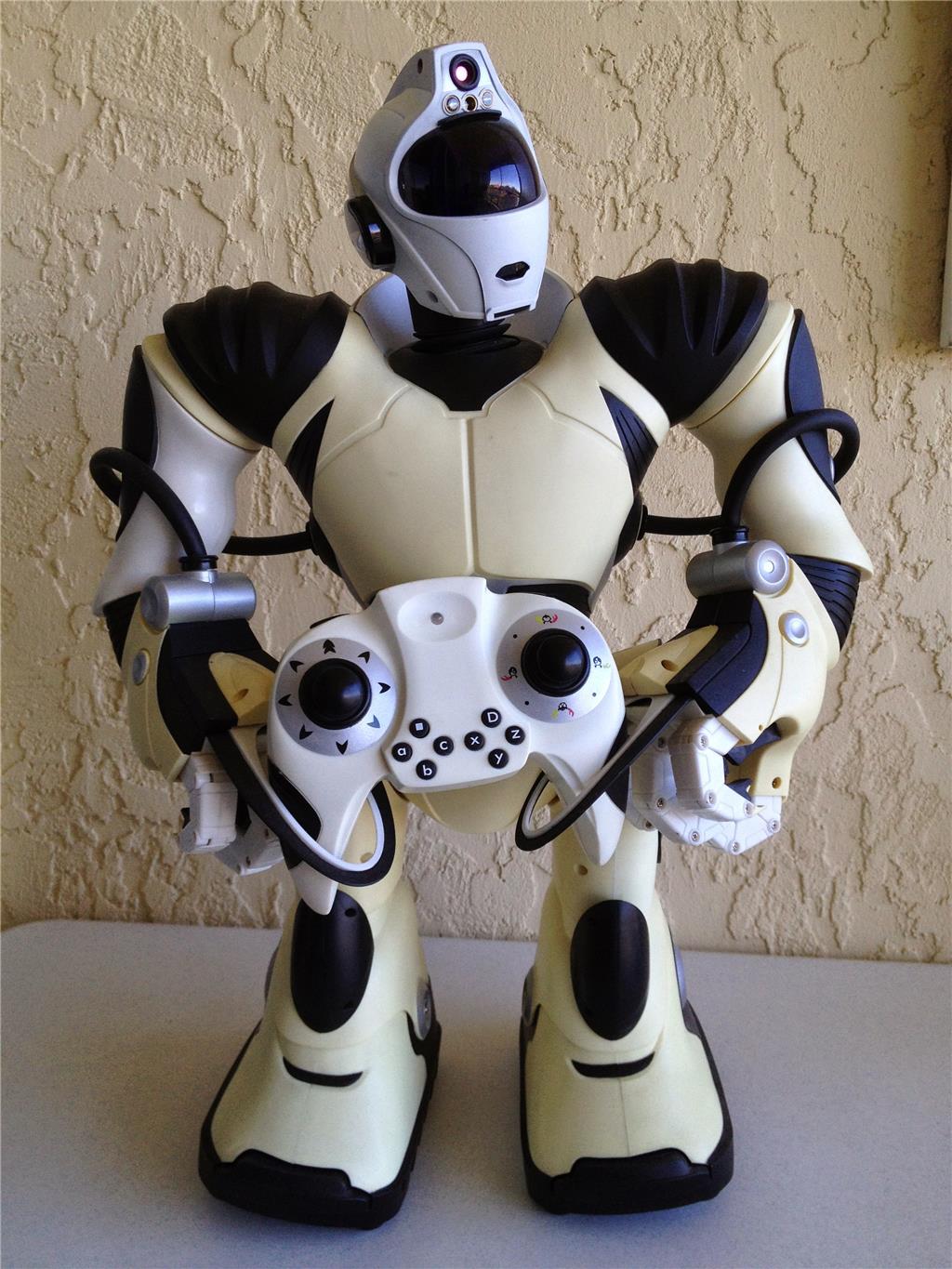
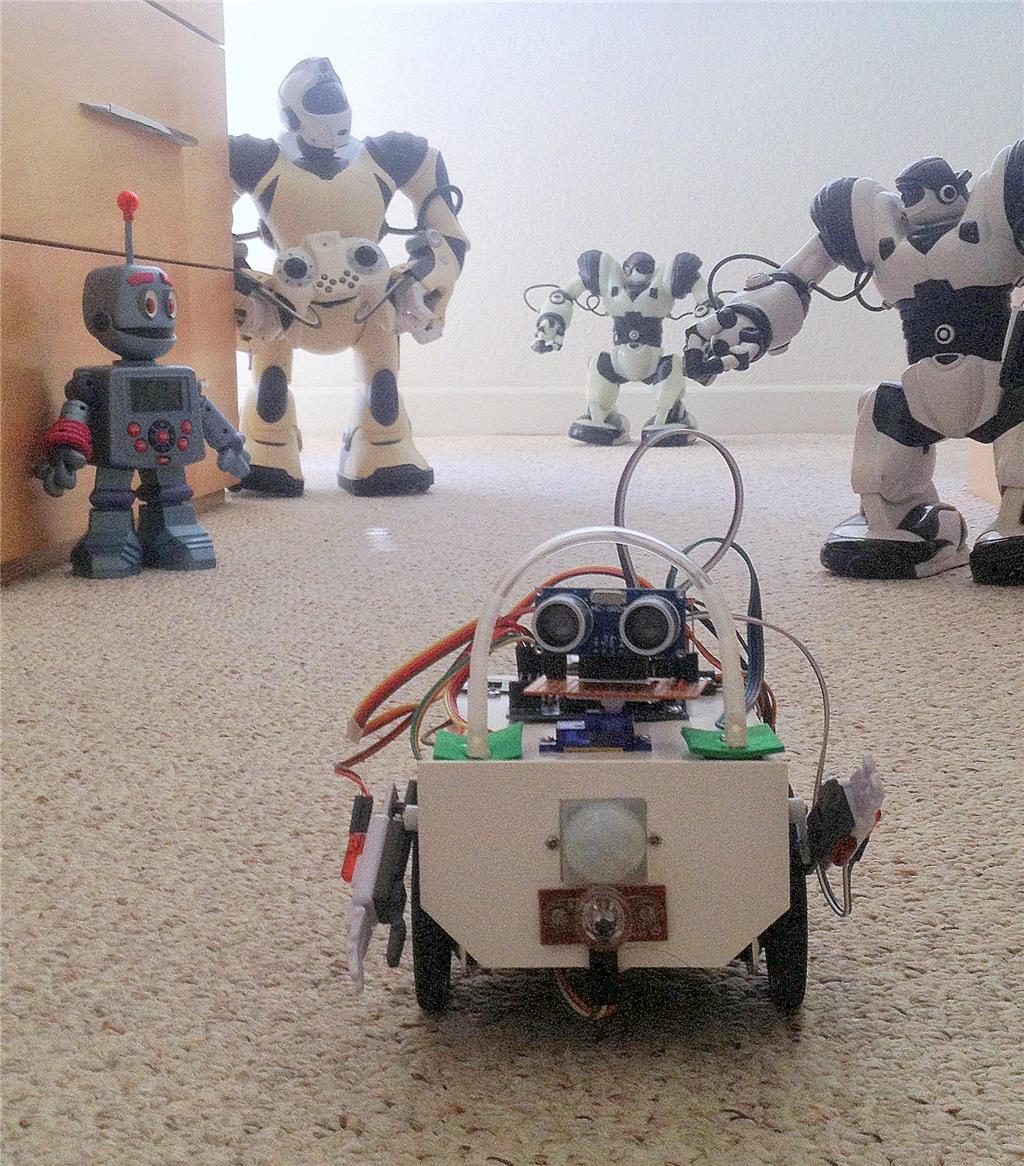
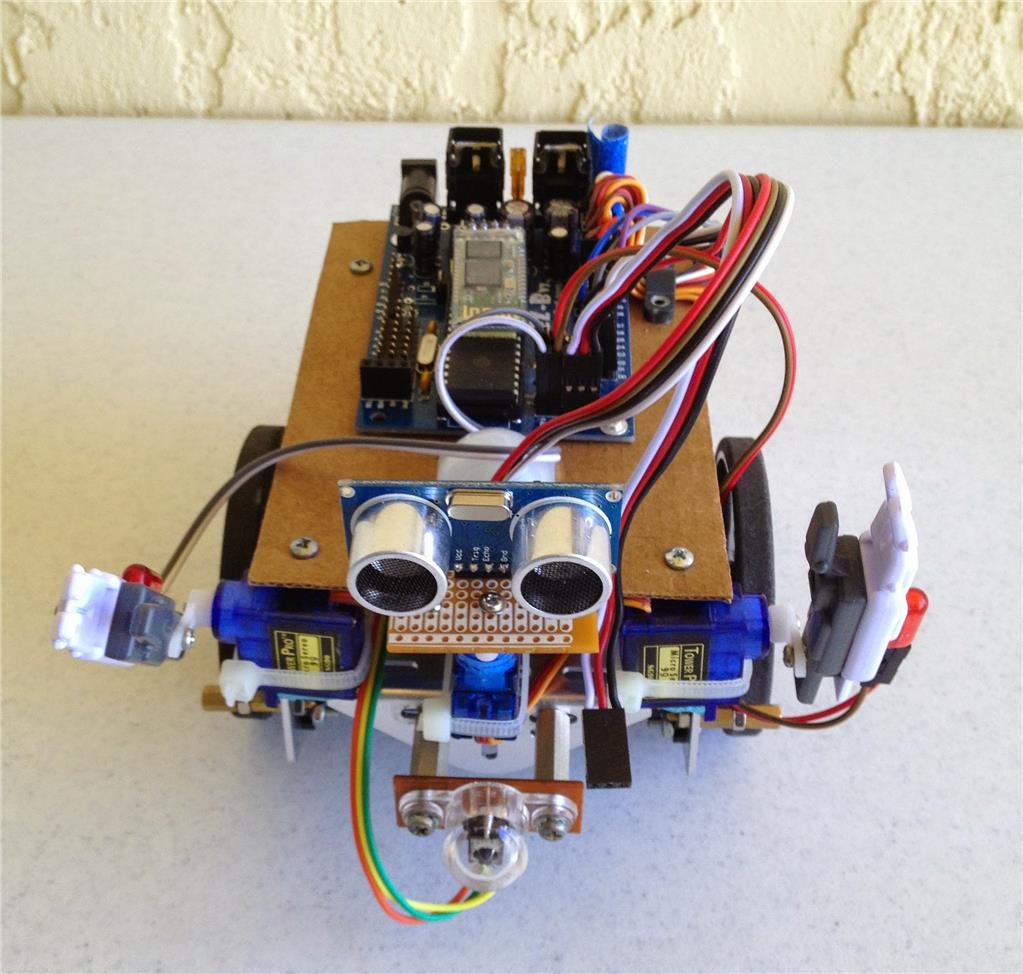
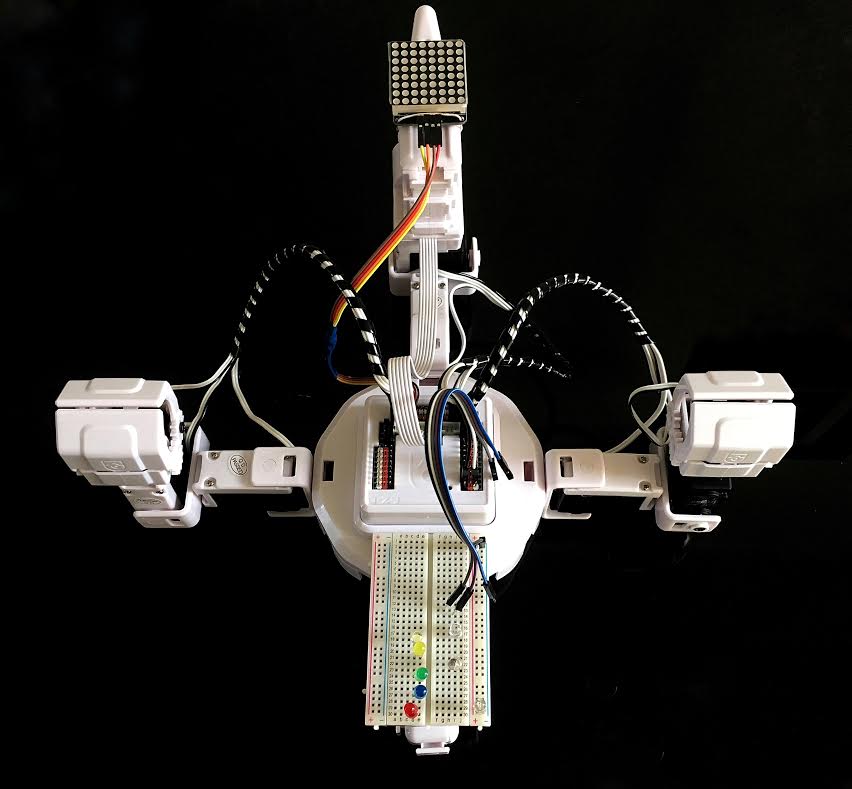
Hello, my name is Peter. I have been playing with robots for some time now. I have owned a few of the WowWee products, including the original Robosapein. I have had Roombas, Wall-Es, Robbies and many other toys. I like experimenting with Arduino circuits and have done a little with the Raspberry Pi. I owned two of the earlier EZ-Bs v.3, the Bluetooth model. Well, now it’s time I came into the revolution.
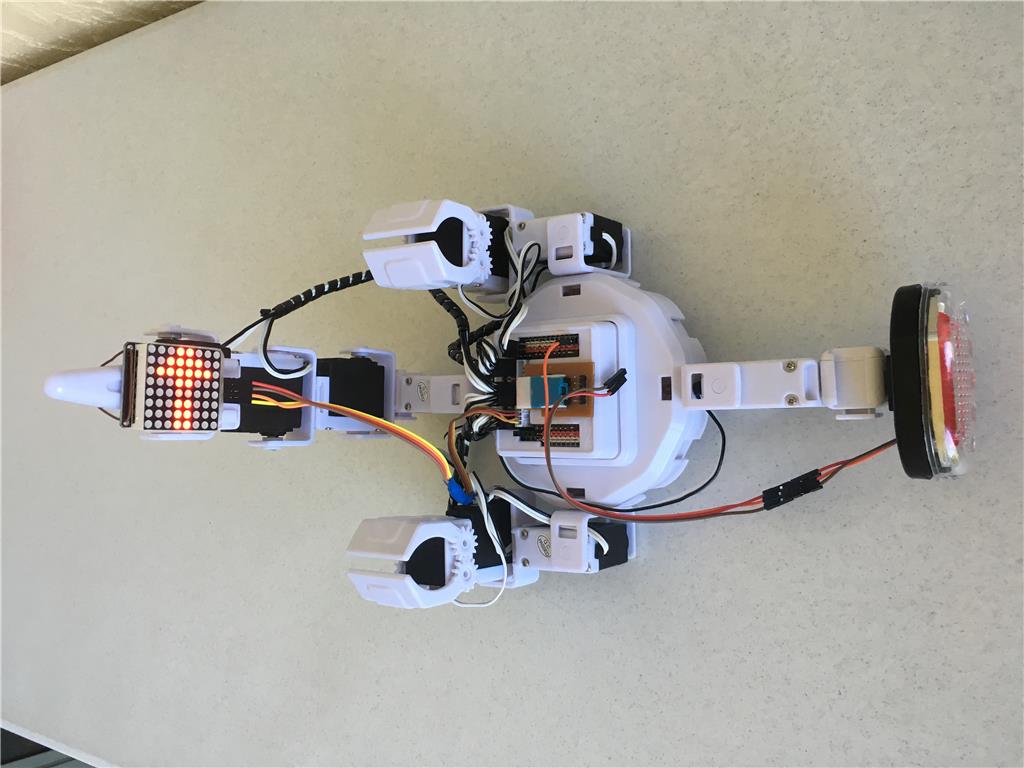
I plan to be using the Revolution Six. I hope to undergo a continual exploration of all the things I can do with this robot. And, of course report back, so that others can critique and offer comments. I expect to make quite a few mistakes, but I hope to share these, so that others can avoid some of them. I have a lot of ideas to explore. Some will be very serious and some will be very whimsical. My style is more toward exploring and experimenting that completing a finished robot. The Revolution Six is already pretty complete. My style is also very lighthearted.
All too often I see family members spent hundreds of dollars on a robot, put it together, move it across the floor and then put it away in the closet until next summer. Luckily, I get a chance to buy them at the lawn sale.
With this series of posts, I hope to continually inspire you to try new things with your robot, even if it's only for the fun of seeing things move or light up.

Discover more robots
Steve's Rolling Bot Ez Robot Experiment
DJ's So, I Taught Jd How To Play The Piano

Day Six: The Ride
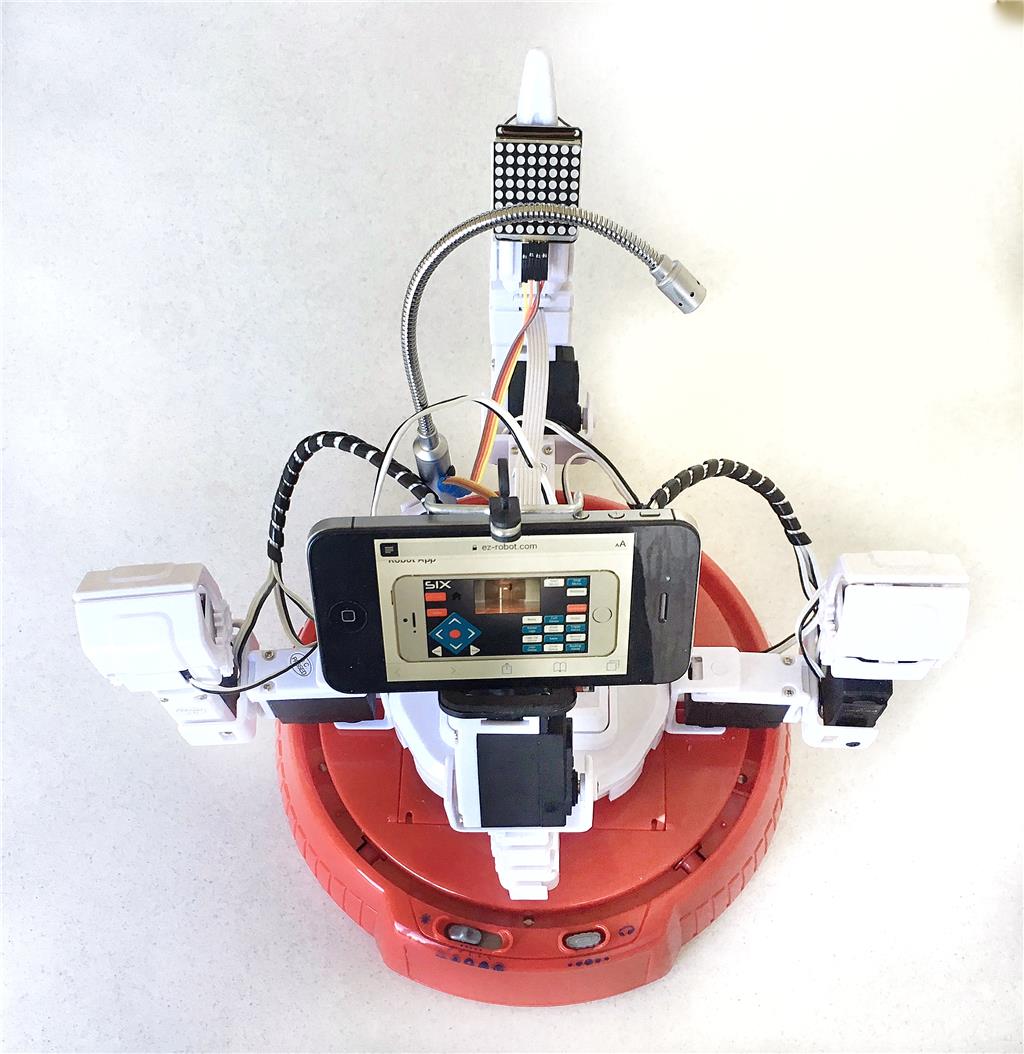
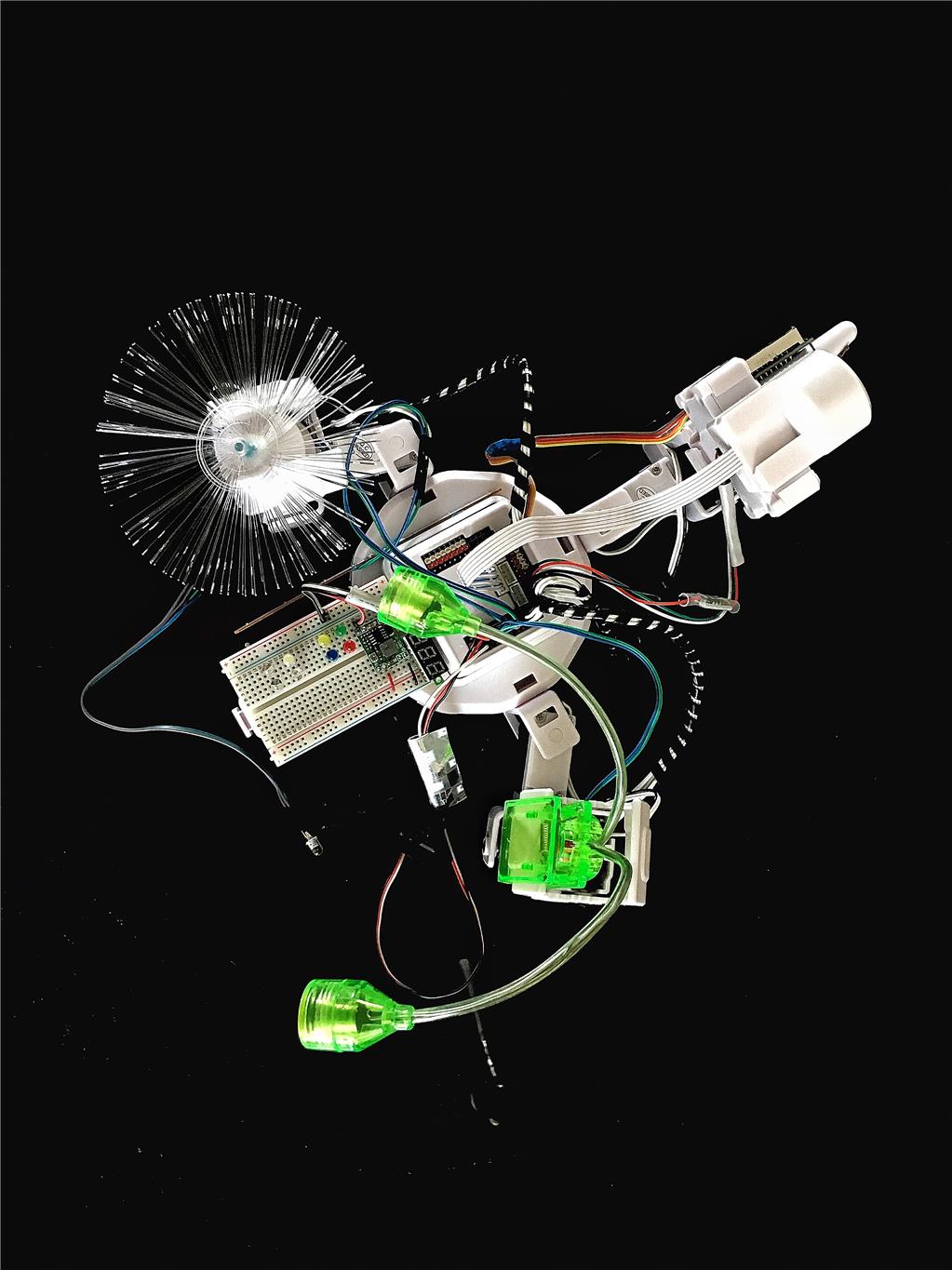
Sure, crawling around on six legs is super cool, but who doesn't like a little freewheeling? It wasn't so long ago that we invented the wheel, so let' see how we can adapt it to the trusty old hexapod Six.
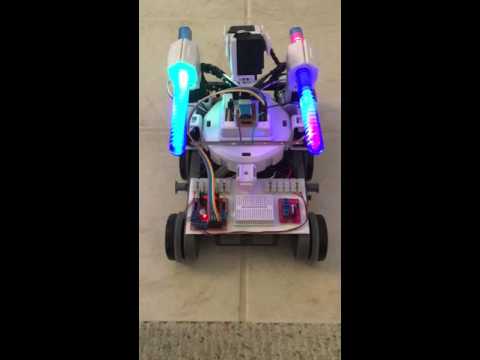
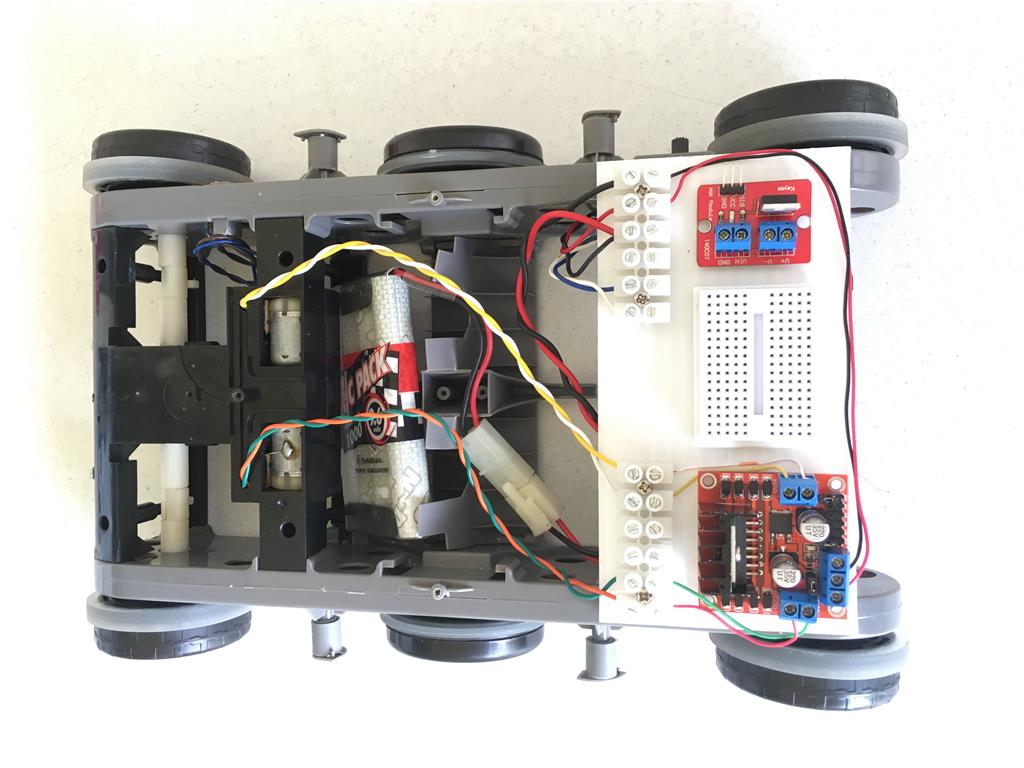
I lined up all my favorite motorized wheel-enhanced robots. They will all get a chance to carry Six (the ole girl) around at some point, but today I have decided to focus on a RC body I have had around for some time. I think this was once a tank-like vehicle that could actually climb up walls. Those days are long gone.
I stripped out everything but the two DC motors an on/off switch, and the 9.6 NiCad battery. I added a L289 HBridge controller and voila, ready to go - maybe.
I never really got the direction arrows, using the HBridge control to go the right way. My right and left arrows seem to go forward and backwards, while the up and down arrows make left and right turns. Also the motors are far from precise at slow speeds and require some adjusting to keep Six going on the straight and narrow.
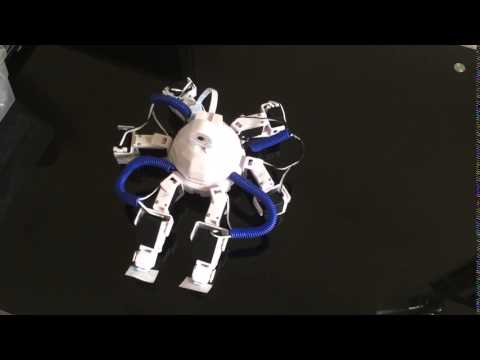
Here's a video of my Mobo-Six in motion.
Electro-Plastic Steampunk Machine 06, The Ride
Whoa - where did you find those? That's trippy!
Day Seven: Light Stick
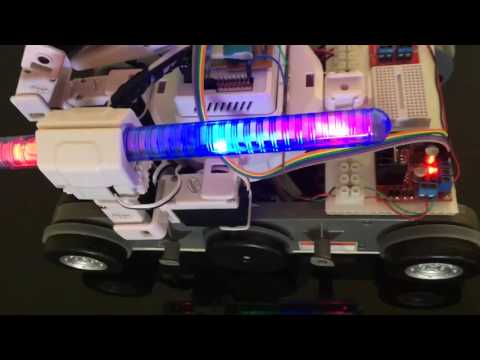
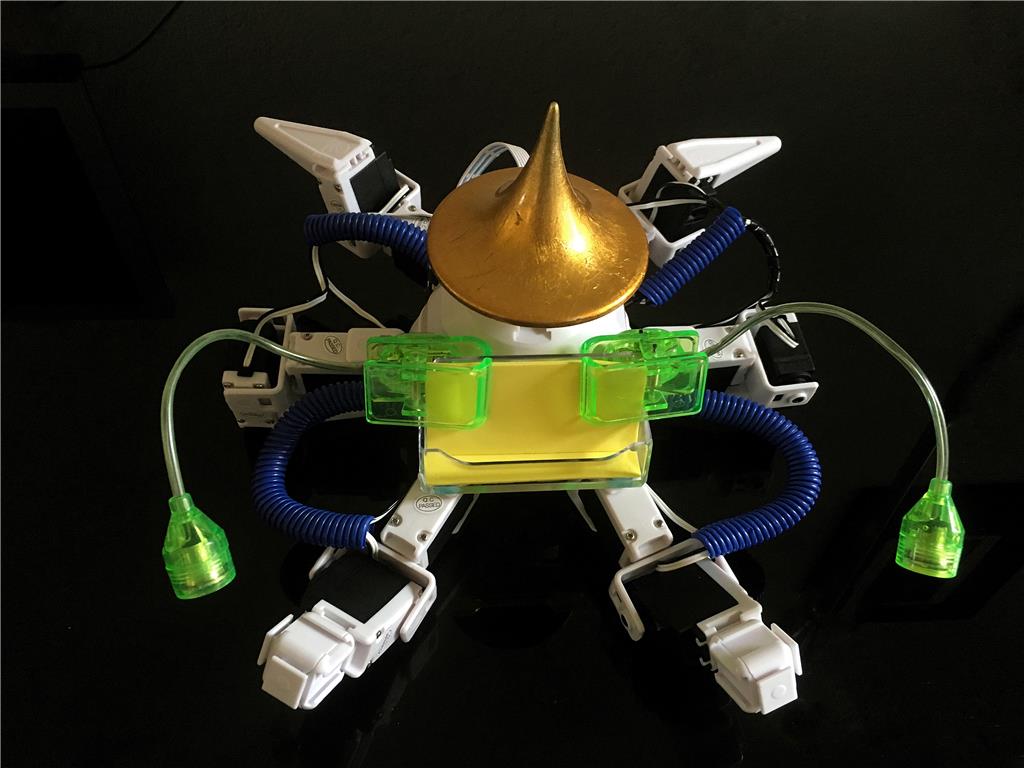
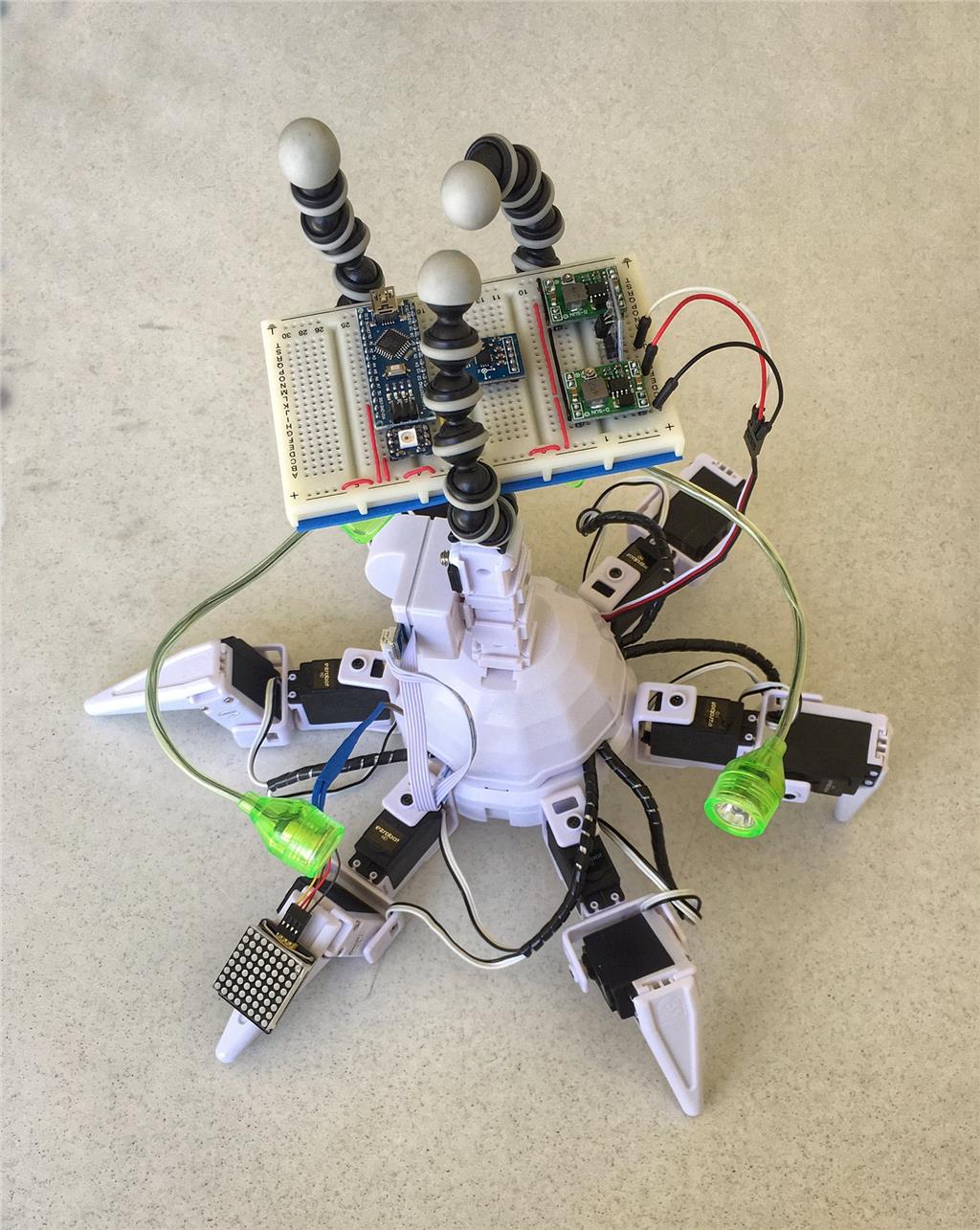
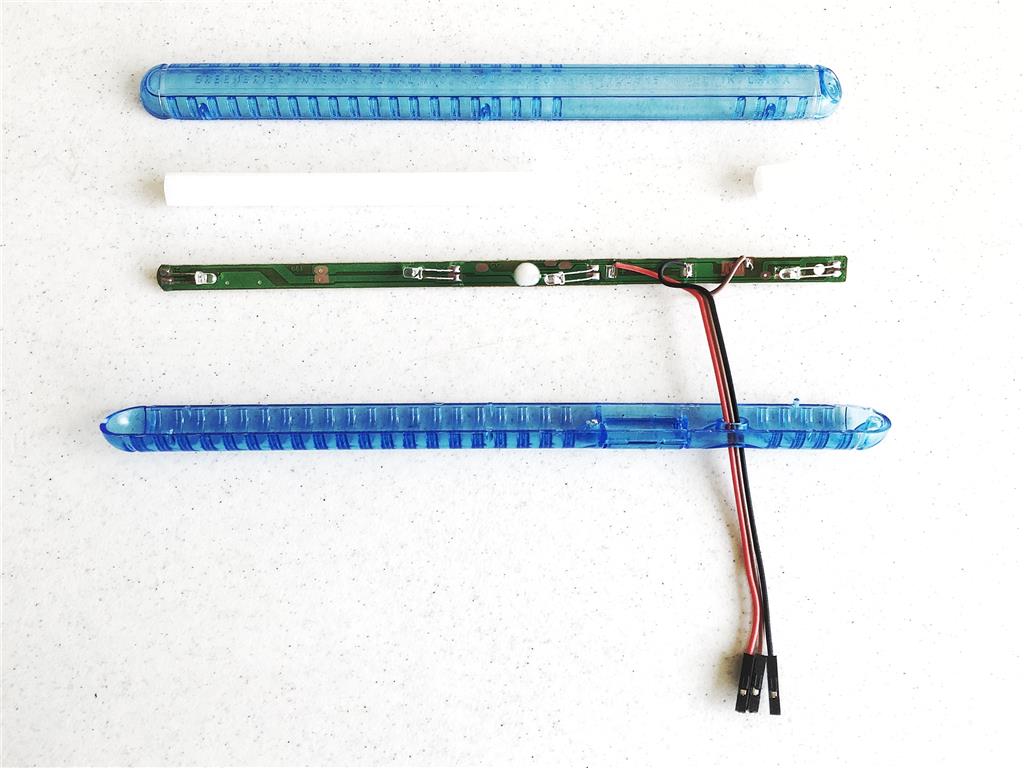
Where did those colorful LED displays from Day Six come from? They are sold as "light sticks", and are available at the Dollar Tree. They are pretty cool by themselves and can be powered by the included batteries. However, it's also possible and even more fun to control them with EZB.
This is how I modified mine:
Remove battery screw Remove batteries Gently pry apart the case Remove all the switch parts Remove circuit board Slide off diffusing foam material
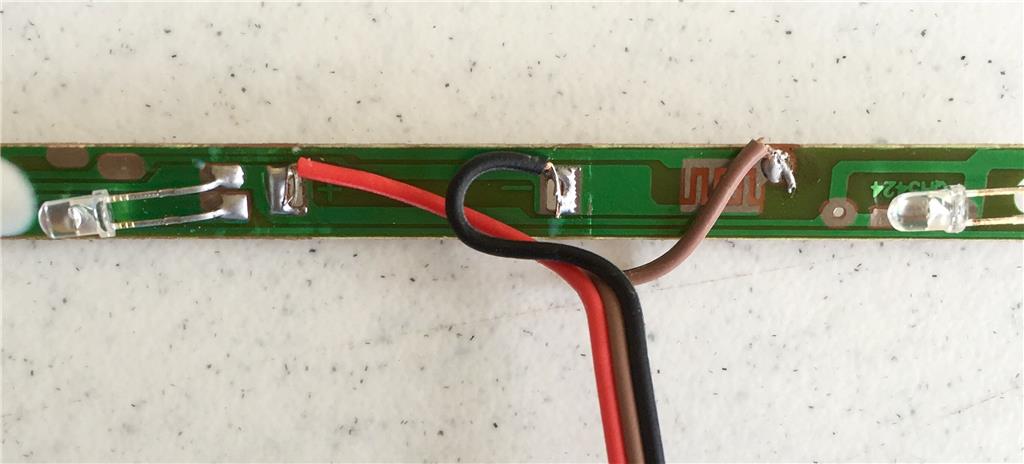
Desolder battery clips Make a three conductor cable with female connectors on one end Solder red wire to + Solder black wire to ground Solder signal lead to top conductor of switch contacts Be careful not to over work the solder connections. The foil on these little boards is mighty thin. A little dab will do it.
Feed wires through original switch opening (You may want to do this before doing the soldering, but I had no trouble feeding all three connectors through the switch opening.) Snap the case back together
They seem to work fine using 3.3 volts and the PWM control.
Thanks so much for all your videos Peter, I enjoyed reading about and watching your creative builds. I especially loved Six 3a!
Day Eight: Exercise
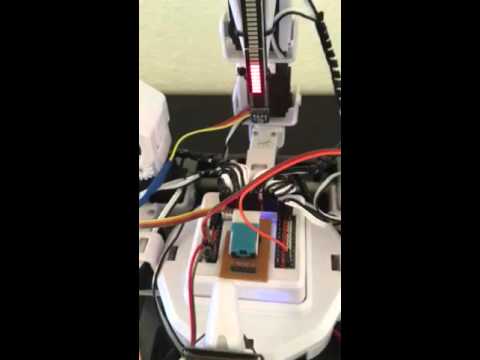
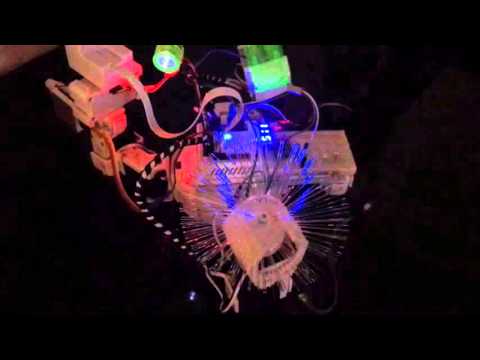
Six has a new look. I have added some blue eyes, and an oscilloscope to keep track of the her talking. I also put the dome back on, and gave her a blue hat.
This is a video of her exercising with the light sticks.
A fitness bot, now there's an idea.
Health instructor writes script for client's daily schedule and uploads to cloud. Clients robot auto retrieves that script from cloud at a set time, ready for client to exercise. Robot mimics moves to inspire and 'be with' client during work-out.
Haha the video made my day!
Whoa - where did you get that oscilloscope? Super cool! I'm a huge fan of your videos