

Dears,
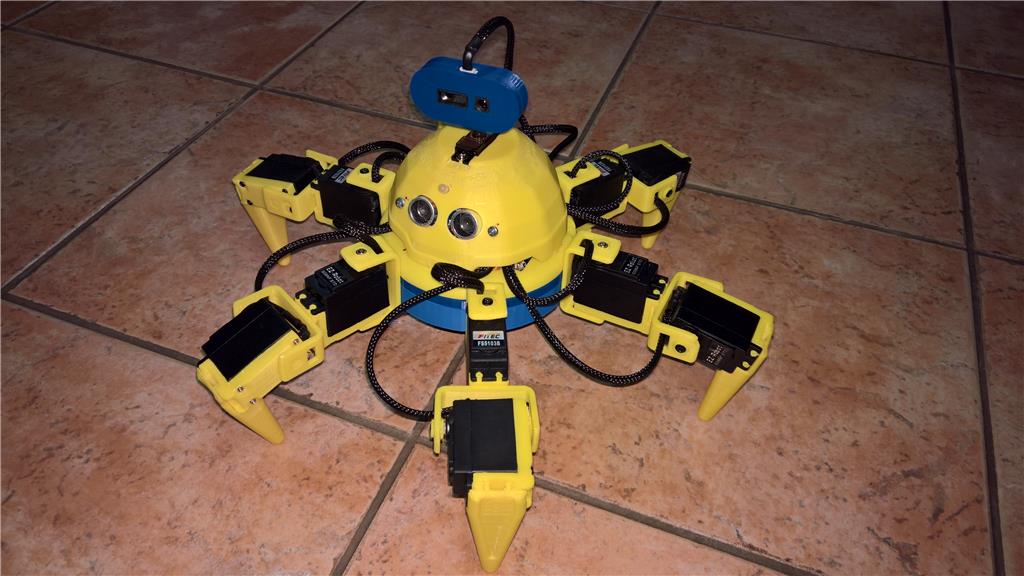
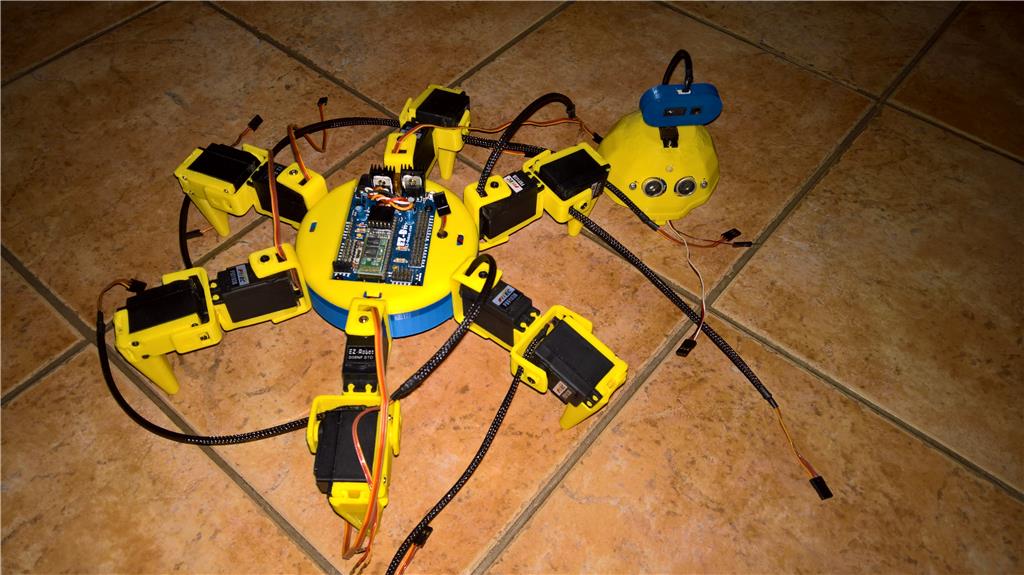
I bought EZ- V4 for my Wall E upgrade. For Six Revolution I used remaining EZ-V3.
Hardware is ready . Now software. Please does exist any possibility how to reverse servo movement via Auto Position panel ? I used 4 servos from ez-robot set, but they have reverse movement unlike the rest 8 servos. Can you help me ?

Hi Hope I can help, I used to live in the Czech Republic BTW
I am afraid not, it has to be done manually, I think previously it was an option to reverse servos but it was troublesome.
The movements are from 1 to 180, meaning 1 is the servo completely to one side and 180 to the other (sorry if I am giving info you already know), so you will have to write the positions manually, inverting the numbers
180 - (your non inverted position)
while it is quite simple, I know it feels a little bit strange, you might just have to get used to
So thank you for your help. I think it is possible to change polarity of the servo motors how to solve quickly ?
No you cant change the servo polarity.
No, I talked about polarity of the motor of the servo not the servo.
If you want to do that way...
You will need reverse the motor polarity and the potentiometer polarity (end terminals)
I think you can use a servo reverser, they are very cheap, you can even make your own circuit, it is very easy, but servo reverser is a faster way
something like this:
https://www.hobbyking.com/hobbyking/store/__45690__Turnigy_8482_Servo_Signal_Reverser.html
this way they will move like the rest of the servos, however you will need a servo reverser for each servo