






Hey Guys,
I've read lots on the forum, and posted a hand full of times, but I thought it was about time I launched my first major project (well, my second really, I converted a wall-e, but I thought there was enough of those on here ).
).
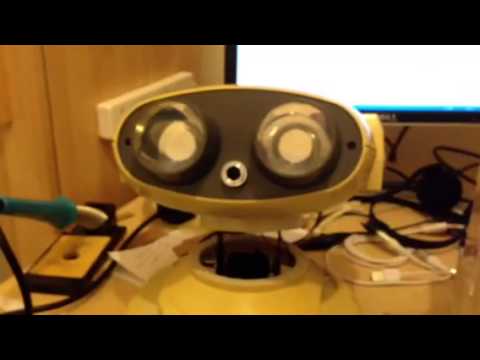
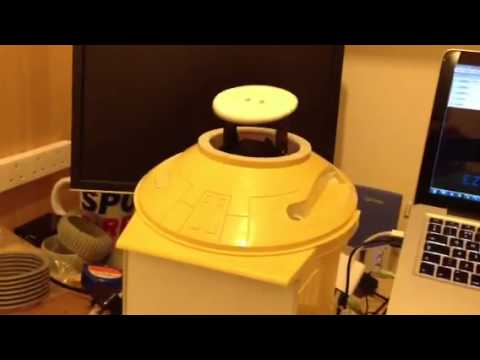
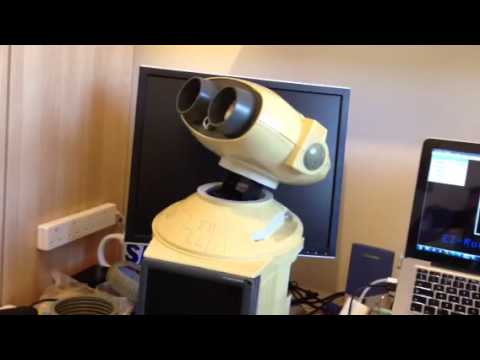
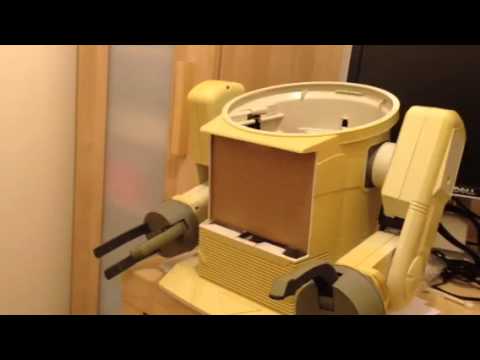
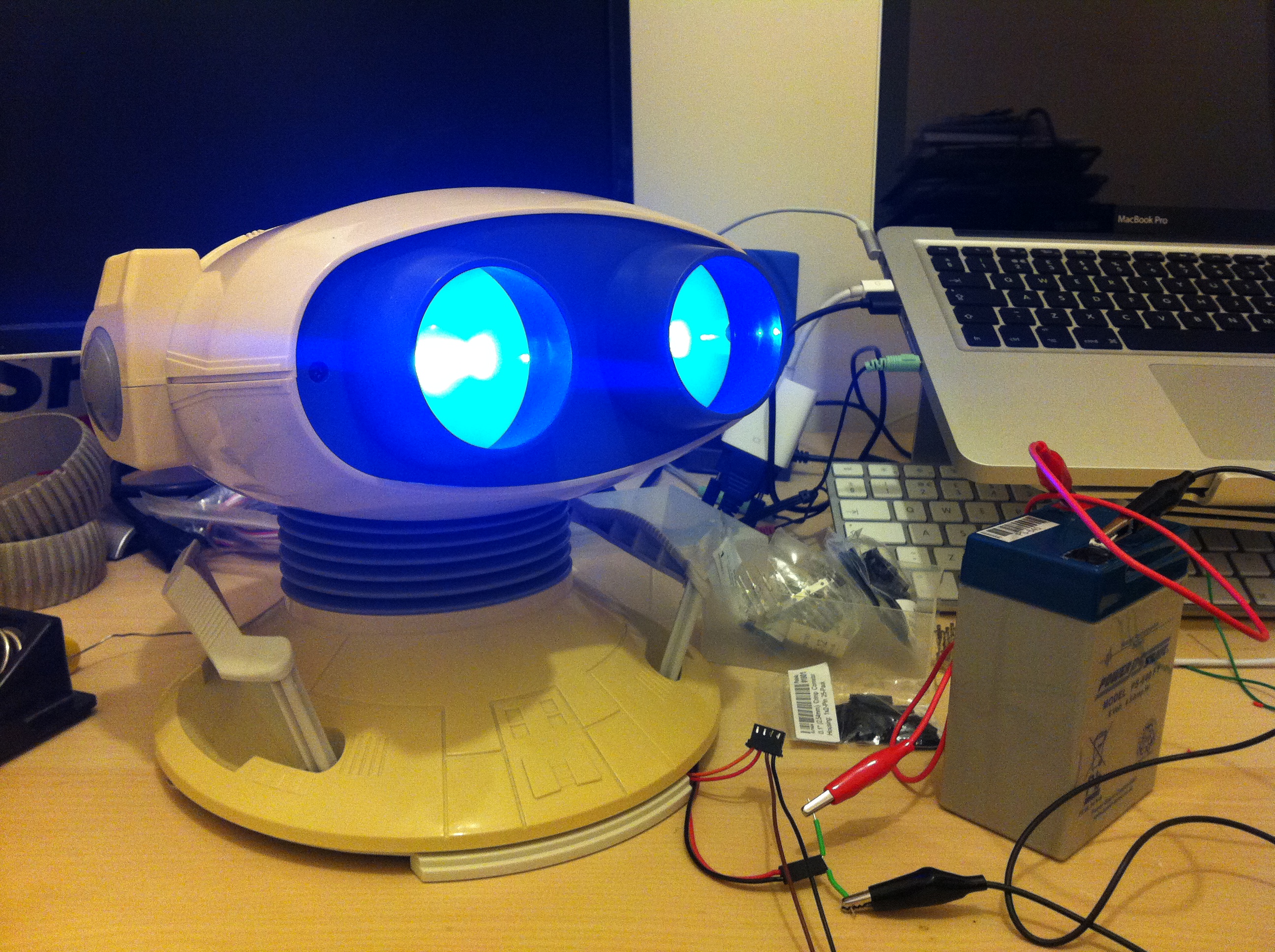
So here is announcing OmniMC, an Omnibot 2000 media centre

The idea is to make him all RC and to also house a Raspberry PI running RaspBMC as the media centre bit. I'll then add some speakers and maybe some under-bot lighting
I'm wondering if then I can control the whole thing with one of these:
Other than that, I'm kinda just winging it and seeing what other bits and pieces I come up with.
To start with though, I've done the usual thing of gutting him and sticking him through the dishwasher


So right now, he is prepped and ready to go.
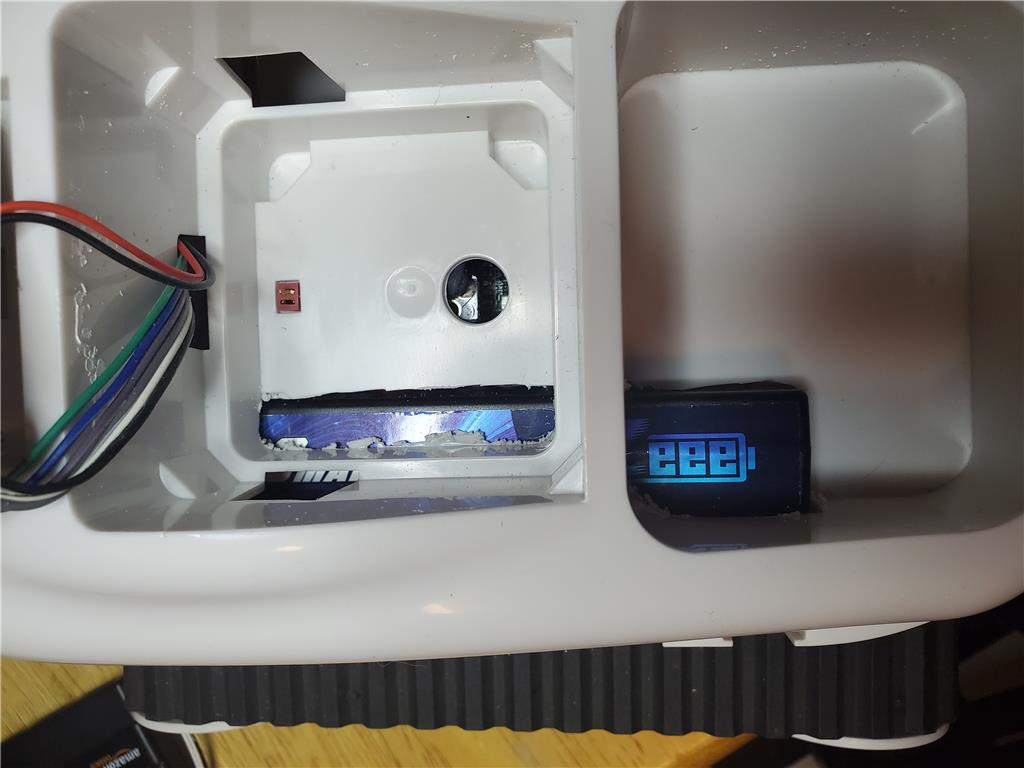
I've already got my EZ-Robot kit, and a few components such as 6v battery
Some blue replacement bulbs
My Raspberry PI (which arrived today) and I've just won a screen for his chest
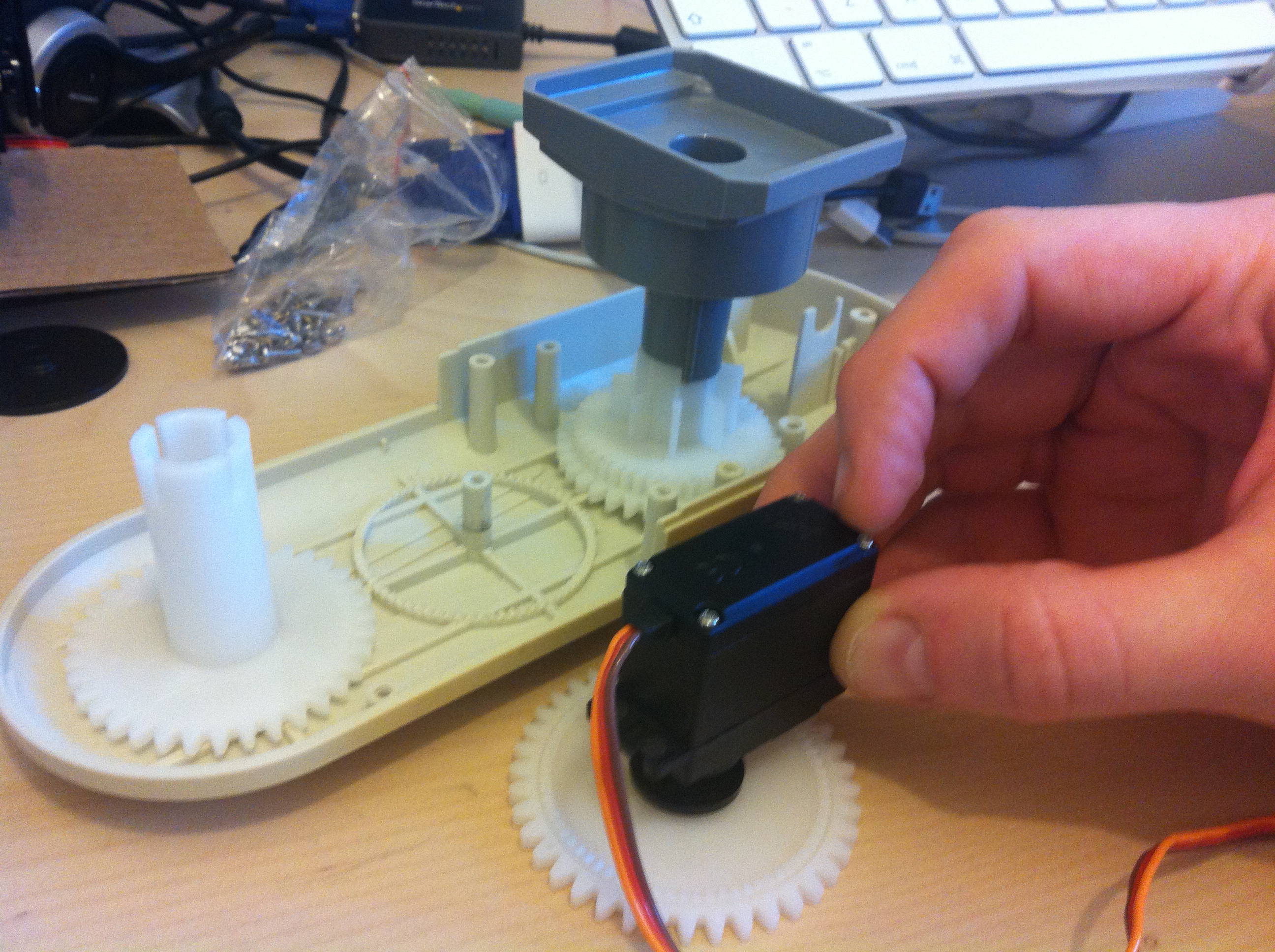
While I'm waiting for some other bits, I've also been looking at making some replacement tires which you can see details of in one of my other posts
So that's pretty much the state of play at the moment. I'm pretty much a novice at all this, so I'm looking forward to the challenge. Lets see if I've bitten off more than I can chew

Discover more robots

Tony1952's My Rolly Boxbot
Bhouston's Inmoov Doing Math

I've been running mine on +12V since I got it without an issue, although never for longer than about 30 minutes. The EZ-B has voltage regulators built in so putting your supply through a regulator before the board would be a waste.
In other words, it'll be fine. I think it can take up to +18V (but don't quote me on that, I can't recall where I read the voltage range but it's in the forum somewhere recently).
on my omnibot design i am making mine part of a media center robot, MATT are you adding a ITX board for it
hey robomaker, not currently no, I'm just gonna drop an iPod dock into is chest, I figure it's like an upgrade from the tape deck that was there before
I'd love to stick an ITX in, but I just don't have the money to spend on it at the moment. Maybe as an upgrade later.
loooks like its getting there real good,hope to work on my design today ,since my main item came it,my table belt sander to finish the aluminium mounting box ,it one of 3 frame boxes i am making for it one mounting the arms and neck hope to finish today,second to mount the lcd and EZB and other stuff and 3 one to mount the ITX and sonars ,IR this way the shell comes of easy for repairs
sounds great, I look forward to reading about it
And some pictures
Small update. I received the iPod dock in the mail and offered it up to find the sizes they said on the site weren't right. It ended up being way too big, so decided to send it back.
So I'm now going back to using the screen, but I'm dropping the RPi. Instead, I'm going to drop one of these in it
JUSTOP Android 4.0 TV Box HD Network Media Player / Streamer
The problem with the RPi is that it's cool if you wanna do something supported OOTB, but way too much to learn if not.
By using the android box, it's a lot more advanced and ready to run. So I'm planning on displaying a fullscreen web page, then maybe using something like SignalR to push info to it. That way, what is displayed can be controlled by the main computer, and it just pushes updates to it.
I might do something more fancy later on (like faking the remote control commands), but at least with the anrdoid box, I have options
looks very very good ,may need to fake the controls on the remote,since you can use windows medial player and use the EXEC command from EZ-BIULDER