
Hi from Mr. Metal, hope all are doing well
Body move soon
EzAng
By EzAng
— Last update
Discover more robots
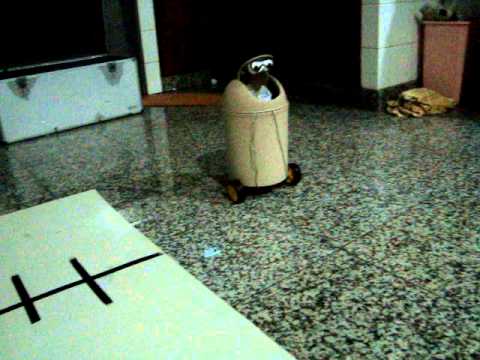
Ericez's Smart Cute Trash Can
Smart trash can prototype detects floor garbage and transforms into a robot, deploying wheels and side 'hands' to...
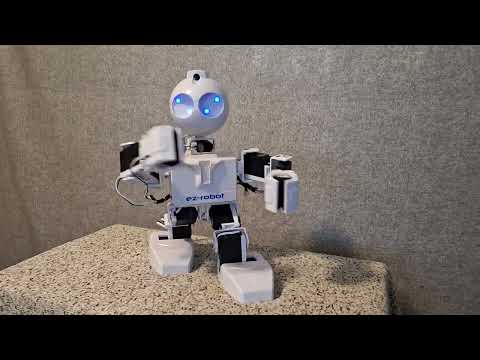
SBANAS09's Kitty Hawk
Engage 7th graders in STEM with Kitty Hawk aviation program: wing design, watercolor flight art, and EZ-Robot coding to...

Lumpy's Lumpy's Wall-E
Custom Wall-E robot build with servo-mounted eyes, mini-servos for arms, sonar installed, reinforced head mount and...

Hey EzAng! That was cool to see Mr Metal again. What happened to the Servocity wheel; base he had before?
Thanks Nomad for the email comment
RoboHappy,
I still have them, in next video he he roll again! lol
Waiting for for better parts for arms, I think Standard ServoBlocks are the way to go, watch this:
https://youtu.be/Jx6Wx7vPPv4
RoboHappy,
here is my robot voice, what do you think?
Looking forward to seeing this robot take form. servo blocks are good for protecting from damage to the servo from side pressure. I've used them a bunch of times. They do nothing to add torque though if needed. You may not need the extra strength. If so look into servo City's gearboxes.
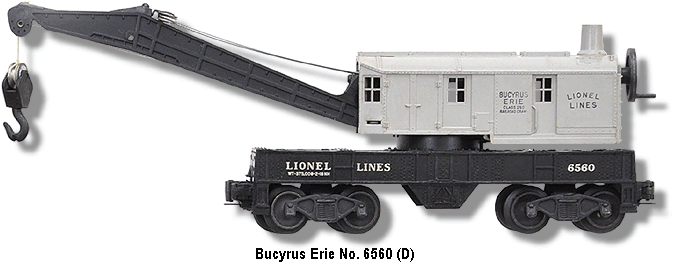
Hi Dave Standard Hub Shaft ServoBlock:
did you watch this, can hold 2 paint cans full of paint
https://youtu.be/Jx6Wx7vPPv4
Very cool on the Robot voice ! what program you use? I love the old metallic robot voice for a robot, wanted to do that on Hemi. Ive used the Servocity Servoblocks before, also very good.
RoboHappy, I use audacity - https://www.audacityteam.org/ free
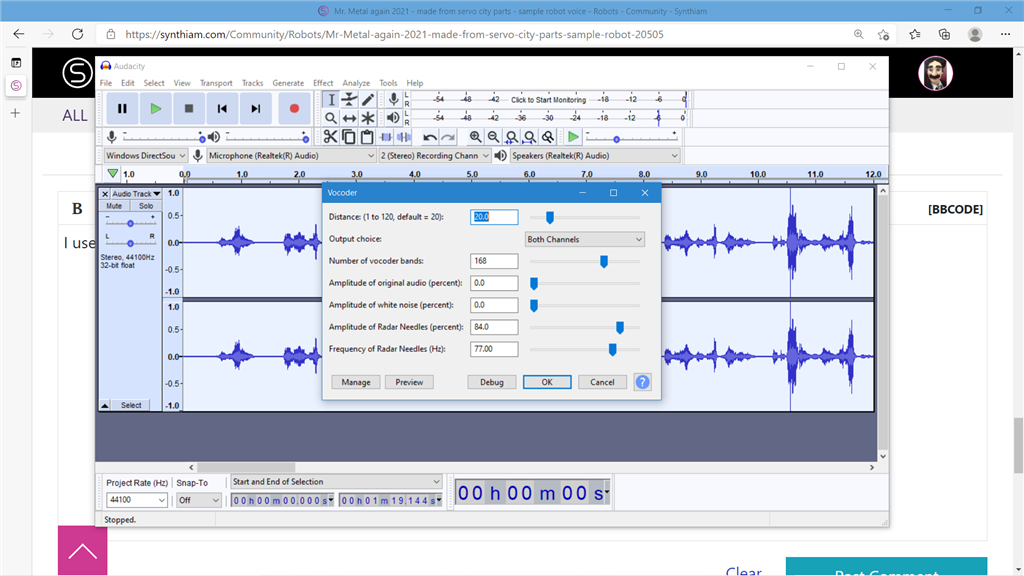
record any thing for a test - go to effects, vocoder at bottom
use my settings here:
do it twice for more metallic sound
EzAng
RoboHappy,
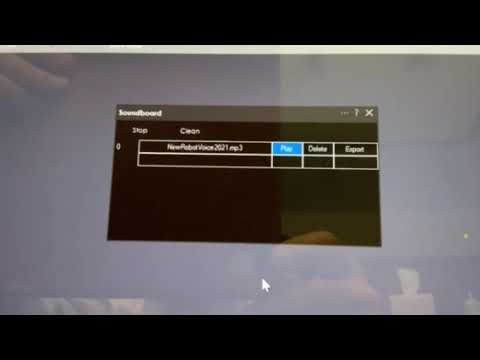
forgot to tell you, after you record in audacity, go up to file, then export into what format you want, I used mp3, send to a fold on your computer you remember - that's it. - I imported it into ARC's pc soundboard
There is much more you can use audacity for, if you want, read the help manual
EzAng