This is the fifth installment in my sculptural series The Classics. All the artworks are based on classic literature. Please see https://studio407.net/recent_work.htm for a detailed description.
Many of us are familiar with the Hollywood versions of "I, Robot" such as the film with Will Smith or Bicentennial Man with Robin Williams. Few know that there were two Books titled "I, Robot", one by Isaac Asimov, a collection of short stories, was published in 1950. However, a series of stories featuring a robot named Adam Link was penned by two brothers that went by the single name Eando Binder. The first of these stories was titled "I, Robot" and was published in 1939. Note: There is an old Outer Limits second season episode based on the Binder story and features a robot named Adam Link and a very young Leonard Nimoy, aka: Mr. Spock. The Will Smith film seems to be a blend of the two books.
This sculpture was inspired by Asimov's book, I, Robot and focuses on the end of the book where... SPOILER ALERT: robots take over the world, not out of malice, but to protect us from ourselves. One of the three laws of robotics, in summary, states that a robot can not let a human come to harm through inaction. The face-tablet, besides showing video of human faces, will also show clips of war, racial tension, strip mining, pollution, land fills, etc.

Discover more robots
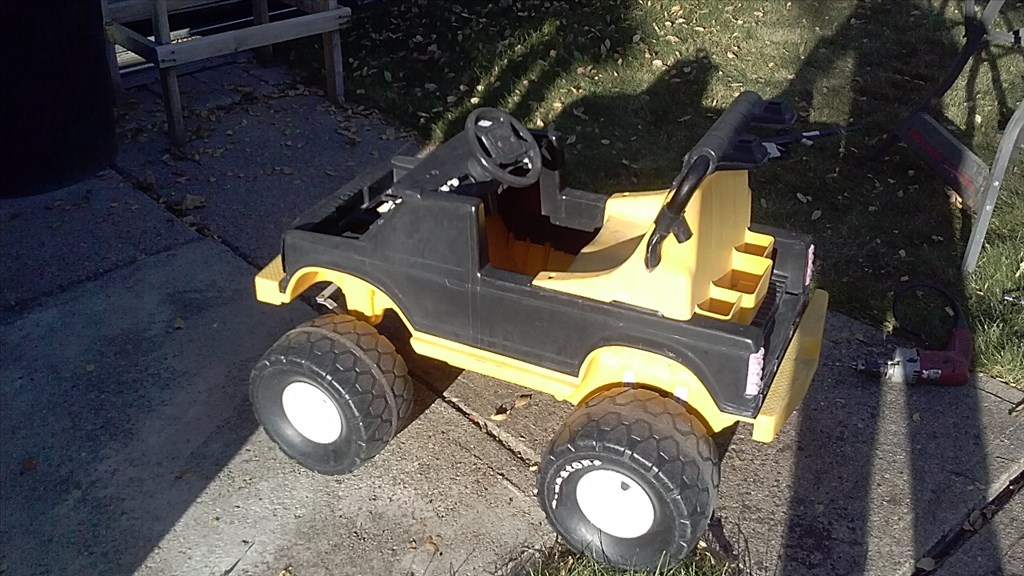
J's My New Toy I'm Building
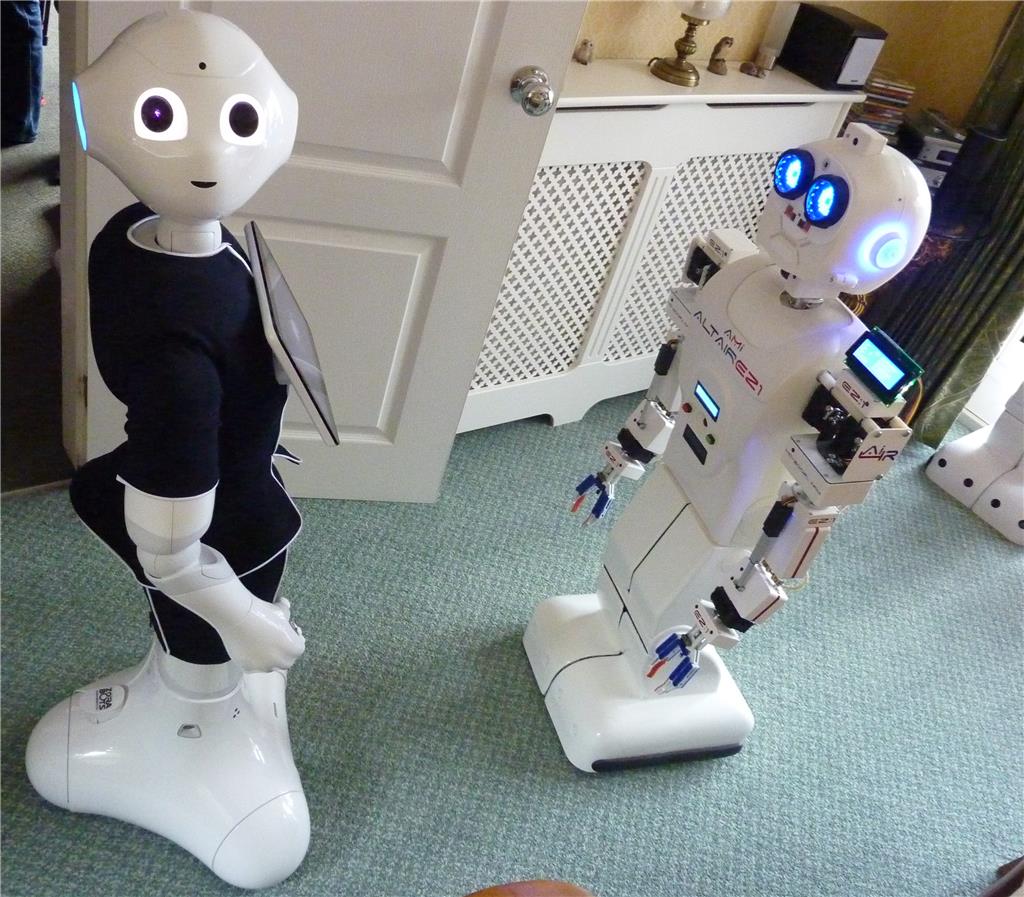
Toymaker's When The Altair Ez:1 Met Pepper

Fantastic! Very well done and impressive for the short time you have been using ez-robot!
Here's a tip for the shakiness. In the CONNECTION CONTROL click the GEAR icon. You can add a script for initialization. In this case, initialize the servos to their center position calibrated for your application, and then set the speed, which will remove the jerkiness.
i.e.
This is going to be a great exhibit!
I guess that's it for now. I'm getting very close to the finish line but sabbatical is over and school starts in three weeks. Still, I'm hoping to have it in a show by summer 2017.
Awesome DJ, thanks! I've noticed I do have to reset the speed each time I open ARC. Ultimately, I'll be using an app on a separate tablet. That is, when I learn to make mine as pretty as yours
Can I also add the servo limits to the code? Because of the Nook cable, it won't be set from zero to 180.
Love it. Where is the Hart?
Lol, actually the original design had a heart woven out of memory wire that would beat (in theory) when electricity was connected/disconnected. Then it became an LED affair. Then I just didn't have time. The front of the torso is a bit plain though, I agree.
This is the replacement servo I'm thinking of using. It has a similar max pwm signal range but has 486 oz./in. of torque (@7.4v) compared to my current servo which has 183 oz./in. (@6v).
It's a bit pricey but would be worth the expense if it ran quieter.
Servo-City
I'm loving your skilled welding of tech and art. There is so much of your project that is very interesting to me and blows my mind. I love it when artisans like you join our forum and share what they are creating.
To answer your servo limit question; Yes you can! LOL. You can place this info in your INT script. Here's what that section looks like in my INT script: