Hello everyone, first of all I want to thank everyone in the community for providing essential information regarding the EZ-Robot. The video below is one of the successful testing of Autonomous Navigation Robot, using the Roli Rover Platform integrating both ARC Software and Roborealm. This was my Final Year Project and I have just finished demo-ing the project last week. Maybe after the report writing, I will release a tutorial of how I did it? Just to give back to the community. Of course, I am open to suggestions and ideas. But thank you all again.
Regards, Recon
By Recon
— Last update
Discover more robots
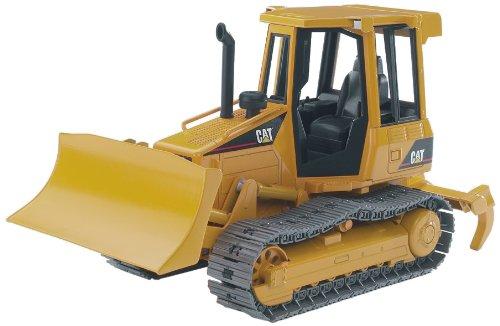
Peterfrisch's It's Yellow, It's Boxy, It's .... No Wall-E...
Convert a Caterpillar toy with EZ-Bot: install continuous servos for treads, hot-glue servo horns and route cables for...

Divideworks's Jd The Headless Horseman
JD dressed up for Halloween showcasing a festive costume and holiday spirit.
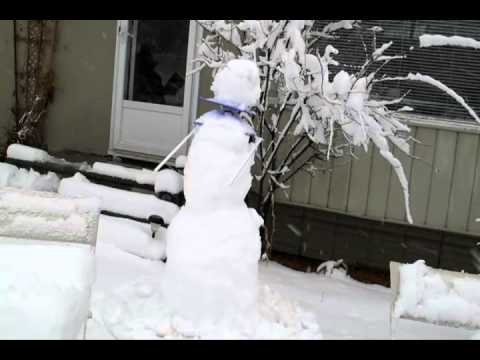
DJ's Cyborg Snowman
Animate a snowman with ARC and an EZ-B controller using webcam motion tracking, servos and voice recognition for...

@faengelm Hi there, basically you have to set up the H-Bridge PWM Movement Panel and write a script for the movement of the robot, called it a AVM Navigator. You wouldn't be needing the $RR_NV_L_MOTOR and $RR_NV_R_MOTOR variables. So it would be something like this,
:loopForever
if($RR_NV_FORWARD) //reading forward button
SetSpeed (96,96) //set speed Forward() //Forward Movement
elseif ($RV_NV_LEFT)
SetSpeed(96) Left()
and so on for other movements..
Basically with the script above you should be able to manually control your robot in Marker Mode and in Navigation by map it will virtually pressed the key for autonomous navigation. Of course, TCP connections have to be enabled to sent the movement signals as well. Hope that helps you.
Cheers. Recon

@recon,
Thanks for the quick reply... I'll try this
Frank