
NordicBotz
Text Overlay Flicker With Hugging Face
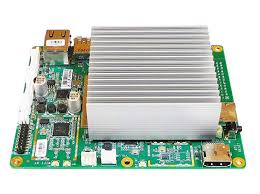
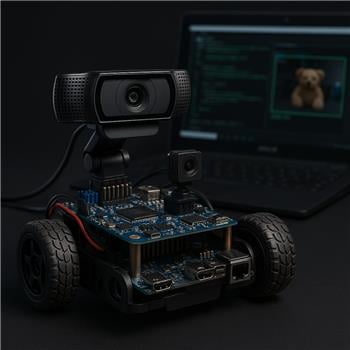
I’ve got an Atomic Pi mounted in a small rover running Windows with ARC, a Logitech C920 on USB, and WiFi for internet access. I’m using the Camera Device skill (named "Camera Device (Front USB)") plus the Hugging Face robot skill for lightweight object detection. The HF skill is working and I can see its variables updating in Variable Watcher (top label/confidence change as objects enter the frame). I added the Text Overlay skill to draw that variable on the camera image so I can record a single annotated feed. The issue: as soon as Hugging Face is enabled, the Text Overlay text flickers on/off each second or so, and sometimes disappears entirely until I pause the HF skill. If I stop Hugging Face, the Text Overlay is stable.
Things I tried: dropped the camera to 640x360 @ 15 fps; switched from WiFi to Ethernet to reduce HF roundtrip; disabled other scripts; verified the variable itself updates smoothly; and attempted explicitly binding Text Overlay to the correct camera. For the last bit, I tried:
ControlCommand("Text Overlay", "AttachToCamera", "Camera Device (Front USB)")
I also tried adding a second Camera Device for testing and noticed Text Overlay sometimes attaches to the wrong one if I don’t run the ControlCommand at startup. Even when it’s attached to the right viewer, the flicker returns as soon as HF starts processing. It feels like the HF skill is repainting the processed frame and clearing the overlay each cycle.
What’s the correct ControlCommand syntax to lock Text Overlay to the exact Camera Device feed that the Hugging Face skill is using, and is there a known way to prevent the overlay from being wiped each time Hugging Face redraws the processed image on an Atomic Pi?
Related Hardware (view all EZB hardware)