
NalediBot
Switching Movement Control Between AR Drone And Ro
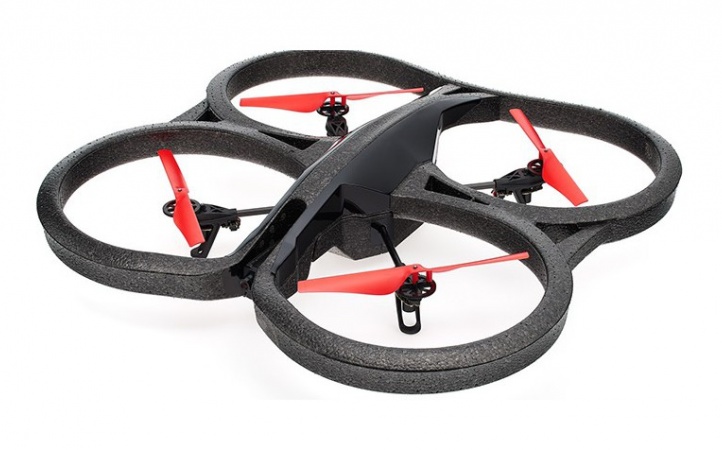
I’m trying to run an AR Parrot Drone and a ground bot in the same ARC project as a demo: the drone hovers while a Roomba does a path. I’ve added the AR Parrot Drone Movement Panel and the iRobot Roomba Movement Panel. The PC is on the drone’s WiFi (SSID ardrone_***), and the Roomba is connected via a USBTTL adapter on COM4 (set in the Roomba Movement Panel as PC COM Port at 115200). Individually, both panels work: the drone takes off/lands fine, and the Roomba responds to its panel’s drive buttons.
The issue is routing generic movement commands and keyboard arrows when both skills are loaded. If I run a simple script like:
Forward()
Sleep(2000)
Stop()
or tap the arrow keys, the AR Parrot Drone Movement Panel always receives the commands, even when I want to drive the Roomba. Clicking inside the Roomba panel’s keyboard box helps for manual arrows, but I need to switch sources in a script depending on state (e.g., drone landed -> Roomba active; drone flying -> drone active). If I remove the AR Drone panel, the Roomba receives Forward()/Left()/Stop() as expected.
What I’ve tried: searching for a ControlCommand to set the active Movement Panel, disabling keyboard in one panel (didn’t see an option in either), and calling ControlCommand("iRobot Roomba Movement Panel", "Forward") which returns command not found. I couldn’t find a documented way to programmatically change which Movement Panel is the target for ARC’s movement framework.
How can I programmatically switch which skill receives ARC’s movement commands between AR Parrot Drone Movement Panel and iRobot Roomba Movement Panel at runtime?
Related Hardware (view all EZB hardware)