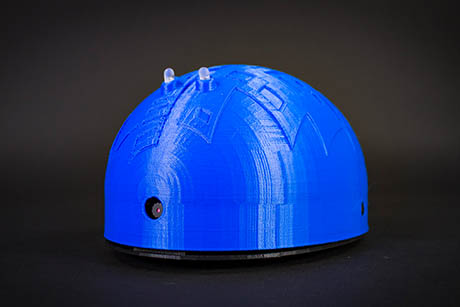

TetsuMaker
I’ve got a Shell-e build on an EZB IoTiny over WiFi, with head pan on D0 and tilt on D1. I’m trying to make a clean multi-page touch UI with the Interface Builder robot skill: Page 1 is "Drive/Status," Page 2 is "Head Control" with two sliders (HeadPan, HeadTilt) and a camera/video display. I’m running ARC on a Windows laptop and using the ARC Remote UI app on an Android tablet as the remote screen.
What’s tripping me up is that when I switch to the Head Control page (or when the Remote UI reconnects), the sliders briefly reset to 0 and fire their Value Changed script, so the head snaps to 0 before I push the current position back in. I tried to guard initialization with a flag, but I still get a twitch:
# On page show script (or a one-time init script I call)
$ui_sync = 1
SetControlValue("Interface Builder", "HeadPan", GetServo(D0))
SetControlValue("Interface Builder", "HeadTilt", GetServo(D1))
$ui_sync = 0

# Slider Value Changed (HeadPan)
if ($ui_sync = 0)
  Servo(D0, GetControlValue("Interface Builder", "HeadPan"))
endif
I also tried moving logic to "on release" only, adding small delays, and even ServoRelease before setting values. Same spike when the page becomes visible or Remote UI connects. Should I ditch generic sliders and use the servo Slider control bound to D0/D1 so Interface Builder handles sync internally, or is there a reliable scripting pattern to update SetControlValue without triggering a servo jump when changing pages or using Remote UI?
What’s the best-practice way in Interface Builder to keep slider state in sync with the actual servo positions on Shell-e’s IoTiny without causing those momentary jumps?
Related Hardware (view all EZB hardware)