

castlephelps
 Resolved by CochranRobotics!
Moving Discrete Distances
Now that I have part of Wiggins (my robot arm's name) built with multiple motors and multiple sabertooth/kangaroos all of which are being driven by digital ports on EZ-B and speech recognition via bluetooth headset configured on the computer... I am not using a movement control, only things like Horizontal servo which configured will move a kangaroo controlled motor from 0 to 180. The kangaroo is Teach Tuned to drive left and right from 0 to 360 degrees and the feedback is a 10 turn potentiometer on the pinion of the gear motor.
What I want is to tell Wiggins to turn left a certain number of degrees, for example. So the swivel for Wiggins' arm is a single gear motor driven pivot that rotates 360 degrees and is controlled by a Horizontal servo control so that it moves the full 360 degrees using the 0-180 on the control. Is there a control that turns left and right 180 degrees?
What I want is to be able to tell Wiggins to move a discrete variable distance. For example," Wiggins - rotate left 32 degrees". Or "Wiggins - rotate to 090".
One of these is movement from the current position and then left 32 degrees. The other is to rotate to a constant location.
How do I do this?

This will make things much nicer for you. A small scale version of what you are building to test with could be very beneficial.
I think you will have a lot less "White Knuckle" issues.. LOL... A test of raw scripting with the full size arm could have the barn "reorganized" in a way you might not want it.
A test unit at home will be nice to prove out your designs. Have fun.
Ron R
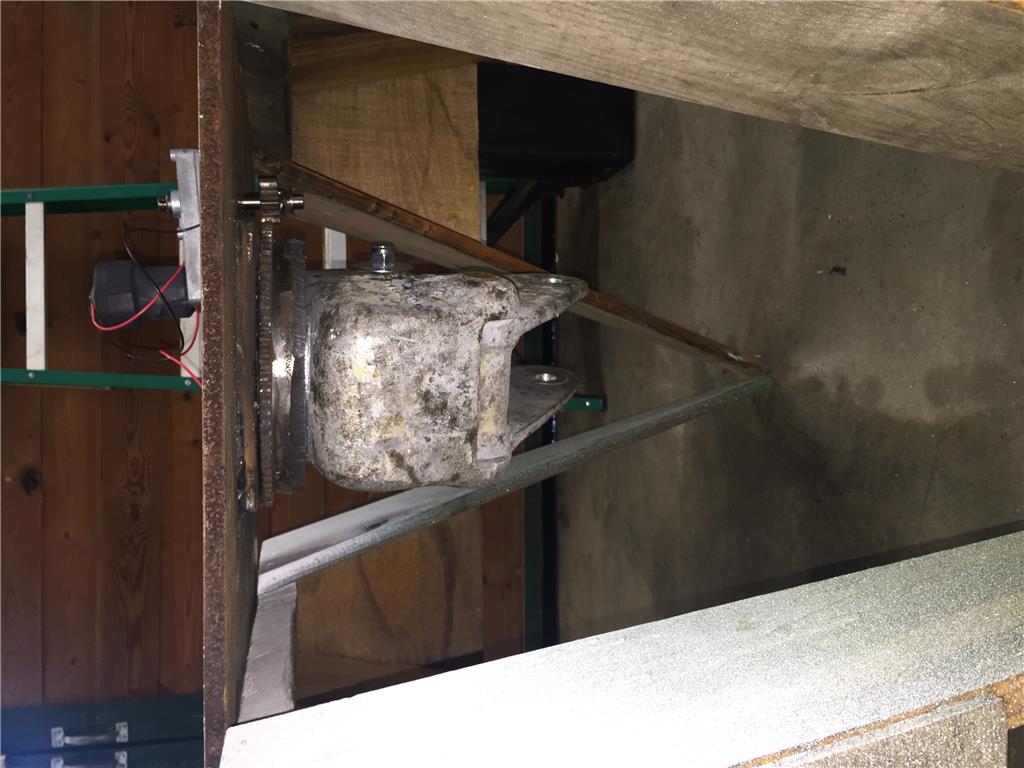
I initially started out building a small scale of Wiggins out of aluminum but the servos that came with the SDK weren't strong enough to make it work but if I concentrate on one axis at a time I can still use this mockup. Thanks for the redirection although it is quite fascinating watching the full size Wiggins moving. I've attached a photo of my early model.
Castle
I am unable to explain why all of my photos display rotated 90 degrees...
Are you taking the pictures with an iPhone? Everyone I know who uses one has this problem. The Metadata embedded in the photos clearly screws up the orientation info. (My wife's Mac also messes up pictures from my Android but my PC's don't).
Alan
As a matter of fact yes I am using an iPhone. I emailed the photo from the iPhone to my Windows 10 computer and then posted it - still rotated. How can I strip off the offending metadata?
I feel kind of embarrassed that my photos aren't coming out straight...
Castle
One thing to keep in mind when building the model is that you don't need to use heavier materials like aluminum. Plastic, and even thick cardboard is fine. All you are doing is making something that moves like the large unit. It doesn't have to actually lift anything. Well, other than servos that is and they don't weigh much.
EDIT As to the photos, you could flip them before sending them so they will come out right on this end.
I agree with WBS00001. I use foam board and a glue gun. Anything around the house will work. This way the batteries last longer and it is easy to make changes. Being able to doing this at home will be helpful. I look forward to your progress and wish you well..
Ron R