

Proteus
Portugal
Asked
— Edited
Adding Values To Variable
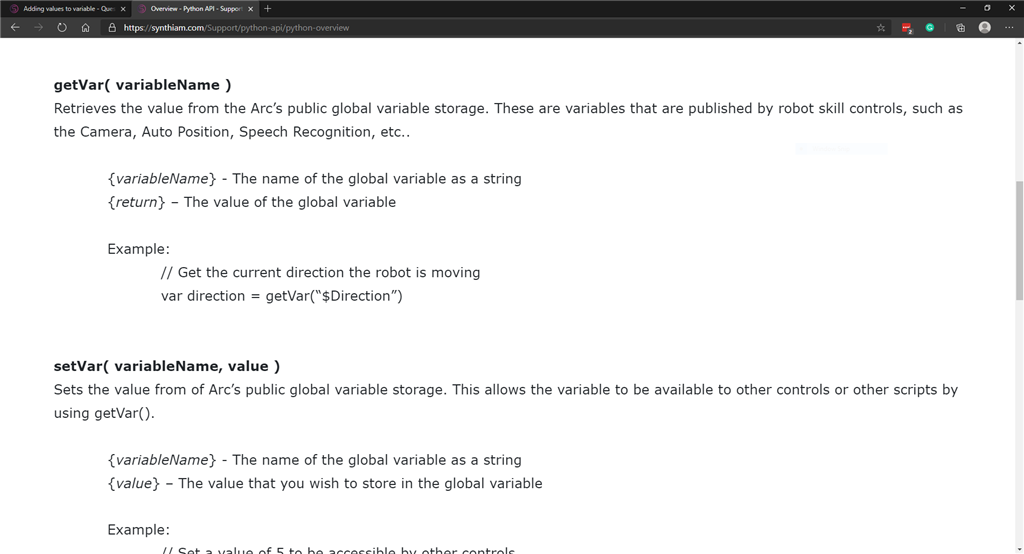
setVar(CLeft,0);
def loop():
  if getVar("$RoombaLightBumperCenterLeft")==1:
     Navigation.SetNavigationStatusToPause();
     print "Bumper Center Left";
     setVar(CLeft)+=1;
     sleep(5);
  if getVar(CLeft)== 2:
       Movement.left(100, 1500);
       setVar(CLeft) == 0;
sleep(2)
 else:
     Navigation.SetNavigationStatusToNavigating();
     time.sleep(1);
  loop();
loop();
I dont get this python. I am trying to add 1 to the variable "CLeft" but my code does not work. Anyone?
Related Hardware (view all EZB hardware)
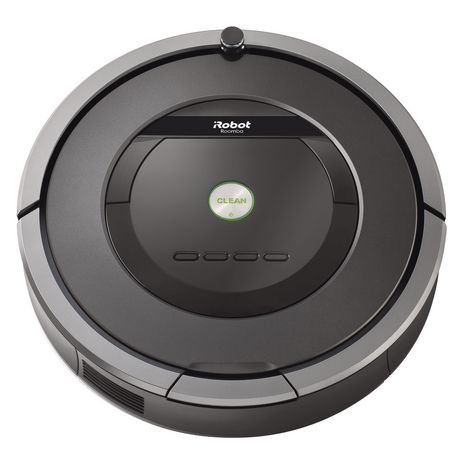
Roomba
by iRobot
Convert iRobot Roomba into a smart, fully featured personal robot with the EZ-Robot Complete Kit-movement control and Roomba manual included.
Controller Dependant
Servos
✕
Camera
Audio
UART
✕
I2C
ADC
✕
Digital
✕
Related Robot Skill (view all robot skills)

EZ-Script Console
by Synthiam
Real-time EZ-Script console for ARC: enter and execute single-line commands, view output, clear display, and recall history with UP/DOWN.

Yes, the use of getvar for roomba variable is correct. It was cleft that I only mentioned