
Why Judging a Book by Its Cover Makes Robots Smarter
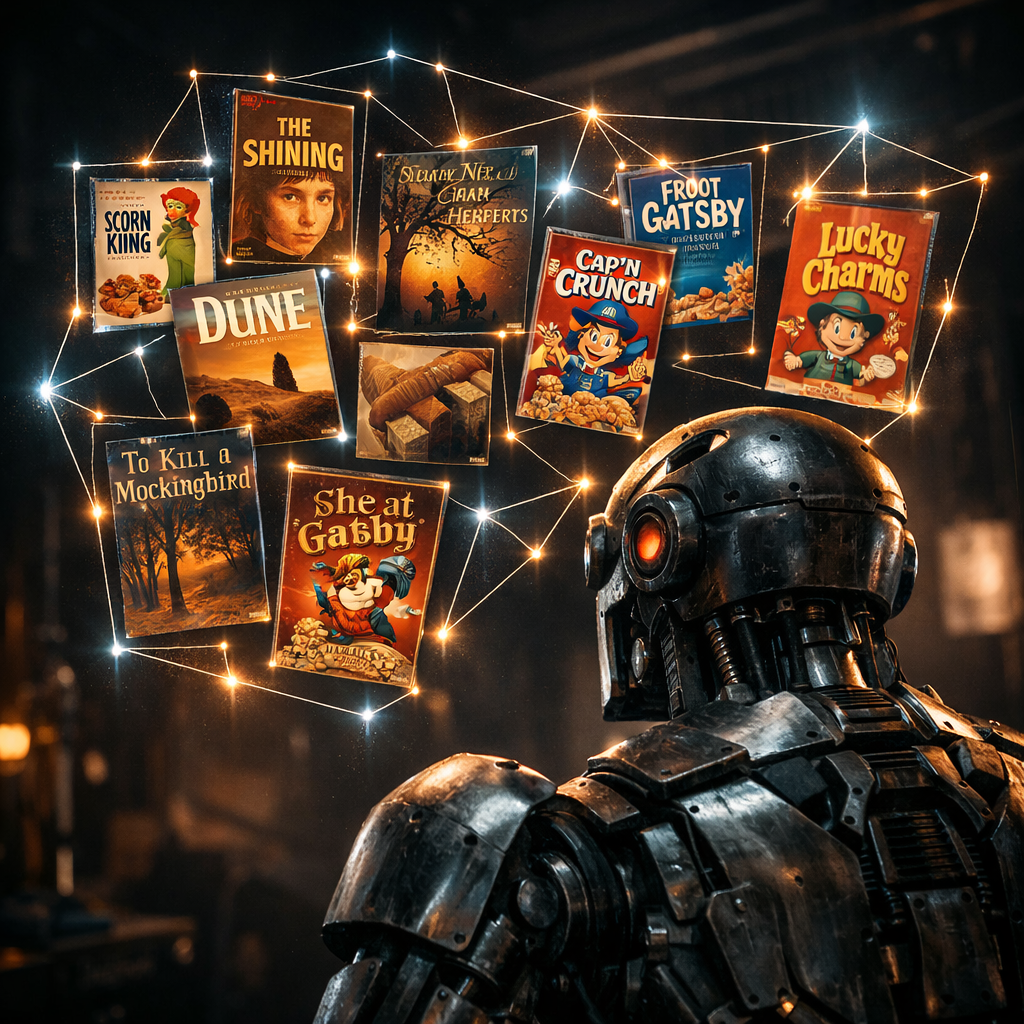
Humans say “don’t judge a book by its cover.” Robots should. Covers have edges, corners, and texture — the exact things a camera can trust. With Synthiam ARCx, a printed surface becomes a handle your robot can actually grab with code.
Using Object Training And Tracking inside Synthiam ARCx, you hold up a cereal box or feed in a picture, and the robot learns it. Next time it sees that cover, ARCx can run a script, speak, move, or drive. It’s like turning packaging into a remote control — minus the batteries.
Covers Are Contracts
Robots act on surfaces. Keypoint features on a printed object are stable and clear, so a robot can recognize them fast and with fewer mistakes.
ARCx Turns Sight into Action
Detection fires scripts in Blockly, JavaScript, or Python. Your robot speaks, moves, or logs data the instant it sees the trained object.
Pics Teach Too
Train from photos with background handling. Add different sides under the same name so the robot knows the whole box, not just one face.
The Case for Covers
Robots do not read “meaning.” They read edges. They trust corners more than poetry. That sounds cold, but it is how they stay useful. A busy, printed surface is like a fingerprint for vision. A plain ball is like a blank stare. This is why teaching a robot to spot a book cover is not shallow — it is practical.
In Synthiam ARCx, the Object Training And Tracking skill learns the look of textured objects — cereal boxes, toy faces, logos. You give it a live view or a photo. It learns the key details and then finds that same object later, drawing a box around it and telling your script where it is on the screen. When it sees the cover, ARCx can do something about it.
Is that “judging by appearances”? Yes — and that is the point. Appearance is the interface between the world and a robot. The inside of the cereal box feeds you breakfast. The outside feeds your robot actions.
Quick Primer: How Keypoint Vision Actually Works
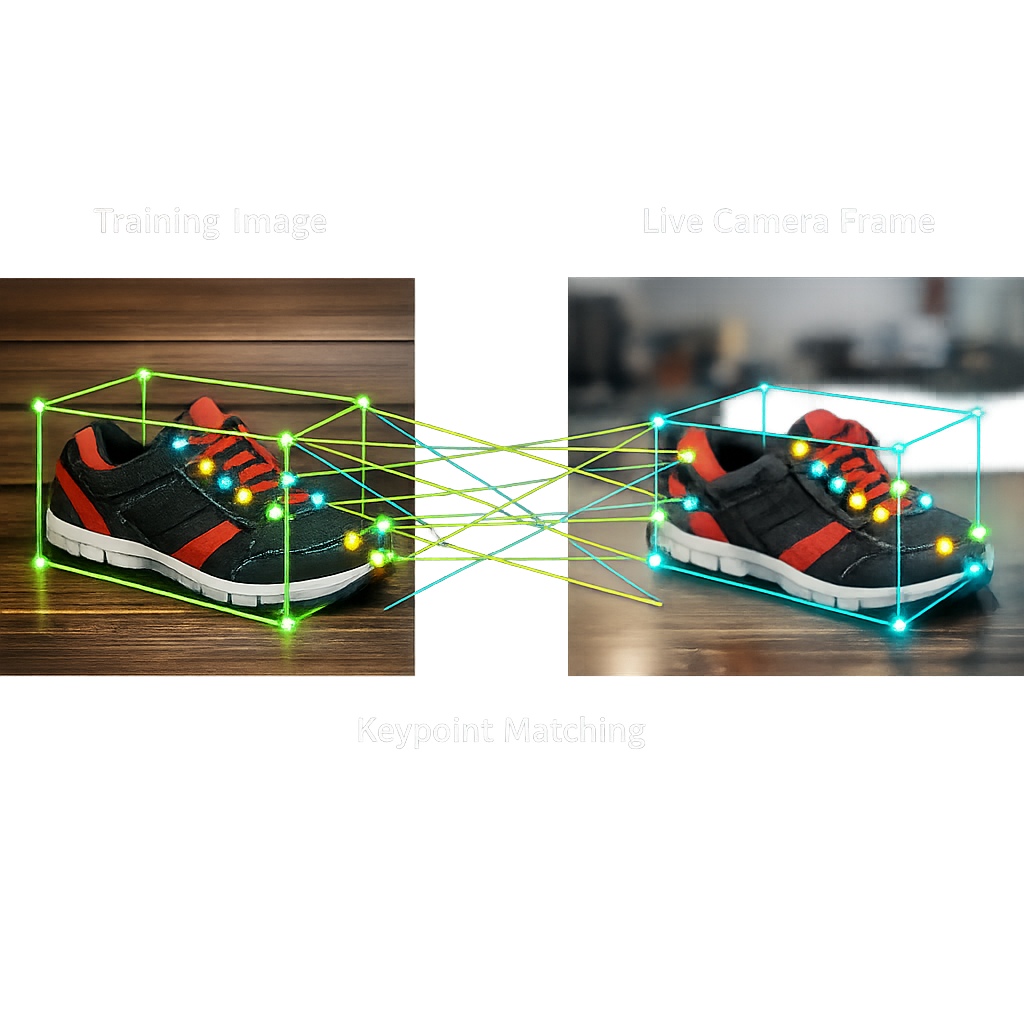
Keypoints are tiny “interesting spots” in a picture — corners, blobs, and edges that stand out. Think of them as freckles on the face of the world. Algorithms like ORB and AKAZE (fast ways to find and describe those spots) turn each keypoint into a short code called a descriptor. That code tells you what the spot looks like without storing the whole image.
When the camera sees a scene, the skill finds keypoints again and matches their descriptors to the ones from training. Enough good matches in the right places means “it’s probably the same object.” From those matches, the system estimates how the object is tilted and scaled on the screen and draws a box where it is. Confidence goes up when many matches agree; it goes down when they don’t. It’s like matching puzzle pieces while someone wiggles the table.
Why do plain balls fail? No stable keypoints. A smooth object looks the same in many spots, so the algorithm can’t lock on. Printed covers, logos, and textured toys have rich detail, so matches snap into place. That is why your robot thrives on covers.
From Seeing to Doing in ARCx
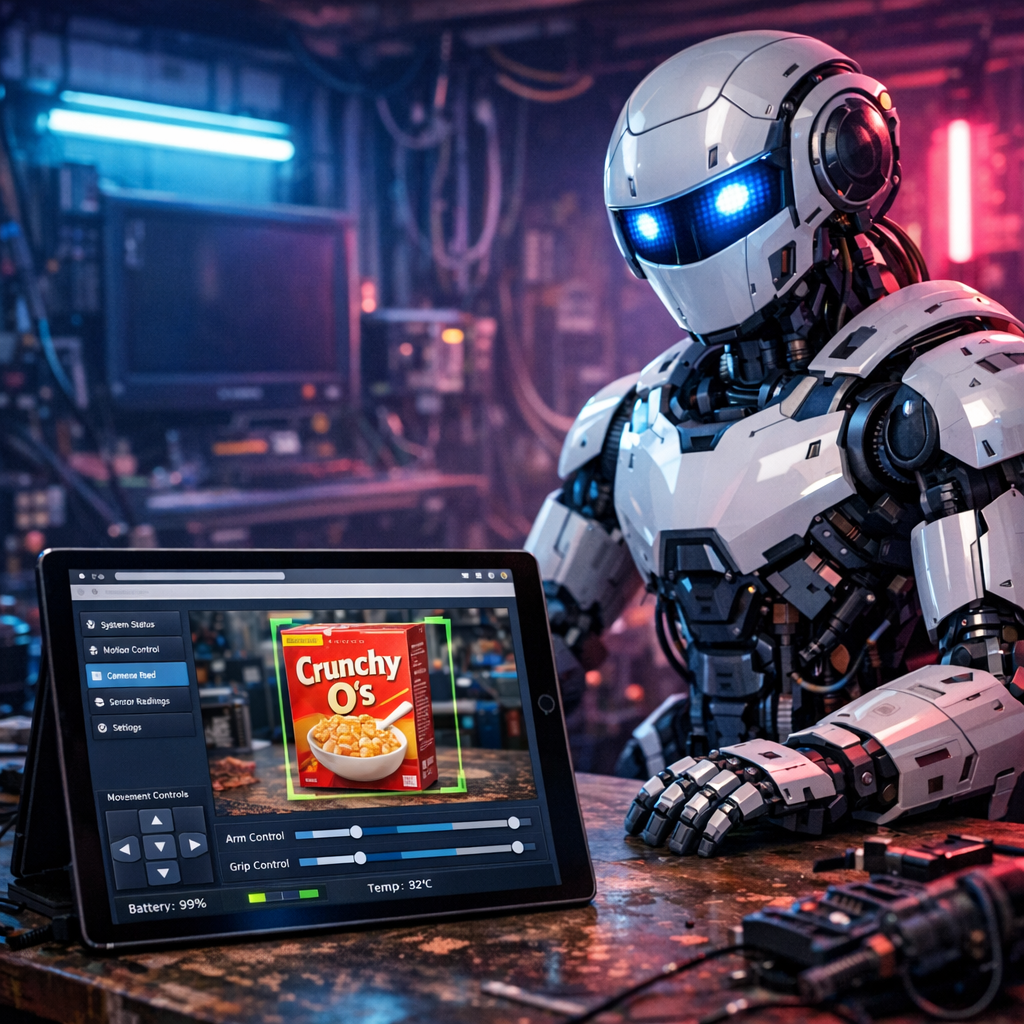
Recognition is cool. Reaction is cooler. In ARCx, detection events can run Blockly, JavaScript, or Python. You can say, “If the robot sees the blue cereal box, play a sound and turn the head. If it sees the red one, drive to the table.” The skill also reports where the object is in the camera frame, so your script can steer left or right to keep it centered.
All of this runs on the robot’s own computer — Windows 10/11 or Ubuntu 24.04 LTS, including Raspberry Pi — without a monitor. ARCx is headless and lives on the network. Open the project in your phone or laptop browser, tweak a script, and the robot keeps going. Close the tab; it still runs. Add or remove robot skills without restarting. Each skill is isolated, so one crash does not sink the ship. There is even a big red panic button in the editor to stop scripts, servos, movement, and audio at once. It’s the “I meant to do that” button.
Want a control panel? Drag buttons, sliders, camera views, and joysticks into a custom UI sized for your phone. The moment your robot recognizes the box, the UI can light up, logs can roll, and servos can move using the shared script API for ports, I2C, UART, audio, movement, and more.
Pull-quote: “A printed surface is the shortest path from photons to purpose.”
Training Tricks Your Future Self Will Thank You For
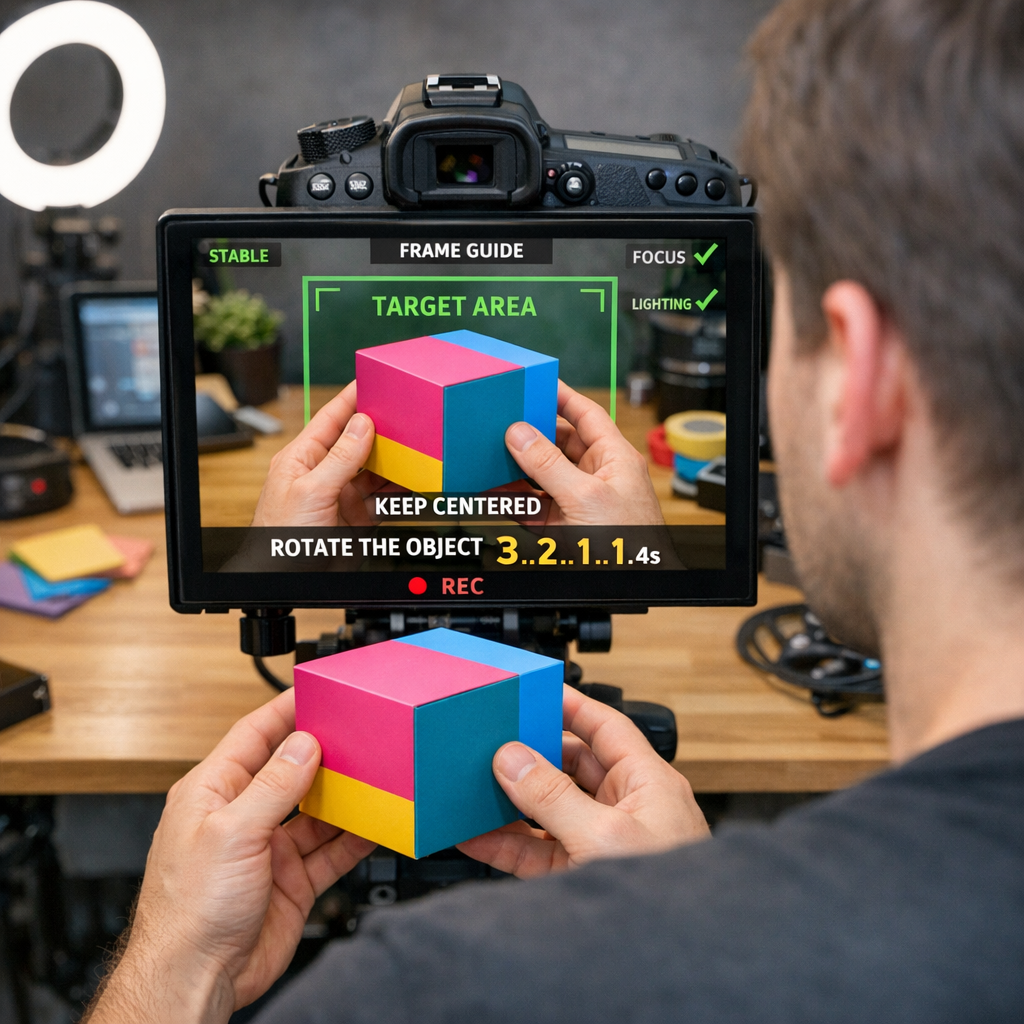
Fill the training box with the object and turn it slowly while training. Slow means a few degrees at a time, both axes, through the whole capture. Even lighting beats dramatic lighting every time (save drama for product launches). If a frame has too little detail, it is skipped — the skill is picky in a good way.
Training from a picture works too. Transparent PNGs are great. Plain backgrounds can be removed. You can also keep the whole photo when needed. With angle simulation on, the photo spawns several tilted versions so recognition works from different views. Add another side later by training again with the same name — the front and back become one object. Small, simple logos are seen best up close; a larger camera frame helps for logos when you need distance.
After training, switch on Object Detection, and ARCx will draw a box and publish where the object sits in the frame. Hook that into movement or speech. Watching a robot politely sidestep to keep a cereal box centered is oddly charming — like a butler with wheels.
When Vision Meets Voice and Will
ARCx can hand these detections to bigger brains. The Autonomous AI robot skill lets a large language model act as the robot’s decision maker. It sees the camera, speaks, drives, and uses the control commands of every skill in the project as tools. So when Object Training And Tracking says, “I see the box,” the AI can choose to greet you, navigate, or log inventory, all within the safety limits you set.
Need help wiring it up? Athena, ARCx’s AI assistant, reads your project and helps write scripts or configure skills. Every change is shown for you to approve. It’s like pair-programming with someone who never gets tired and always remembers your servo names. Several browsers can control the same robot at once, so teammates can watch and adjust live without stepping on each other’s toes.
In short: covers cue actions, the skill does the spotting, and ARCx orchestrates the show — on Windows or Ubuntu, even a Raspberry Pi, with nothing to install beyond ARCx itself.
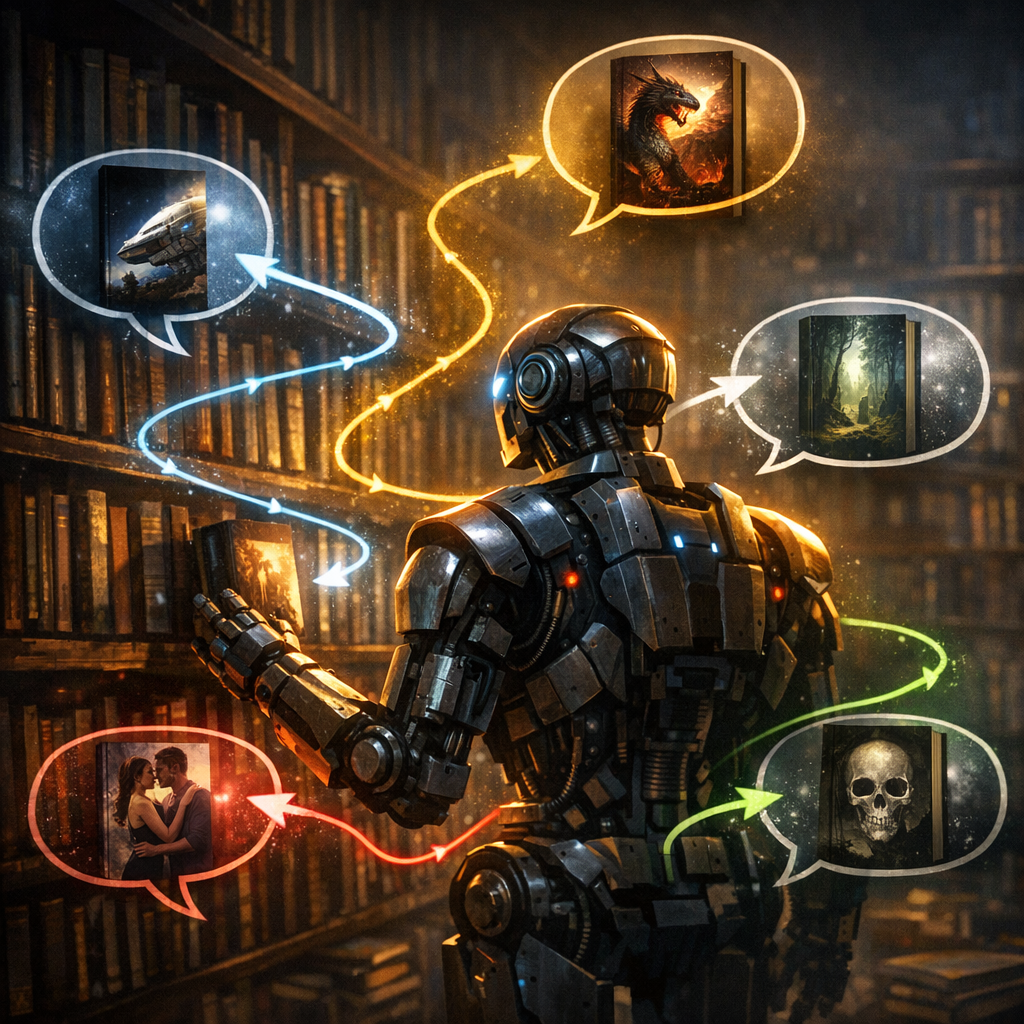
One last thought: If a robot’s world is made of surfaces, then the way we print, pattern, and present our things is a kind of language — are we ready to speak it well?
- Runs headless on Windows 10/11 and Ubuntu 24.04 LTS (x64 & ARM64, incl. Raspberry Pi)
- Program from any browser; multiple sessions stay live
- Blockly, JavaScript, or Python with one script API
- AI helpers: Athena, plus Autonomous AI for decision-making
- Vision built on OpenCV; face tracking, object training & tracking
- Skills add/remove without restart; each runs isolated
- Triggers on object detection to move, speak, or log
Key Thought
Robots don’t ignore appearances. They turn them into actions. The trick isn’t to see “deeper.” It’s to wire surfaces to purpose.
Big Idea
Make objects talk without electronics. Train their covers, then let ARCx translate those textures into motion, voice, and decisions.
Question: If packaging becomes a command language, who’s writing your robot’s vocabulary?
