
Your Spine Is a Programming Language
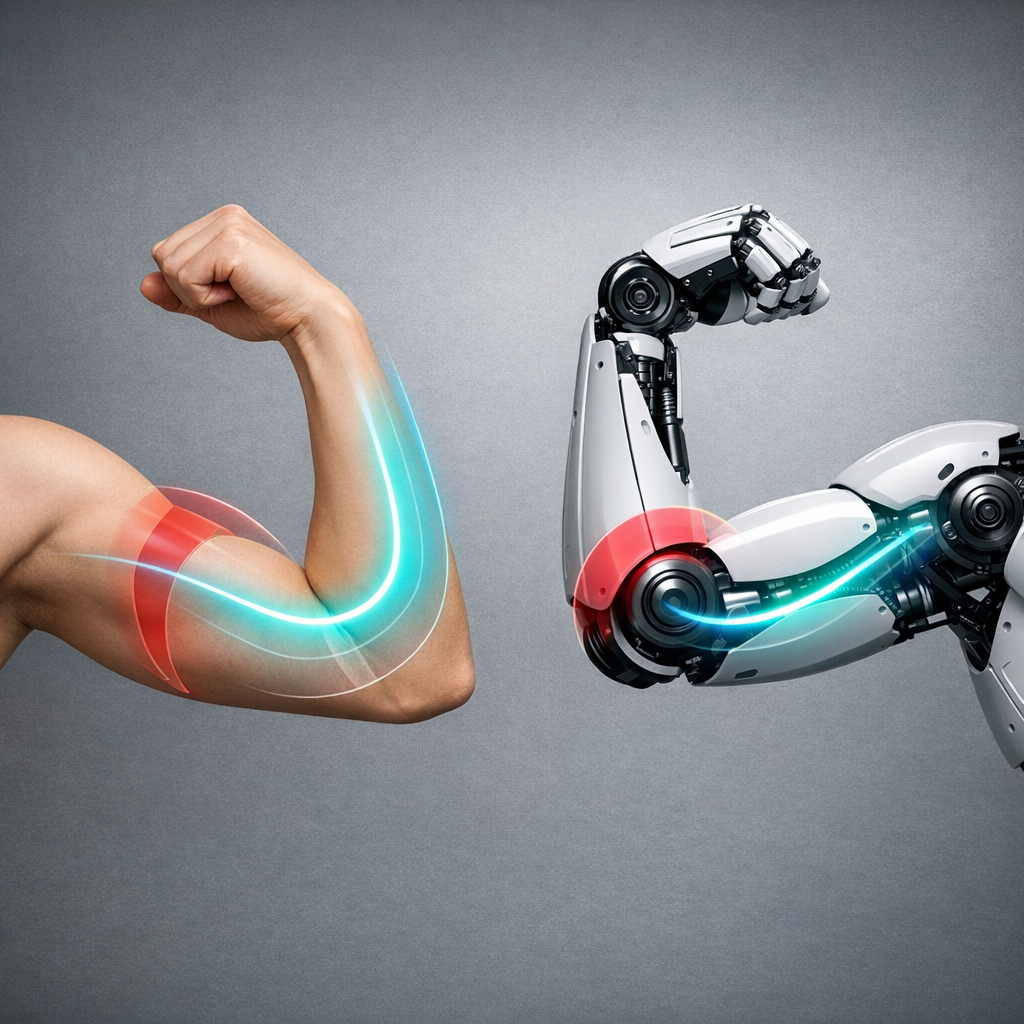
Stand up. Raise your arm. The robot raises its arm. Turn your head. It turns too. No joystick, no keyboard—just bones as bytes.
This is not sci‑fi choreography. It’s a robot running Synthiam ARCx with the Kinect Body Control skill. Your posture becomes the control surface, your gestures become tools, and your living room becomes a motion‑capture lab where the cat silently judges your form.
Body-as-API
ARCx reads a 20‑joint skeleton and maps it to servos, kinematic chains, and scripts. Your moves are the method calls.
Headless, In-Browser
ARCx runs on the robot’s own computer, managed from any browser. Add skills, write Python/JS/Blockly, keep the robot live.
Teach, Don’t Tweak
Demonstrate behavior with your body, then lock it in with servo limits, Auto Position actions, and safety controls.
The Most Honest UI Is Your Spine
We keep building robot remotes with more buttons than a space suit. But the truest remote is the one you already wear: your skeleton. With ARCx running headless on Windows or Ubuntu (yes, even on a Raspberry Pi), you open a browser on your laptop or phone and drop in Kinect Body Control. Now the robot mirrors you in real time. No cables. No monitor. No drama—unless you add music.
This isn’t just neat. It’s a shift in how we teach machines. When a robot copies your pose, you transfer geometry, balance, and timing without explaining any of it in code. It’s mentorship-by-muscle. And it’s surprisingly moving (literally and emotionally; your quad muscles will file a complaint).

How It Actually Works
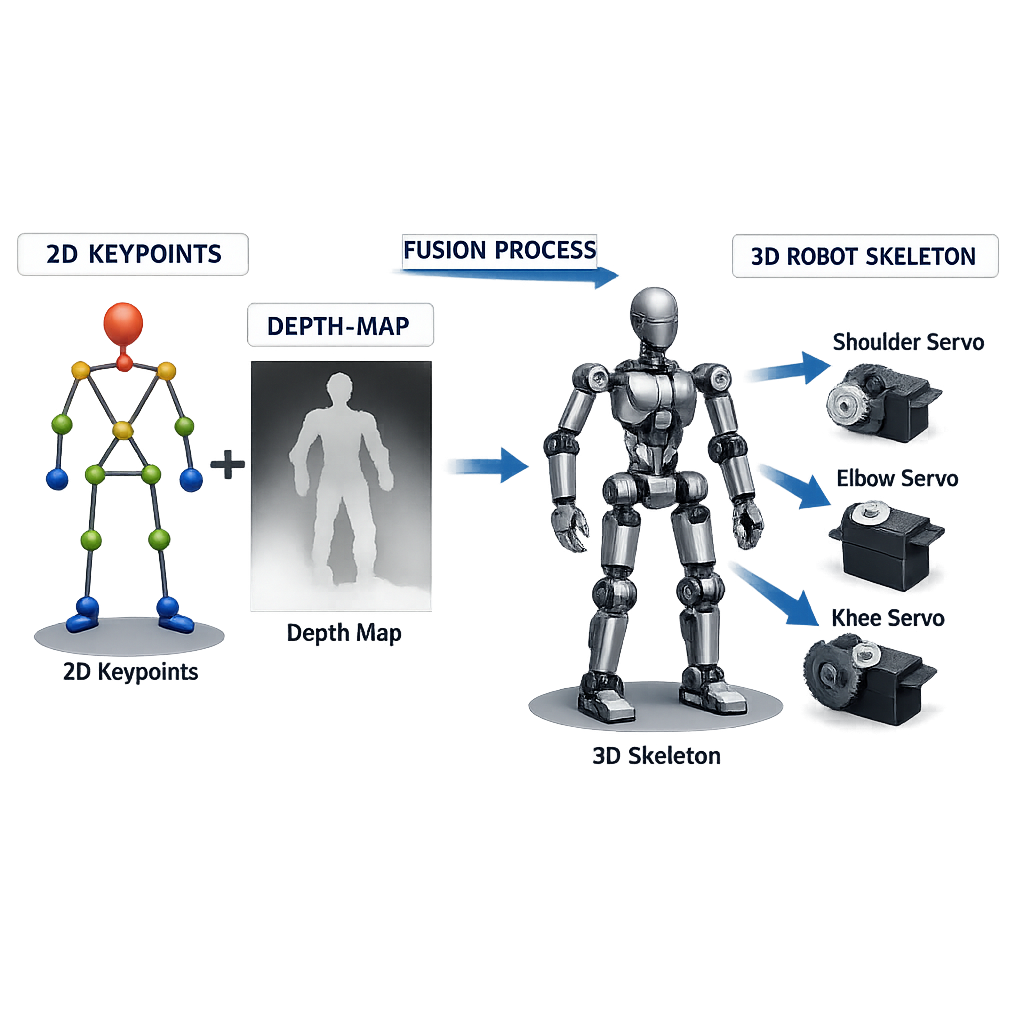
The Kinect Body Control skill finds 20 key joints (like shoulders, elbows, hips) using a pose model called MoveNet. A pose model looks at the camera image and returns keypoints—pixel spots where each joint likely is—plus a confidence score (how sure it is). That gives 2D pose: X and Y on the image.
Add a depth source, and you also get Z (distance). With the Kinect or another depth camera, ARCx lines up color with depth, so each pixel knows how far away it is. Now a 2D elbow becomes a 3D elbow. The skill normalizes all sources to the classic Kinect 20‑joint layout, so your servo maps and gesture scripts work the same whether you use a Kinect, a USB camera + pose model, or a registered depth camera.
Inside ARCx, those joint angles map to virtual servo ports and named kinematic chains. You can scale ranges (so your 160° elbow move only drives a 90° robot elbow), flip directions, and gate gestures to run scripts. The MoveNet model downloads once (Lightning ~9 MB, Thunder ~25 MB) into your ARCx data folder. You can switch it to use your graphics card in Options if you want extra speed.
Teaching by Imitation (and Staying Safe)
Mirroring is powerful, but robots are, well, enthusiastic. ARCx’s servo hard limits keep joints in safe ranges. The Auto Position skill lets you record nice poses and blend them into smooth actions. Named kinematic chains move hands or heads by X, Y, Z in millimetres, so you can mirror the vibe of a move, not just the angles.
When a gesture means “do a thing,” ARCx runs a Blockly, JavaScript, or Python script using one shared API. The script editor (built on the same engine as Visual Studio Code) gives you IntelliSense and a live console. If your dance routine turns into a robot mosh pit, the big red Panic button stops scripts, movement, servos, and audio at once. Even robots need a safe word; in this case, it’s a clickable one.
“Imitation isn’t cheating; it’s compression. Your body encodes hours of tuning into seconds of motion.”
Headless, Collaborative, and Actually Fun to Program
ARCx runs on the robot’s own computer—Windows 10/11 or Ubuntu 24.04 LTS on x64 or ARM64 (including Raspberry Pi)—without a monitor. Open a browser on your laptop, tablet, or phone. Several browsers can be connected at once and all stay live. Close the browser; the robot keeps running. Add or remove robot skills without restarting, and each skill is isolated so one bug doesn’t take down your show.
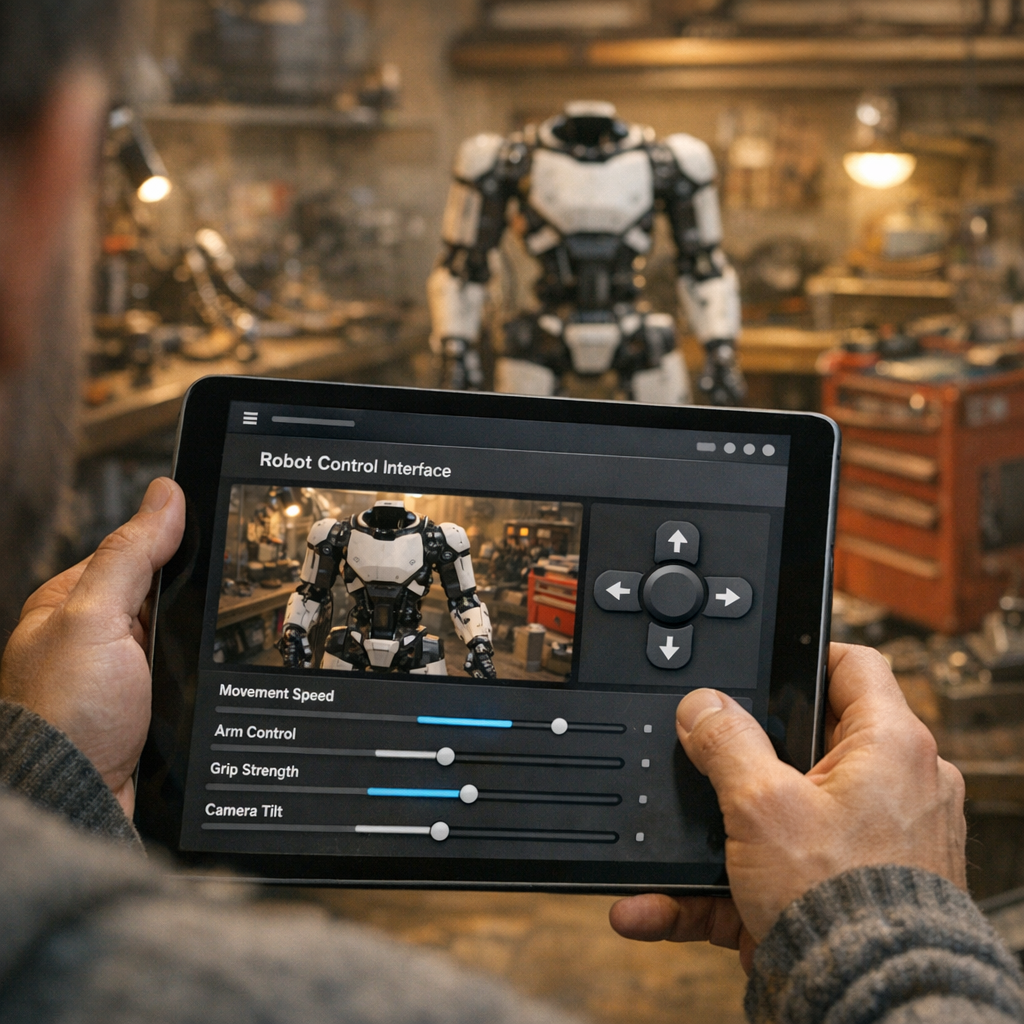
Design a phone‑sized control panel with the custom UI designer: buttons to switch between “mirror” and “scripted,” a slider to blend human vs robot control, a camera view, and a drive joystick. Need code? The AI script assistant writes Python or JavaScript that already knows the control commands of your installed skills. Athena, ARCx’s built‑in assistant, even reads your project (skills, settings, scripts, variables) and proposes safe edits for you to approve. It’s like pair‑programming with someone who never drinks your coffee.
Beyond Mirroring: When the Robot Has Ideas
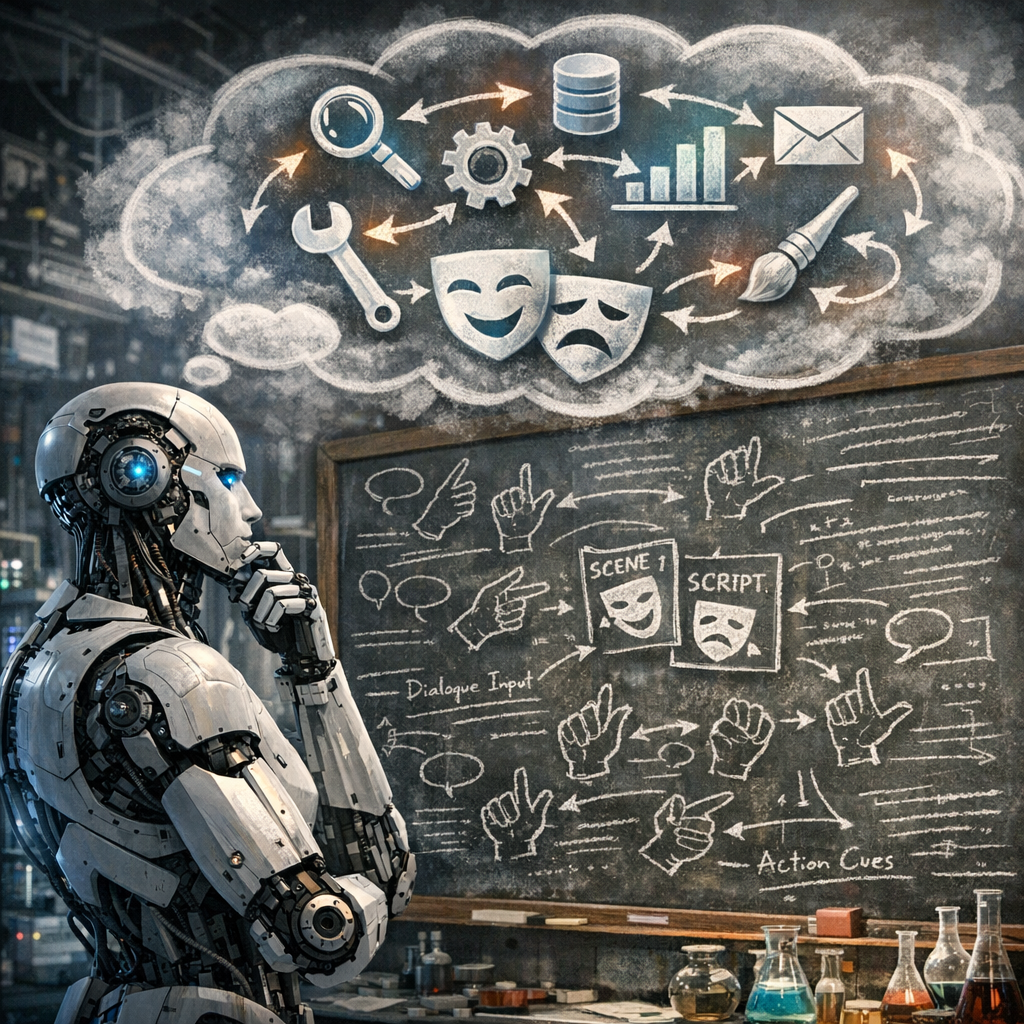
Imitation is a bridge to autonomy. Drop in ARCx’s Autonomous AI skill and a large language model becomes the robot’s decision maker. It can see the camera, drive, speak, and call the control commands of your installed skills as tools. That means your gesture can trigger a script, and that script can hand the baton to an LLM to plan the next steps—within safety limits you set, of course.
Quick primer: “Tool calling” lets an LLM ask ARCx to run a specific command (like moving a servo or starting a skill) instead of just talking. Think of tokens as word‑chunks the model reads; a context window as its working memory; and temperature as its “creativity” dial. Low temperature = focused; high = your robot tries poetry. You’ve been warned.
Want to share motion with a bigger stack? Use the ROS 2 Connector to bridge ARCx over WebSocket to ROS 2 via rosbridge—no ROS installed on the robot’s computer. Stream joint angles or triggers into a ROS 2 graph, test algorithms in sim, then drive the real servos (Dynamixel or Feetech buses included) through ARCx’s virtual ports. Add speech with offline Sherpa‑ONNX or Azure, a wake word to start “copy me,” and F5‑TTS for a cloned voice that says “nailed it” when your pose actually… nails it.
So if your body is the first API, and your scripts are the second, maybe the third is the conversation you hold with a machine that can now mirror you back. What will you teach it by moving first?
- Kinect Body Control: 20‑joint skeleton → servos, chains, scripts
- Runs on headless ARCx; browser programming from any device
- Blockly, JavaScript, or Python with one script API
- AI helpers: Athena + AI script assistant
- OpenCV vision, speech in cloud or offline
- Auto Position, servo limits, panic button
- Works with depth cameras; shares Kinect via Depth Mapping
- ROS 2 Connector over WebSocket (rosbridge)
Key Thought
Mirroring turns “program the robot” into “show the robot.” It lowers the floor without lowering the ceiling.
Big Idea
Use your body to prototype motion, scripts to codify it, and ARCx’s Autonomous AI to extend it.
- Mirror → Learn safe ranges
- Record → Auto Position actions
- Refine → Python/JS with IntelliSense
- Scale → ROS 2 bridge + bus servos
