If Your Robot Needs the Internet to Hear You, It’s Not Yours
Ownership begins at the ear. When a robot hears locally, it answers faster, keeps your secrets, and keeps working when Wi‑Fi melts like ice cream.
With Synthiam ARCx, a robot can run offline speech recognition right on its own computer. No cloud tab open. No per-phrase bill. And yes, your router may finally relax and stop pretending it’s a space heater.
Local Ears, Real Autonomy
ARCx runs on the robot itself and uses offline speech-to-text with Sherpa-Onnx. Your words never leave the room, and the bot keeps listening even if the internet takes a nap.
Streaming vs Whole Utterance
Pick speed or accuracy. Streaming feels instant for commands. Whole-utterance adds punctuation and can be more precise.
ARCx Is the Hub
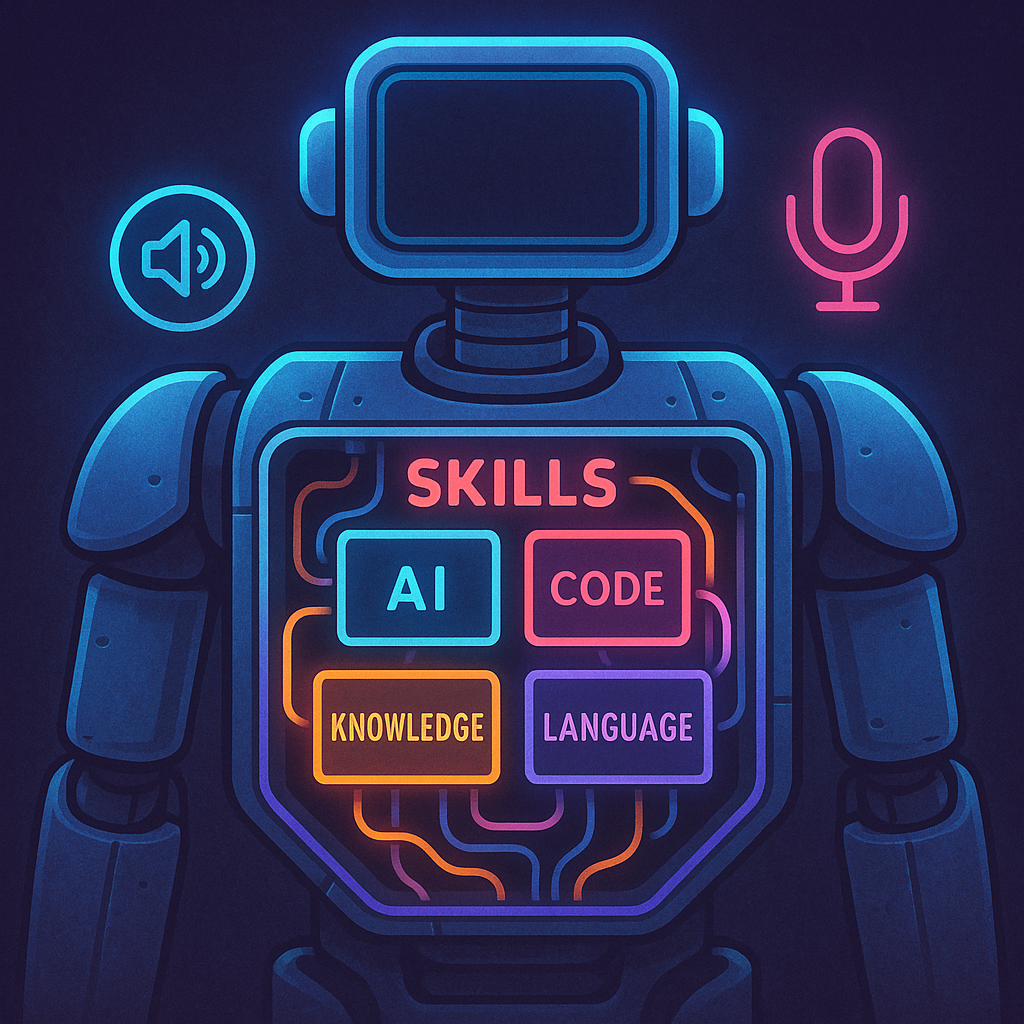
Skills plug in live. Autonomous AI uses them as tools. Blockly/JS/Python share one API. Headless mode keeps the robot running when you close the browser.
The Ownership Test: Ears First
If a stranger had to repeat your words before your friend could hear them, would that feel private? Cloud speech is that stranger. With Synthiam ARCx, your robot can hear you directly using the Sherpa-Onnx Speech To Text skill. The microphone goes to the robot’s own computer. The neural network runs there too. Your living room stays your living room.
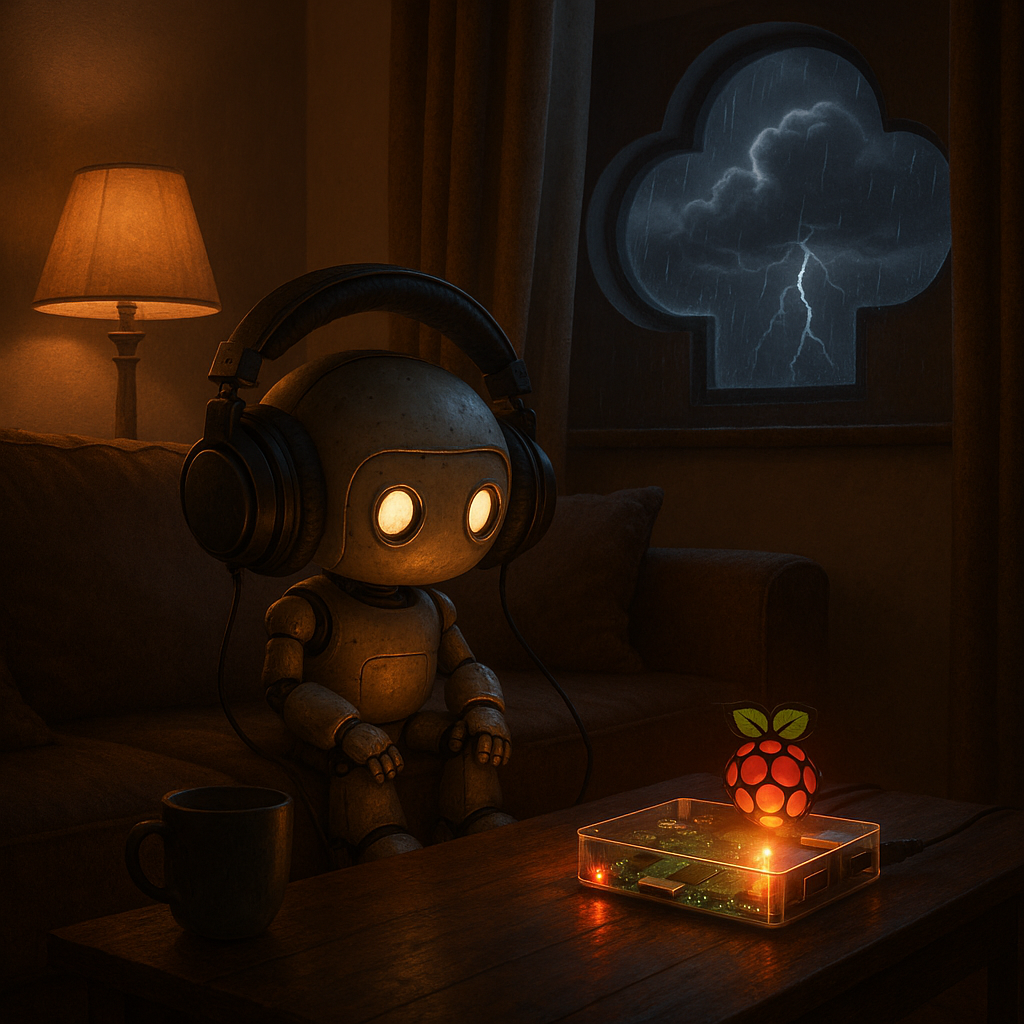
ARCx runs headless on Windows 10/11 and Ubuntu 24.04 LTS (x64 and ARM64, including Raspberry Pi). You program it from a web browser on your laptop or phone over the network. Close the browser; the robot keeps going. Add a skill; it loads live. One skill crashes; the rest keep rolling. It’s like swapping ears while the robot is still listening—mildly impressive and only slightly weird.
Pair local listening with ARCx’s Autonomous AI skill and you get a robot that can hear, think, and act without leaving your network. It feels snappy. It feels personal. And when the internet hiccups, your bot doesn’t.

Quick Primer: How a Robot Hears Without the Cloud
Speech recognition turns waves of air into words. The Sherpa-Onnx engine does this on the robot, using the ONNX Runtime that comes with ARCx. Think of it like a trained ear that lives inside the machine.
Two model styles matter:
- Streaming models: They recognize as you speak. Text appears word by word. Great for commands and fast replies.
- Whole-utterance models: They wait until you stop, then decode the whole thing. Often more accurate. They add punctuation and capitals too.
A tiny helper called a voice activity detector (VAD) finds where speech starts and stops. It’s like a bouncer for sound: “Words only past this rope, please.” Sherpa-Onnx can use Silero VAD for this. Under the hood, the model looks at short slices of audio, turns them into features (like a fingerprint of sound), and predicts likely letters or word pieces. It keeps the best guesses, then stitches them into text.
Why is this fast? No internet trip. No packet loss. No cloud queue. Just math on your robot’s CPU, which—shocker—lives closer to your mouth than a data center does.
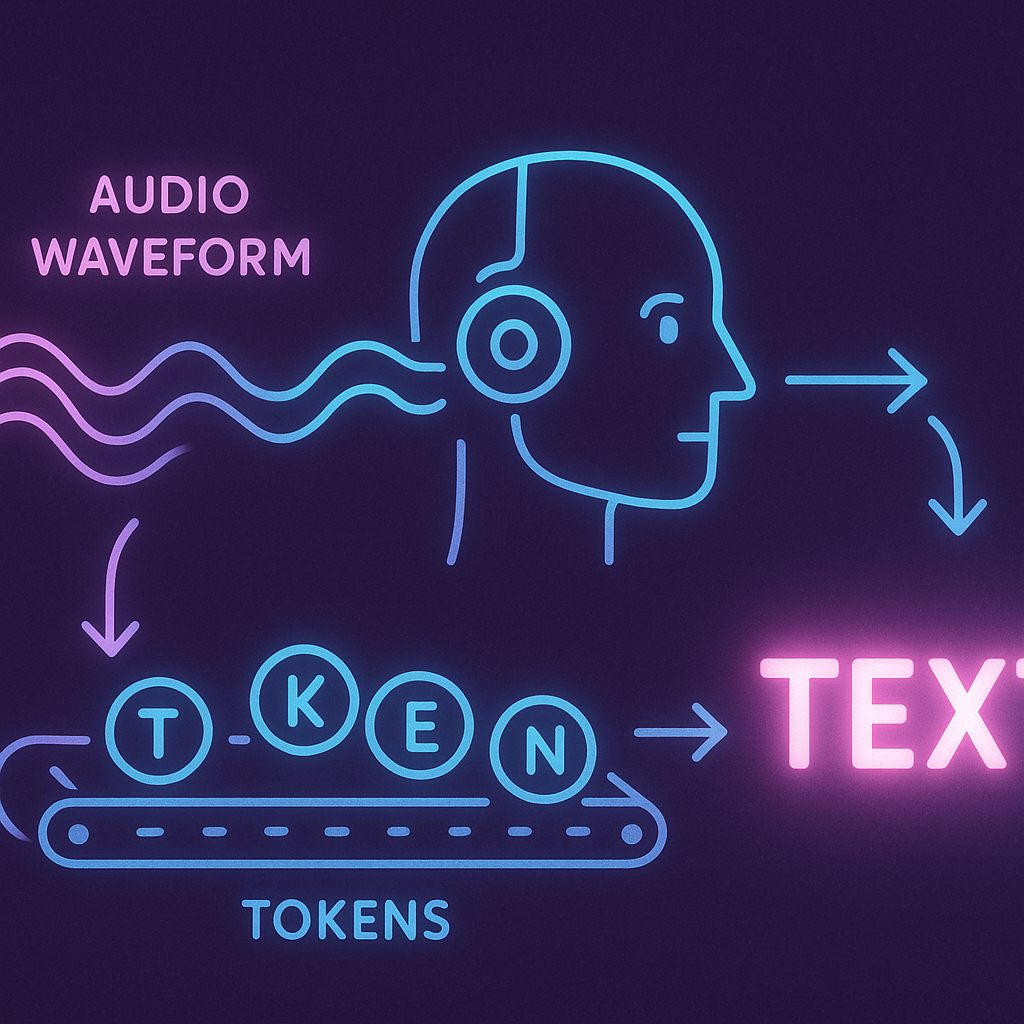
“Latency feels like personality. Under 200 ms is ‘confident.’ Over a second is ‘did it hear me or is it judging me?’”
Build a Listener-First Robot in ARCx
Try this flow on a Raspberry Pi or desktop running ARCx. No monitor needed—open the ARCx web UI from your laptop. Several browsers can stay connected at once, and all stay live.
- Add the Sherpa-Onnx skill (Audio category). The default English streaming model (about 57 MB) downloads the first time something listens.
- Decide who listens:
- Speech Phrase Recognition skill: pick Sherpa-Onnx as its engine and bind phrases to actions.
- Autonomous AI: enable the Listen option so the LLM can hear and act using your project’s control commands.
- Scripts: call
Audio.WaitForSpeech()from JavaScript or Python to block until words arrive.
- Give it a voice. Sherpa-Onnx is speech-to-text only, so pair it with Basic or Advanced Speech Synthesis, or use offline F5-TTS voice cloning for replies.
- Design a quick control panel in ARCx’s custom UI: a mic level meter, a push-to-talk button, and a drive joystick. Size it for your phone.
Want more accuracy? Swap the model in the skill’s settings to a larger whole-utterance one. Skills in ARCx are isolated, so changing one won’t crash your project. And if anything gets rowdy, the big red panic button in the script editor stops scripts, servos, movement, and audio at once. It’s like CTRL+Z for drama.
Latency, Privacy, and the Wake-Word Dance
Streaming recognition makes a robot feel alive: you finish a word, it moves. Whole-utterance models land more accurate sentences. Both run offline with Sherpa-Onnx, so you can leave the mic on all day without paying per phrase. For wake words, let Sherpa-Onnx listen lightly first, then hand longer tasks to other skills only when needed. Your CPU thanks you.
Models are shared by every ARCx project on the same computer and download once. Disk sizes range from tiny (~30 MB) to chunky (~640 MB), so plan storage. If you ever need to remove one, delete its folder from ARCx’s speech models path shown in the skill. Simple housekeeping—no leaf blower required.
Privacy isn’t a checkbox; it’s a route. ARCx keeps audio on-device. Autonomous AI can still use cloud LLMs if you choose (OpenAI, Anthropic, Gemini, or a local model via Ollama/LM Studio). The point is choice. You pick the tools and the borders.
ARCx’s Take: Autonomy Starts at the Input
ARCx treats listening as a first-class skill. It runs on the robot’s own computer—Windows or Ubuntu on x64 or ARM64, including Raspberry Pi—and you program it over the network from any browser. Blockly, JavaScript, and Python all share one API for movement, servos, audio, and more. Athena, ARCx’s AI assistant, even reads your project and suggests scripts you can approve or deny.
Then ARCx turns ears into action. The Autonomous AI skill can see through the camera, drive, speak, and call the control commands of every skill in your project as tools. Add a new skill, and the AI gets a new tool. The ROS 2 Connector bridges ARCx and ROS 2 through a WebSocket without installing ROS on the robot. It’s composable by design.
Want to try it? Start here: Synthiam ARCx. Add Sherpa-Onnx. Wire phrases to motors. Give it a voice. Then ask yourself one last thing:
If a robot can hear you without asking anyone else, what else should it keep to itself?
At a Glance
- ARCx runs on the robot: Windows 10/11 and Ubuntu 24.04 LTS (x64/ARM64, incl. Raspberry Pi)
- Program from a browser; robot keeps running headless
- Offline speech via Sherpa-Onnx; one instance per project
- Streaming vs whole-utterance models (30–640 MB)
- Use with Speech Phrase Recognition, Autonomous AI, or
Audio.WaitForSpeech() - Pair with TTS (Azure or offline F5-TTS) for replies
- Panic button stops scripts, servos, movement, audio
Key Thought
Autonomy isn’t just “no joystick.” It’s “no permission slip.” Local ears make the first promise: I hear you, and only you.
Big Idea
Every ARCx skill is a tool, and Autonomous AI is the hand that learns to use them. Sherpa-Onnx gives that hand an ear. Suddenly, your robot isn’t waiting on servers—it’s waiting on you.
